
Hot

AnyRec Screen Recorder
Capture every moment. Record like a pro.
Secure Download
Capture everything. Miss nothing. Crystal Clear. AnyRec Screen Recorder AnyRec Screen Recorder Screen Recorder Hot
AnyRec Screen Recorder
Capture every moment. Record like a pro.
Secure Download
How to choose an MP4 recorder? MP4 is the most frequently used video format that works with most media players and devices. You can share the recording with social media sites with one click. Whether you need to record on-screen activities for a computer, or a smartphone, here are the 15 best MP4 screen recorders to capture gameplay videos, record business meetings, make video tutorials, and more. Just learn more about the special features of these programs and find a suitable one according to your requirement.
Guide List
8 Best MP4 Screen Recorders for Windows/Mac 7 Best MP4 Screen Recorders for Android/iOS FAQs about MP4 Video/Voice RecorderWhen you are looking for the best MP4 screen video recorders to capture screen activities, here is a checklist of 8 programs for Windows and Mac devices. The review includes the features, the Cons & Pros, as well as the costs.
Best for: Record browser, program, webcam, and any window on Windows/Mac to MP4, along with an advanced video editor.
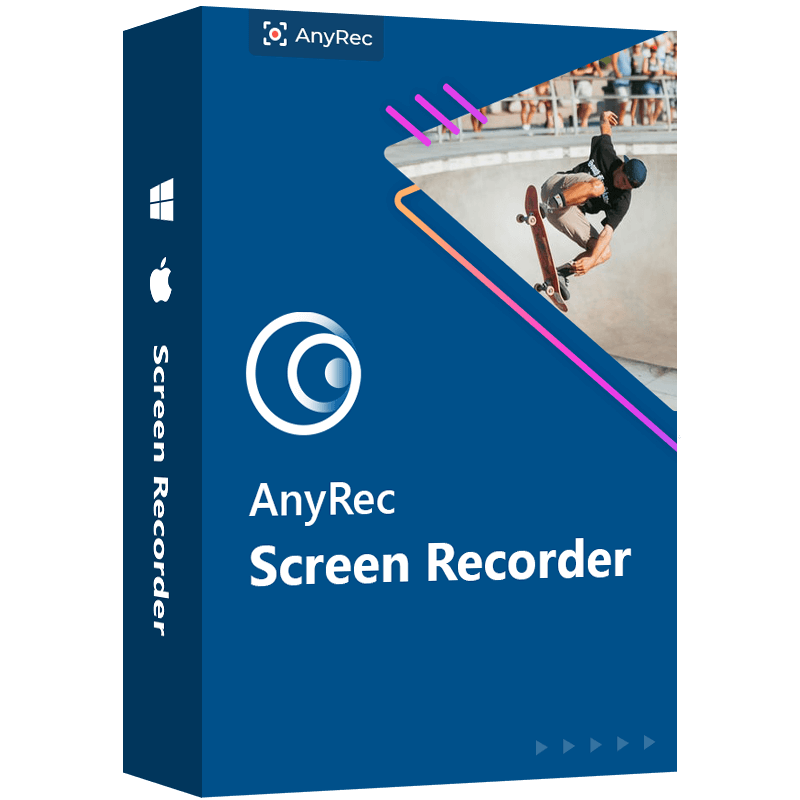
AnyRec Screen Recorder is an excellent MP4 recorder with 7 different recording modes on Windows and Mac. It enables you to save the recording to MP4, WMV, MOV, F4V, TS, AVI, and more other formats. There are different parameters, such as video quality and frame rate, which enable you to capture up to 60FPS videos for YouTube. Moreover, it also provides audio enhance and removes noise features when recording audio files with MP4.
1. Capture onscreen activities on H.264/H.265 MP4 with the desired video quality.
2. Remove audio noise and enhance the microphone when recording MP4 with audio.
3. Customize the recording area, add mouse cursor, set up the hotkeys, and more.
4. Edit the recording MP4 files, trim the desired part, and share the file with social media.
Secure Download
Secure Download
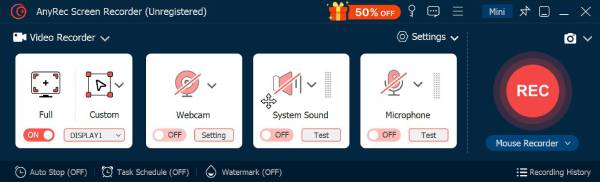
Step 1.Download and install AnyRec Screen Recorder, you can launch the program on your computer and click the "Video Recorder" button to record onscreen activities as MP4 videos. Moreover, there are more other screen recording modes, such as Game Recorder, Webcam Recorder, Phone Recorder, and more to capture MP4 files.
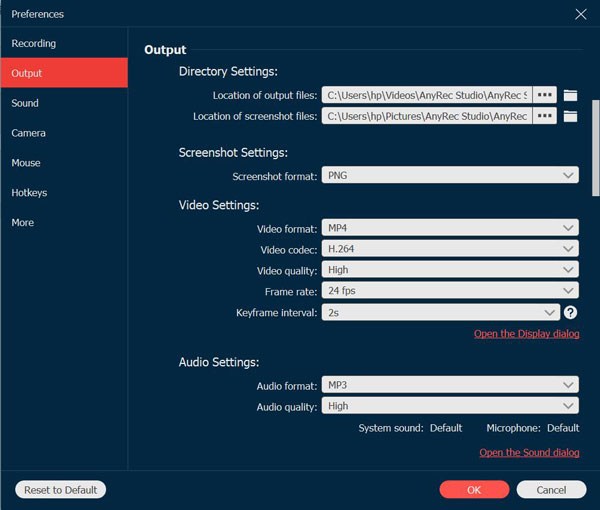
Step 2.Go to the "Settings" option, you can choose MP4 from the "Video format" option. It also enables you to choose the desired video codec, such as H.264 or H.265. You can also choose high video quality. When you need to capture MP4 videos in high quality, you can select 60fps as the Frame rate.
Enable the "Microphone noise cancellation" option and the "Microphone enhancement" option to capture MP4 videos with high-quality audio files.
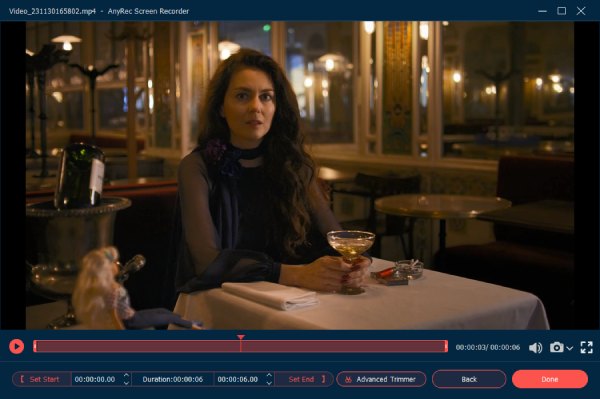
Step 3.Once you are ready, you can click the "REC" button to record onscreen activities. During the recording process, you can add annotations, shapes, lines, and more other elements. You can also take snapshots of the videos. When you get the desired file, you can click the "Stop" button to save the recording as MP4.
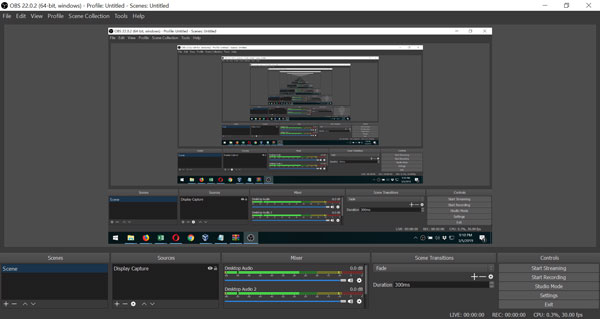
Best for: Loved by gamers and streamers who need free MP4 recording with full customization.
OBS Studio is a popular video recorder for Windows and Mac, especially for recording games. It provides high-performance real-time video and audio capturing and mixing. You can add the captures, images, text, and more others. But due to the complicated settings, it should not be a suitable MP4 video recorder for the newbies.
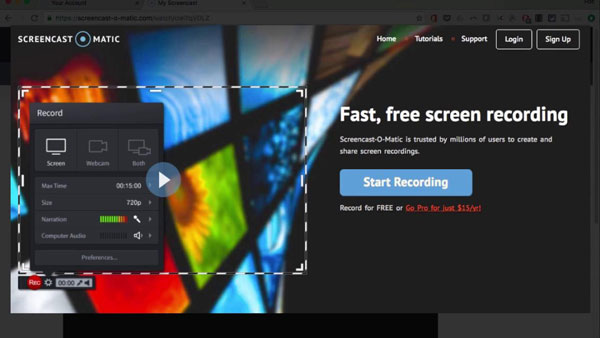
Best for: Great for quick MP4 screen recordings with simple editing tools.
Screencast-O-Matic is a well-known online MP4 screen recorder to captures any area of your screen for quick recording. It also enables you to add system audio, or narration to the screen recorded video. Moreover, you can simply launch the free version online on Windows, Mac, iPhone, iPad, Android, and Chromebook devices.
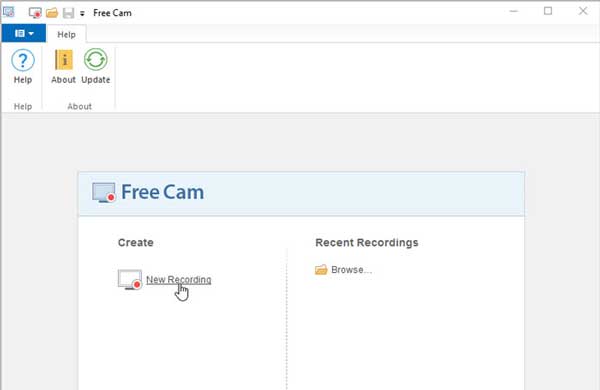
Best for: A lightweight option if you need basic MP4 recording without watermarks.
Simple yet comprehensive, Free Cam is another free MP4 video recorder for Windows. It has a simple user interface that works perfectly for beginners. Furthermore, you can always enjoy the built-in audio and video editing tools of this app. It provides a full set of features for creating professional video lessons and e-Learning presentations.
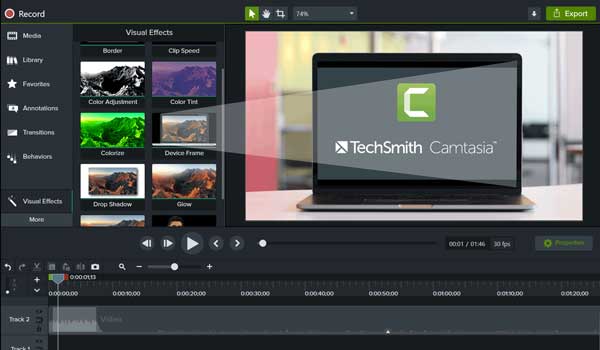
Best for: Perfect for professionals to record tutorials to MP4 and offers advanced editing.
Camtasia is a professional MP4 recorder and editor, which allows you to record and create professional-looking videos. It provides video templates, themes, shortcuts, libraries, and presets in a single file. Moreover, there are some royal-free assets and music files that you can add to your MP4 video for professional polish.
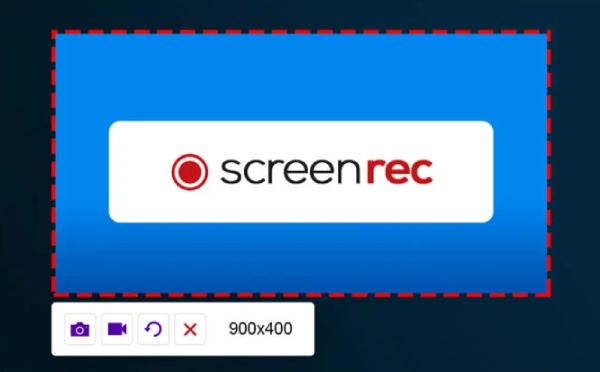
Best for: Handy for fast MP4 captures with instant sharing links.
This MP4 screen recorder only display a small widget on your screen, which is convenient for you to choose a screen. It can capture the system sound, your microphone, and webcam according to your need. After recording, you can download the video in MP4 and generate a link to share it with others.
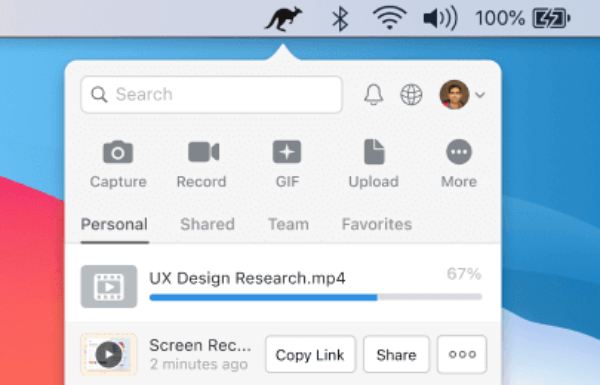
Best for: Record MP4 videos and instantly share them with teams or clients.
Jumpshare is a MP4 screen recorder that can record 4K resolution videos with 60 fps frame rate. You can also customize your recording area, audio capture, and more settings. After recording, it will upload your MP4 video to its cloud, where you can download them later.
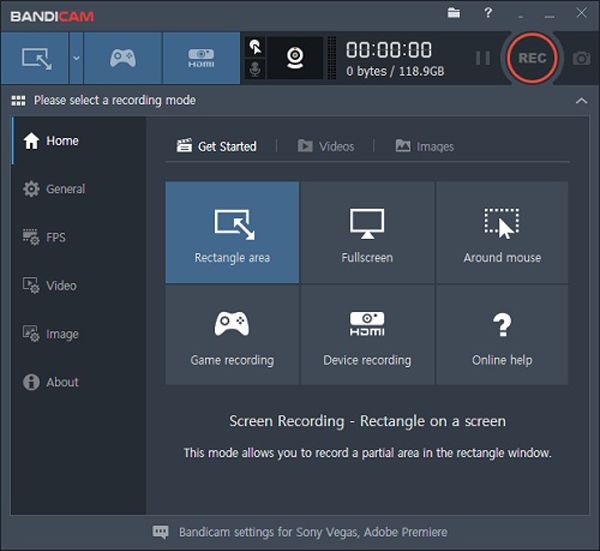
Best for: Popular with Windows users who want smooth MP4 gameplay and desktop recording.
Bandicam is a famous MP4 recorder that provides several recording modes, including the cursor recording. What's the best is that you can set the frame rate to at most 120 fps with which you can create a very smooth video, especially for recording gameplay.
There are some built-in features to record screen videos as MP4 on Android and iOS, such as the iOS screen recording feature, the Android Screen Recorder from the notification, and even the MP4 screen recorder apps from Google, Samsung, and more.
Best for: A top choice on Android for recording MP4 videos without time limits.
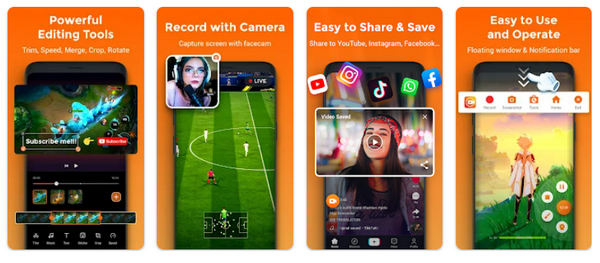
AZ Screen Recorder is a free Android MP4 screen-recording app to capture screen activities and annotate the videos in numerous ways. Moreover, you can overlay the face cam footage while recording the screen. It also provides editing tools to enhance, trim and alter your videos to your desire.
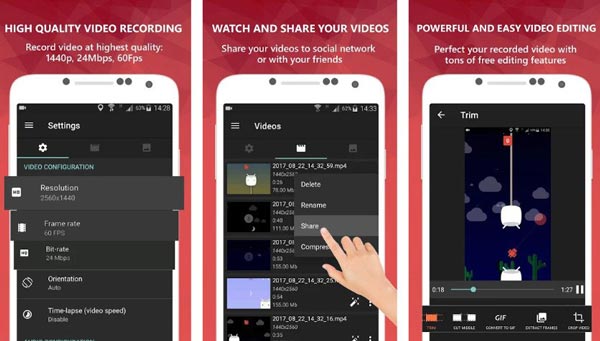
Best for: Easy to use on Android, especially for recording games to MP4.
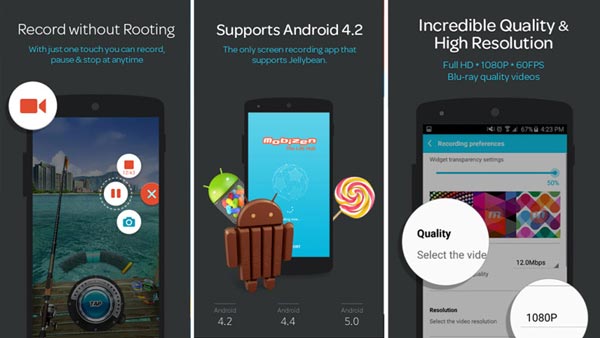
Mobizen Screen Recorder is another popular MP4 screen recorder for Android, which allows you to edit recorded MP4 files directly within your Android phone, such as trimming, cutting, and saving them in 1080P video quality. Moreover, you can also add or remove watermarks on your recordings.
Best for: Simple and effective for iPhone users who need MP4 screen recordings.
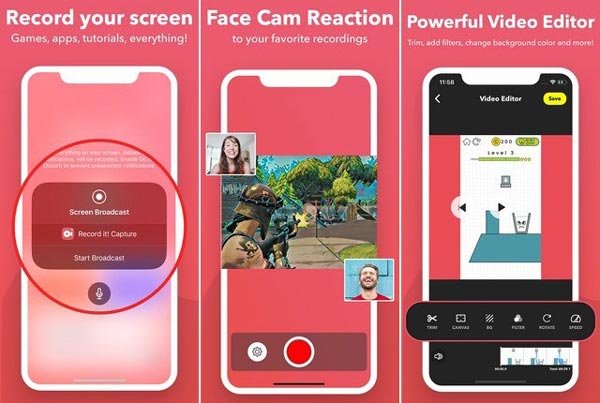
Record It! is another MP4 recorder app to capture all your screen activities for your devices. It also has video enhancing and editing tools to save the recording in MP4 format up to 1080P. Moreover, you can quickly start the screen recording with a simple tap and you can get multiple advanced features to enhance the recording.
Best for: Known for stable MP4 recording on both Android and iOS.
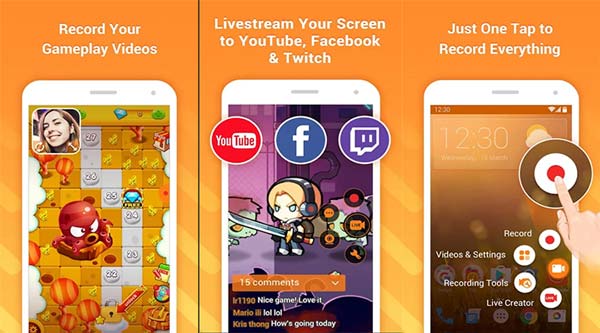
DU Recorder is an excellent MP4 screen recorder on iOS and Android devices. Apart from capturing your screen, it works best for editing your recordings. It provides multiple advanced features and settings to polish the videos, such as video resolution, video quality, FPS, hiding the recorded window when recording, and more.
Best for: A straightforward free MP4 recorder app on Android devices.
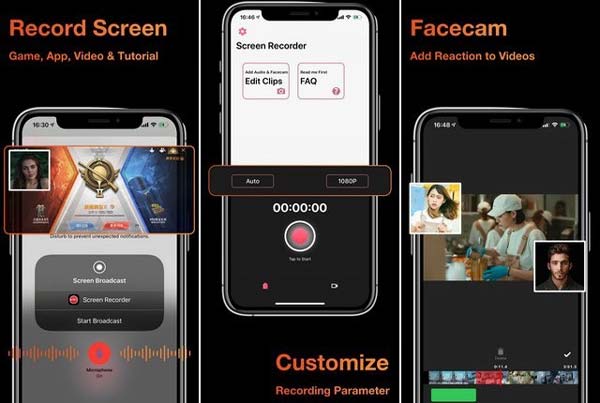
Screen Recorder is another MP4 screen recorder app for Android, which provides screen recording to capture onscreen activities anytime and anywhere. Moreover, users note that this software works in undeniable speed and excellent quality, however, it only works best for short videos, but when it has setbacks for a longer one.
Best for: Trusted by mobile gamers for smooth MP4 recordings with audio.
Xrecorder is an excellent MP4 recorder on Android 16/15/14/13. The simple interface makes beginners easier to record a video in MP4, MKV, AVI, etc. Moreover, you can paint or add annotations on your recording area of the special moments.
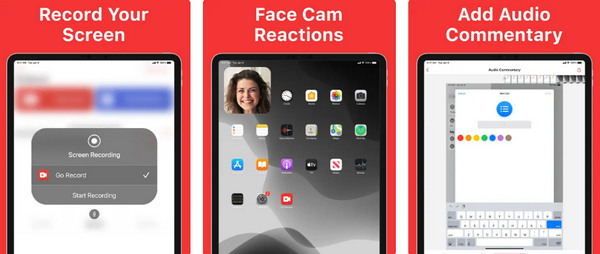
Best for: Great for iOS users who want quick MP4 screen capture with voice commentary.
Go Record is a lightweight MP4 recorder on iPhone 17/16/15/14 and iPad Pro/Mini/Air. It has no recording time limit and won't add a watermark to your MP4 video. After recording your MP4 video, you can also trim it or change the playback speed.
How to set up the parameters of MP4 recorders for capturing YouTube videos?
When you need to record MP4 videos for YouTube, you'd better choose the high profile H.264 in progressive scan mode. YouTube limits the video length, which should be no more than 15 minutes within 2GB.
Is it possible to record audio files or voices with an MP4 screen recorder?
Yes. You can either choose an MP4 video recorder to turn off the screen display, which you can record the audio files like MP4, or convert the recording audio to MP4 files with a professional video converter on Windows and Mac.
Does Android 10 have a built-in screen recorder?
Google did not include a built-in MP4 screen recorder for its Android 10 OS but it might debut on the Android 11. Go to the screen recorder from the Quick Toggles. If not, you can simply install a third-party application.
To sum up this article, here are the 15 best MP4 recorders to screen record on iPhone 12, Android 11, Windows 10, macOS Mojave and more. So, if you're looking for this kind of MP4 video recorders, this article gives you suggestions and recommendations for the best MP4 recorder you can use. In addition, it aims to give you quality and satisfaction once you have chosen your desired MP4 screen recorder.
About Our Author

 follow us on Facebook
 follow us on X (Twitter)
 follow us on YouTube
Copyright © 2026 AnyRec Studio. All Rights Reserved.

