Hot

AnyRec Blu-ray Player
Play Blu-ray & DVD on PC and Mac. Hear every detail.
Secure Download
15 Top MKV Video Players on Windows/Mac/Android/iPhone

Get 15 tools to play MKV files on your computer and phone seamlessly. If you are looking for the best MKV video player for Windows and Mac, click the Free Download button below and start a free trial. You can also customize multimedia playback with ease.
Secure Download
Secure Download
MKV is commonly known as unsupported by famous media players like QuickTime Player and Windows Media Players. So, you need to find MKV players for all devices to deal with the downloaded MKV movies and TV shows. And you should note that MKV files are always have a high resolution and definition. To play MKV videos in the original high quality, this article provides you the best 15 MKV players for Windows, Mac, iPhone, and Android. Find your perfect video player now.
Guide List
Top 12 MKV Players for Windows and Mac Top 3 MKV Player Apps for Android and iPhone How to Open MKV Videos on Your Computer and Phone Solutions to What If You Can't Watch MKV on Players FAQs about MKV PlayersTop 12 MKV Players for Windows and Mac
MKV Players specialize in opening MKV files from CDs, DVDs, and devices. Most media players allow you to adjust the brightness and contrast or invert clips on the left, right, up, and down. Find the best MKV Players with 12 recommended tools.
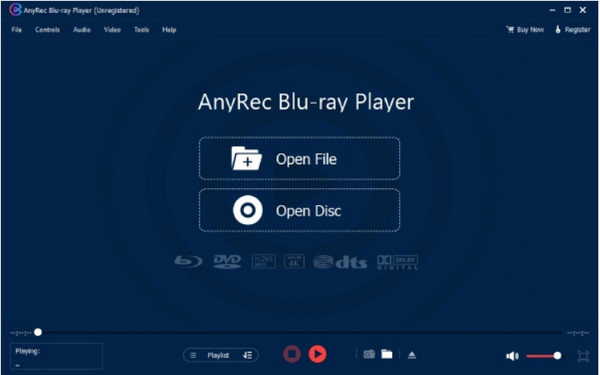
1. AnyRec Blu-ray Player
AnyRec Blu-ray Player allows you to enjoy home theater entertainment because it is designed for high-resolution playback that brings vivid visuals and details. This lightweight MKV Player also supports playing Blu-ray files from folders, discs, and other sources. Moreover, you can watch videos with a smoother quality of 4K UHD and 1080p HD. Add video effects such as saturation, brightness, hue, gamma, and others is also supported.

Excellent MKV Player for commercial and homemade videos with high audiovisual experience.
Play footage seamlessly with many controls to edit titles, chapters, video tracks, etc.
Support other formats like MP4, M4V, WMV, ASF, 3GP, AVI, TS, and RM in high-quality playback.
Sound effects support Dolby, DTS, AC, and TrueHD for immersive audio when watching movies.
Secure Download
Secure Download
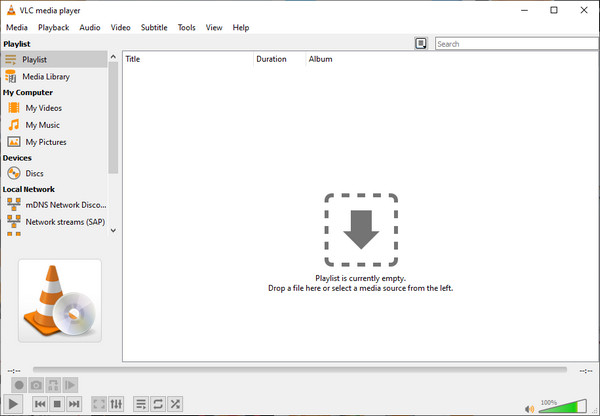
2. VLC Media Player
VLC is a cross-platform MKV Player that is open-source and free to download. The tool consists of complex functions which allow users to open unique files from VCDs, CDs, and DVDs. You can also watch 360-degree videos with a resolution of up to 8K.
- Pros
- Native support for most MKV codecs without requiring additional decoders.
- Compatible with Windows, macOS, and Linux.
- Comprehensive support for multiple audio tracks and embedded subtitles.
- Cons
- Hardware acceleration is unstable on some devices.
- Image enhancement and post-processing capabilities are limited.
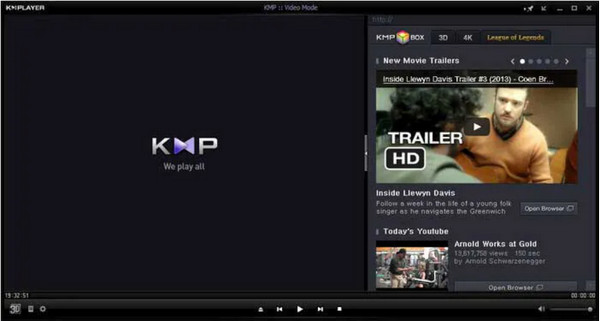
3. KMPlayer
KPMPlayer is a free MKV Player that supports Windows 10/8/7. It is powerful enough to play an expansive library of supported formats like MPEG 1/2/4, FLV, DVD, MP4, etc. Settings are provided so you can change the image filter, playback jump, and apply filters.
- Pros
- Support various subtitle formats like SRT, SUB, TXT, and LRC.
- Allow users to upload album art automatically.
- Cons
- Default settings are complex and require manual adjustment.
- Stability is significantly affected by configuration.
4. FreeSmith Video Player
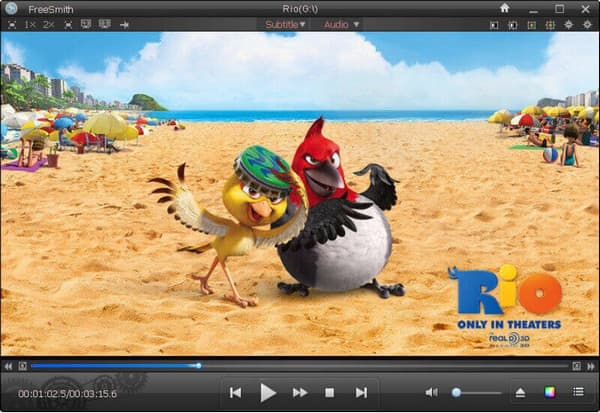
This MKV Player has an intuitive interface with straightforward controls to watch videos. It offers customizable keyboard hotkeys for optional controls and screenshot functions to take a photo of your screen. However, many users encounter lags and glitches while using FreeSmith.
- Pros
- Compact size, easy to install and use.
- Play common MKV files directly.
- Friendly to low-spec computers.
- Cons
- Insufficient support for high bitrate or 4K MKV files.
- Limited subtitle and audio track control features.
- Rare feature updates.
5. Elmedia Player
An MKV Player is an open-source tool that allows users to open movies with MP4, SWF, and MKV formats. Its language settings provide English, French, and Italian for non-native users. You can also utilize Elmedia Player to stream on DLNA devices.
- Pros
- Playback speed controls and frame-by-frame streaming.
- Offer essential tools to cut, trim, and crop movies.
- Support streaming from platforms like YouTube.
- Cons
- Support macOS only.
- Advanced features require an upgraded version.
- Video output calibration options are relatively limited.

6. IINA Player
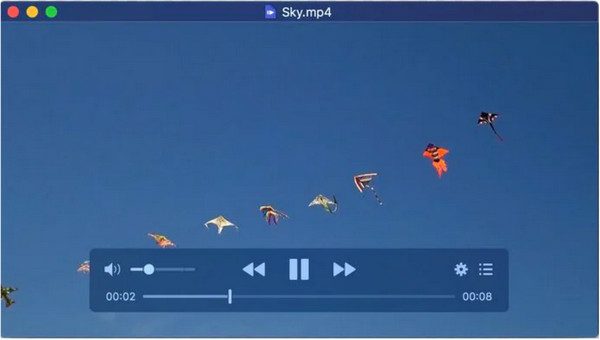
IINA Player is an alternative MKV Player for QuickTime on Mac. The desktop tool has transplanted MPV's horsepower to create a multimedia solution to watch videos even offline. Bountiful options include Dark Mode, modified controls, and a fantastic picture-by-picture function.
- Pros
- Support about 20 languages for diverse users.
- Support streaming services like Vimeo and YouTube.
- Enable watching videos online or offline.
- Cons
- Older MKV files have limited compatibility.
- For macOS only.
7. 5KPlayer
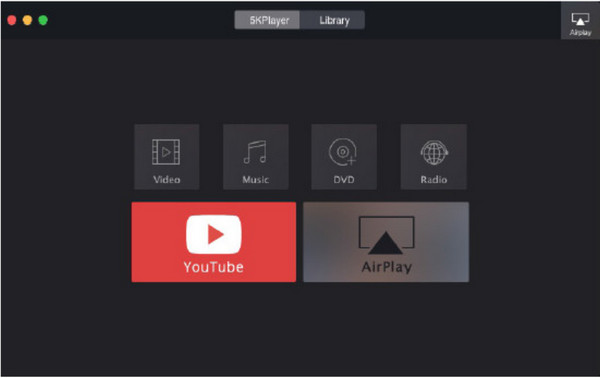
If you are looking for a cross-platform MKV Player, 5KPlayer is the best to install on Windows or Mac. It supports a wide range of video and audio codecs, eliminating the task of installing a CCCP codec pack. 5kPlayer is an excellent solution to open MKV files without losing the original quality.
- Pros
- Affiliated with NVIDIA, Intel QSV, and DXVA 2.0.
- Offer multiple rendering and decoding modes.
- Cons
- The backend has numerous functions, which may affect smoothness.
- Playback controls lack precision, and features are not sufficiently user-friendly.
- The free version contains ads.
8. PotPlayer
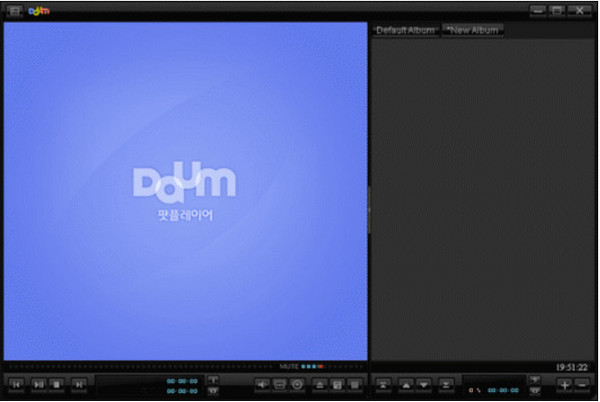
PotPlayer is ranked higher than other MKV Players because of its powerful GPU hardware decoding that can handle high-resolution movies. It is user-friendly for new users but advanced enough for novices to configure the playback settings.
- Pros
- No video lag or stutter issues.
- 3D experience on 3DTV and PC.
- No video lag or stutter issues.
- Cons
- High learning curve and Windows-only compatibility.
- Numerous settings make it difficult to master.
9. GOM Player
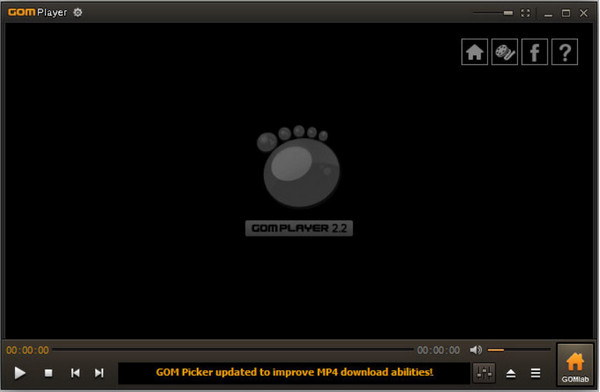
GOM is one of the best MKV Players for Windows 10 because of MPG, MKV, AVI, and other supported formats. Users can also view 360 videos in good quality without any hassle. GOM Player is a feature-rich tool that is worth trying.
- Pros
- The interface is rich in controls and panels for playback.
- Connect the PC to a projector to stream videos on a larger screen.
- Cons
- Some MKV files require additional codec downloads.
- Frequent pop-up notifications.
10. RealPlayer
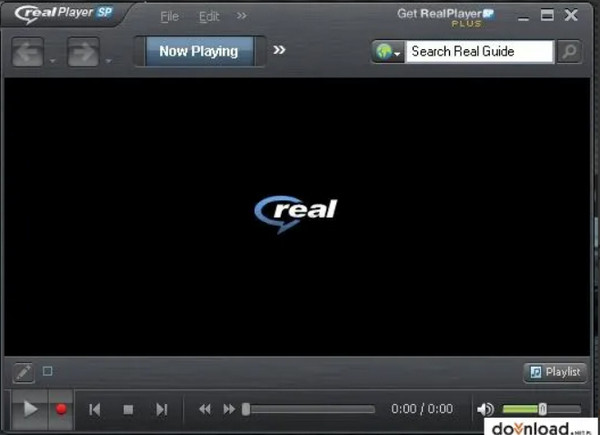
Other than being an excellent MKV Player, RealPlayer also offers to save your favorite web videos on your device. You can download movies without streaming them online and enjoy watching them offline in HD.
- Pros
- Support audio and video formats like AAC, MP4, and MP3.
- Built-in editing tools like trimming.
- Cons
- Startup speed is somewhat slow.
- Subtitle and audio track control features are limited.
11. UMPlayer
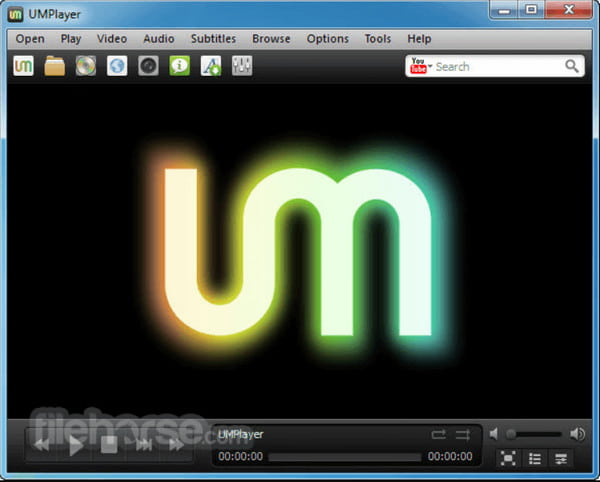
UMPlayer looks outdated, but many people still use this MKV Player because of its playback functions. Even with an old style, it does not negatively impact the playback feature of the media player, and you can play videos like MOV, MP4, WMV, etc.
- Pros
- Apply subtitles for MKV videos.
- Search resources for video and audio files.
- Cons
- Low update frequency results in limited support for newly encoded MKV files.
- High-resolution MKV files exhibit insufficient stability.
12. Cisdem Video Player
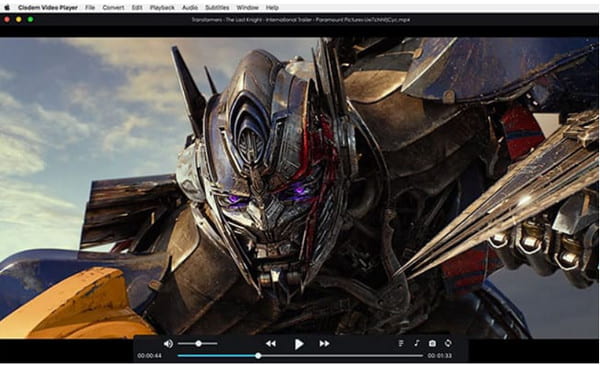
For Mac users, Cisdeom has become one of the best MKV Players alternatives for QuickTime. It allows you to upscale the video resolution in 4K, 5K, and 8K Ultra HD. You can add a file if you have videos without subtitles, and the media player will detect and display them.
- Pros
- No additional codecs or codec packs are needed.
- Free from viruses and risks.
- Cons
- Advanced playback tuning features are limited.
- Compatibility with niche or specially encoded MKV files is generally average.
Top 3 MKV Player Apps for Android and iPhone
Playing MKV videos on Android and iOS is possible with MKV Players recommended for you.
1. VLC for Mobile
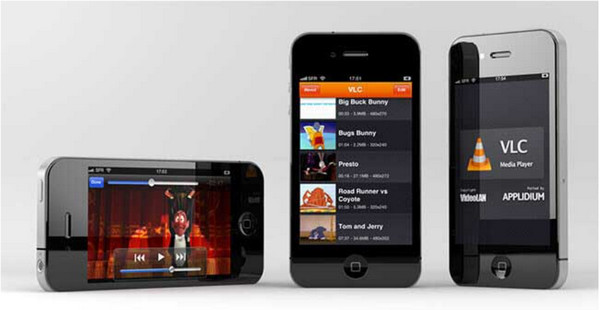
The mobile version of VLC makes up of MKV Player for Android and iPhone. It has a clean interface that allows you to find videos to stream.
- Support local videos and audio.
- Built-in media library to browse files easily.
2. MoliPlayer
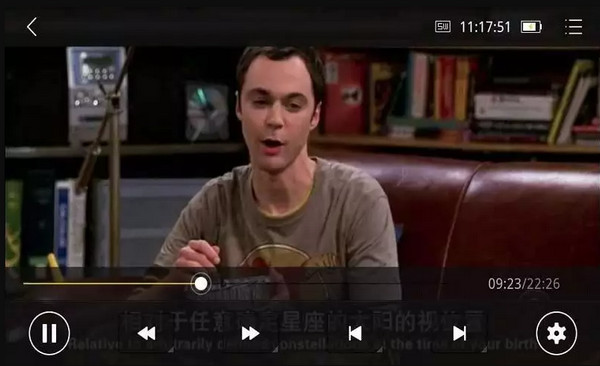
This MKV player works well with files from your gallery or those you capture on your camera. Other videos from PC or Mac are also playable in MoliPlayer.
- Display subtitles in most movies.
- Excellent Hardware decoding to support high resolution.
3. Video Stream
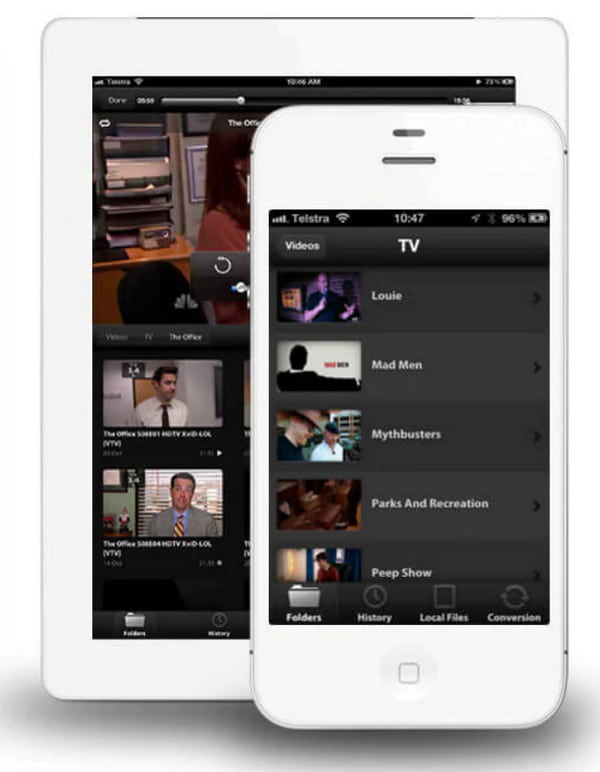
Effortlessly stream videos from your PC to your phone using a 3G/4G Wi-Fi connection. The best part is you don't have to transfer files or waste storage space to watch your favorite movies with this MKV player.
- Convert videos from computer to phone.
- Fullscreen mode for endless video streams.
How to Open MKV Videos on Your Computer and Phone
In this part, you will learn how to open MKV files on iPhone, Android, and operating systems like Windows and Mac. As these devices do not fully support MKV, you can try these methods to play and enjoy your videos. And if you learn how to play it on your mobile, you can also cast it and play MKV on your Apple TV, Google TV, or other devices.
How to Play MKV Files on Windows
Step 1.Open File Explorer and browse for the MKV File. Right-click on the video, hover your mouse over the "Open With" menu and choose the VLC Media Player option. You can also tick the checkbox, always use the app to open MKV files.
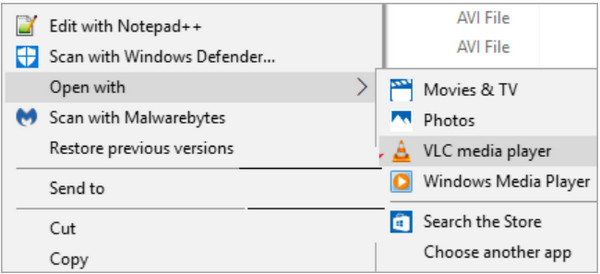
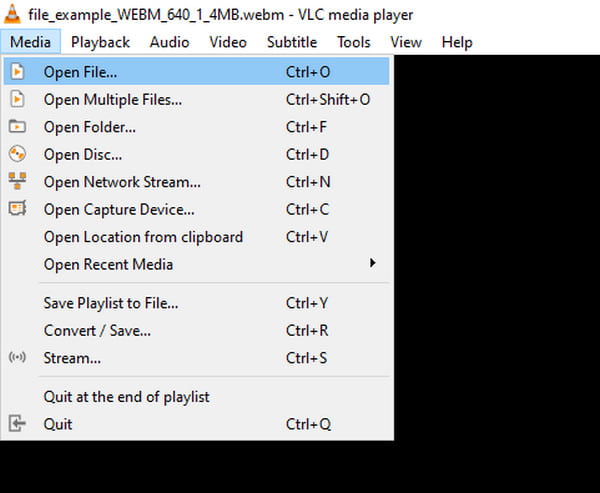
Step 2.You can also tick the checkbox which says always use the app to open MKV files. The video will play on VLC's interface. Alternatively, go to the "Media" menu of the media player, and click the "Open File" button.
How to Play MKV Files on Mac
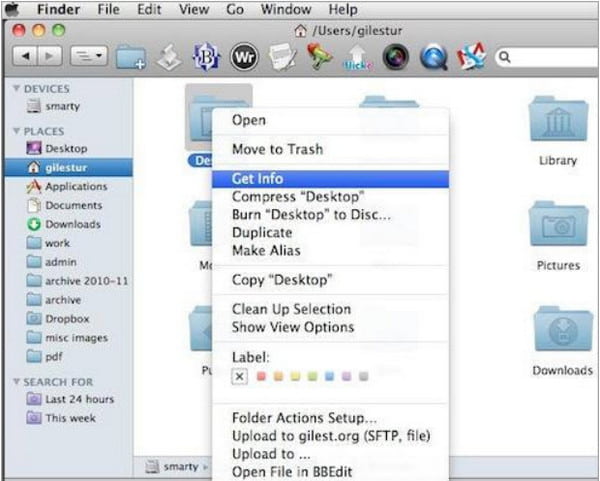
Step 1.Head to "Finder" and select the desired MKV file. Right-click the file to open the menu list. Click the "Get Info" button to launch a window.
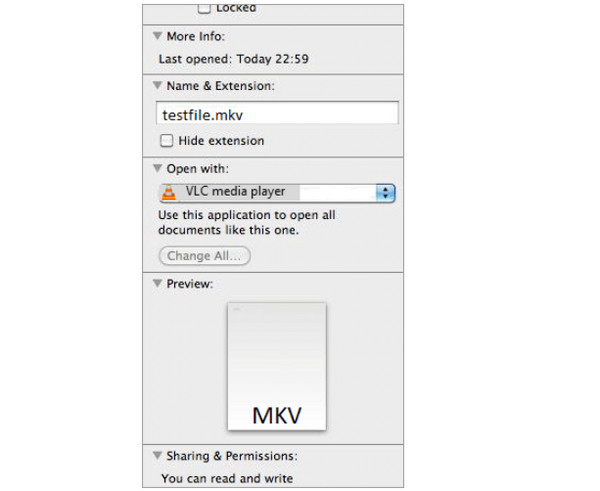
Step 2.Select the "Open With" drop-down list and choose the VLC Media Player. Click the "Change All" button to enable VLC to open MKV files next time.
How to Play MKV Files on Android
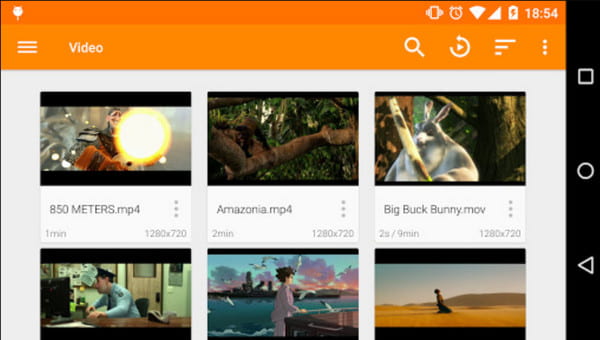
Step 1.Download an MKV media player like Kodi or VLC for Android. Launch the app and browse for the MKV file to play on your smartphone.
Step 2.When the file is unrecognized by the app, you may need to download a codec pack if the downloaded media player does not have a built-in one.
Solutions to What If You Can't Watch MKV on Players
Even with the new integration on your device, there is still a chance that an MKV Player will not play your videos. Aside from the error you may encounter because of the unsupported file, which you can convert MKV to MP4 to play it with all programs. Another reason can be a larger file size or an outdated system. Either way, some solutions can help you watch MKV Players.
- Open and play to another browser like Opera but remember that limitations include the inability to adjust pictures and audio effects.
- Convert MKV files to a more compatible and supported format. It would be best if you looked for a converter with original video quality or advanced output settings.
- Codec packs like CCCP and K-Lite can support missing codecs on your computer. They also allow smoother playback for MVK files.
FAQs about MKV Players
-
Can I open MKV files on a Chromebook?
Yes. Download any MKV player to your device or convert the MKV files to a supported format for playback.
-
Does converting MKV lose quality?
It depends. You can avoid losing quality in MKV files for as long as you only change the container. Keep in mind that you don't need to encode anything and convert containers.
-
What is the best format to convert MKV to?
It is recommended to convert MKV to MP4 regarding device compatibility. MP4 is universally supported by various devices, allowing you to edit, transfer, and watch videos easily.
Conclusion
With all the recommended MKV Players, you can watch more movies on your computer and phone in the best video quality. The best part is that some tools offer essential editing tools to apply filters, subtitles, and other elements. But the most powerful media player worth trying is AnyRec Blu-ray Player. Its features are more practical, and it makes most essential functions simple and easy to understand.
Secure Download
Secure Download
Related Articles
About Our Author