
Top 11 MP3 Louder Tools to Boost Audio Volume Online/Offline

Quiet MP3 audio, whether it is music, lectures, or voice recordings, is frustrating. So, you will need an MP3 louder for this to turn up your audio volume while preserving sound quality. And with so many options, you may find having the right one difficult. Therefore, this post rounded up the top 11 tools to make MP3 louder without distortion for desktop, online platforms, and mobile apps. Also, to help you get the best results, practical tips are shared at the end. Enjoy louder audio across any device!
Guide List
Best MP3 Louder Software for Windows and Mac Top 5 Online MP3 Volume Boosters Top 5 MP3 Louder Apps for iPhone and Android Tips to Boost MP3 Volume without DistortionBest MP3 Louder Software for Windows and Mac
While online tools and mobile apps are convenient, they often come with limitations such as file restrictions, dependency, or minimized audio quality. For this reason, you can use a reliable tool like AnyRec Video Converter. It is a powerful all-in-one solution that works very well for boosting MP3 volume on Windows and macOS. It covers a wide range of audio formats and ensures faster and better privacy compared to online tools. Most importantly, this MP3 audio booster software boosts audio volume without adding watermarks, without sacrificing sound quality.
Increase MP3 volume far beyond its original level, making quiet tracks louder.
Retains audio clarity and minimizes noise, ensuring your MP3 is not distorted.
Beyond being a volume changer, you trim, merge, crop, rotate, and edit media files.
Preview loudness in MP3 audio to check whether the volume is perfect.
Secure Download
Secure Download
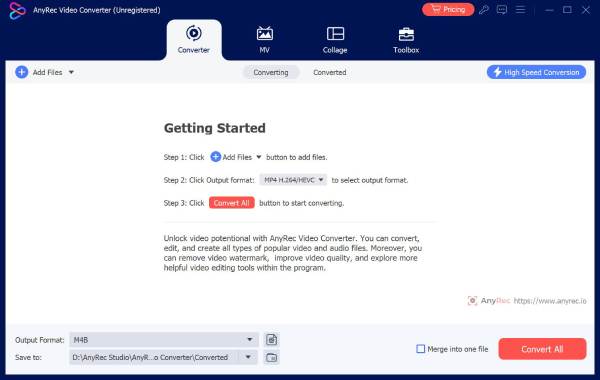
Step 1.Launch AnyRec Video Converter on your computer. From its main screen, click the "Toolbox" at the top, scroll through the tools, and choose "Volume Booster".
Step 2.Click the "Add" button to import the MP3 file you wish to boost the volume of. After it loads, use the "Volume" slider to increase the audio level. You can use the "Preview" feature to check the sound before exporting.
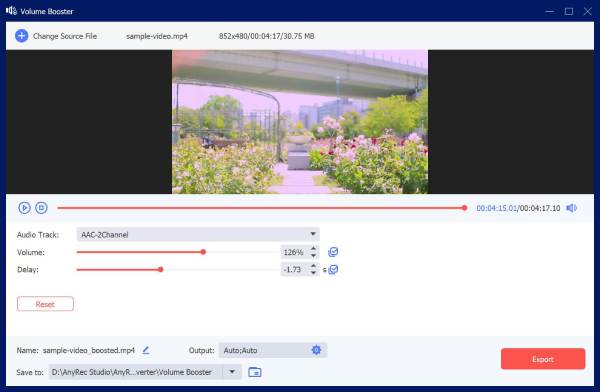
Optionally, click the "Output Settings" to adjust audio format, sample rate, bitrate, and more to control the final sound quality.
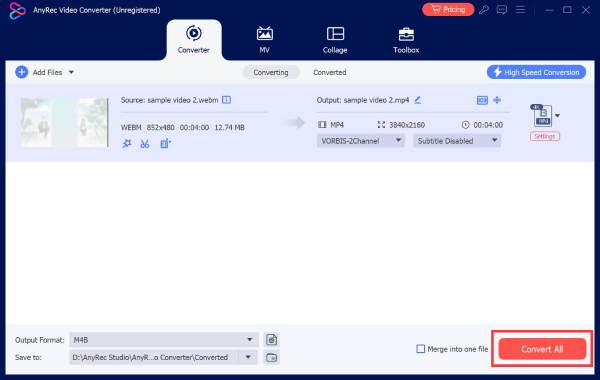
Step 3.Select the destination folder and name for your boosted MP3 audio file. Then, click the "Export" button to save the louder file to your computer.
Secure Download
Secure Download
Top 5 Online MP3 Volume Boosters
One of the fastest ways to make audio files louder is to use an MP3 louder online. These web-based tools are perfect for quick results for your music tracks, podcasts, and voice recordings.
1. MP3Louder
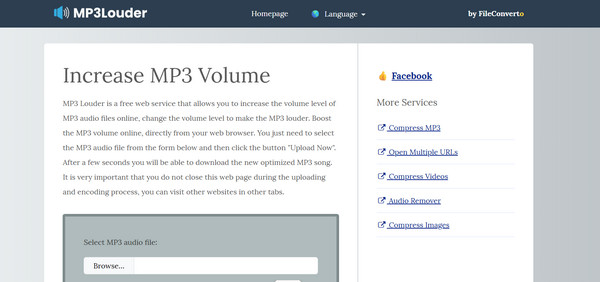
A simple online MP3 louder made specifically to increase the volume of MP3 files, MP3Louder lets you manually adjust loudness levels with decibel values. You can also use it quickly as it requires no account.
2. MP3 Cutter Volume Changer
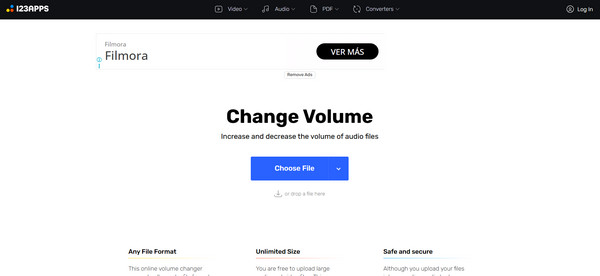
For the next MP3 louder option, here's MP3 Cutter. This tool offers more than just adjusting volume, as it also has trimming and audio editing tools. It is especially useful if you need to boost volume and remove sections as well.
3. Media.io Free AI Audio Enhancer
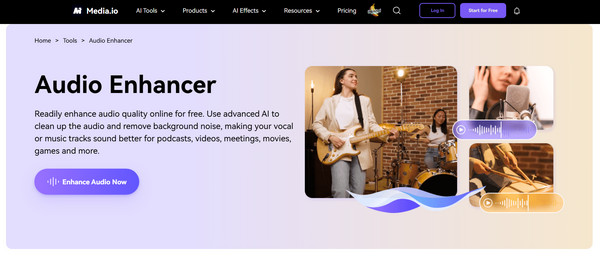
Moving forward, Media.io free audio enhancer and volume booster uses artificial intelligence to improve audio loudness and clarity. This free MP3 louder tool analyzes your audio and improves it while minimizing the distortion.
4. Audio Trimmer Online Audio Volume Booster
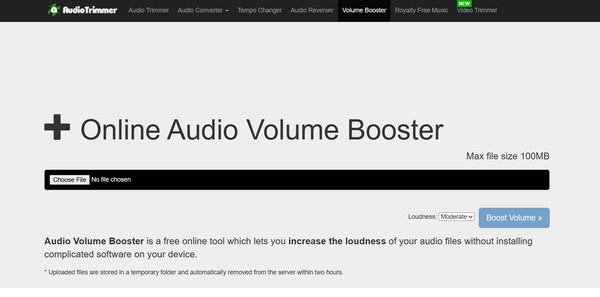
Meanwhile, Audio Trimmer's volume booster is designed with speed and simplicity in mind. Using this online MP3 louder, you can upload your MP3 file, increase the volume, and export it within minutes.
5. Kapwing Volume Changer
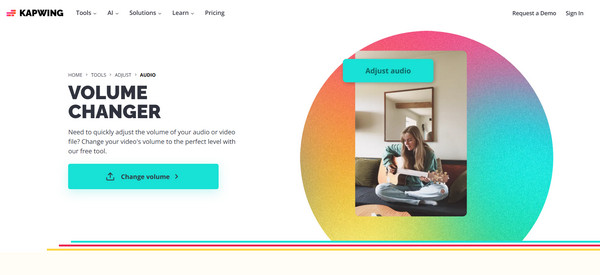
At last, Kapwing Volume Changer lets you increase MP3 volume online while editing media projects. It is beneficial for creators who want to adjust audio for videos, reels, or presentations.
| Online MP3 Louder | Adjustment Type | Supported Formats | Extra Features |
| MP3Louder | Manual decibel control | MP3 | Simple volume boosting |
| MP3 Cutter Volume Changer | Slider | MP3, WAV | Trim, cut, and edit audio |
| Media.io Free AI Audio Enhancer | AI-powered | MP3, WAV | Clarity boost and noise reduction |
| Audio Trimmer Volume Booster | Percentage | MP3, WAV | Quick audio processing |
| Kapwing Volume Changer | Slider | MP3, MP4 | Video and audio editing |
Top 5 MP3 Louder Apps for iPhone and Android
If you prefer boosting MP3 volume on your phone, mobile apps offer convenience. The following apps are perfect for music playback, streaming, and improving speaker output, made for both iOS and Android users to adjust audio volume.
1. XBooster
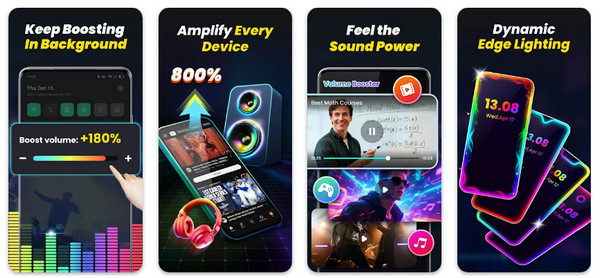
Xbooster is a powerful MP3 louder app made to amplify music beyond the system limits. It works very well with external speakers and headphones, giving you a louder and richer sound.
2. Louder Volume: Sound Booster
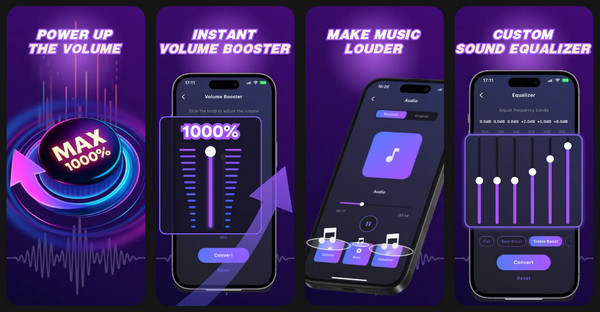
Next, if you're looking for a lightweight MP3 louder app, the Louder Volume: Sound Booster focuses on increasing overall system and media volume. With only minimal settings and quick activation, you can get the loudness you want.
3. Volume Booster Pro
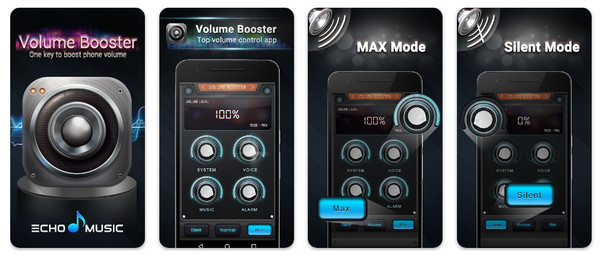
In contrast, Volume Booster Pro is made for anyone who wants strong amplification and adjustable profiles. This MP3 louder app is usually used with headphones for an immersive listening experience.
4. Louder Volume Booster
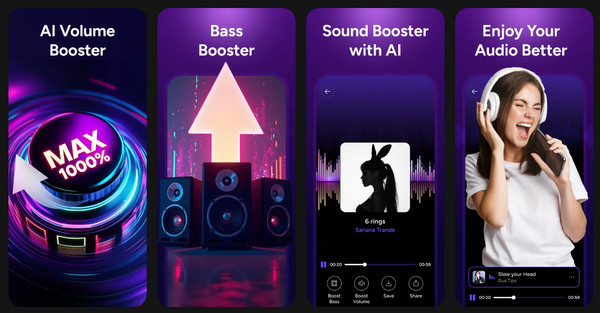
Louder Volume Booster features instant sound amplification with a clean, no-frills main screen. It works perfectly for boosting MP3s during calls, music playback, and videos.
5. Volume Booster GOODEV
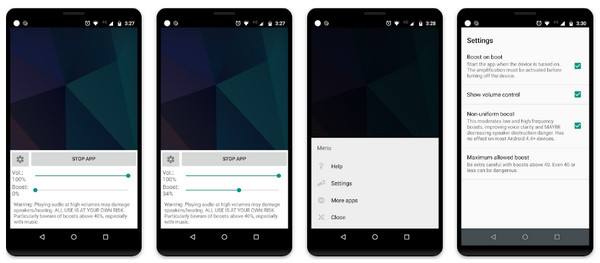
The last audio volume booster app is the Volume Booster GOODEV. It is a lightweight Android app best for its simplicity and effectiveness. Here, you can increase volume of any audio without extra features.
| MP3 Louder App | Adjustment Type | Custom Controls | Headphone Support |
| XBooster | Equalizer and amplifier | Moderate | Yes |
| Louder Volume: Sound Booster | System-level amplification | Limited | Yes |
| Volume Booster Pro | Advanced amplifies | High | Yes |
| Louder Volume Booster | One tap amplification | Low | Yes |
| Volume Booster GOODEV | Software-based system gain | Limited | Yes |
Tips to Boost MP3 Volume without Distortion
Increasing the MP3 volume is not just about making the audio louder; it is about keeping it balanced, clean, and comfortable to listen to. After those MP3 audio louder options, to ensure the best results, here are some of the tips you can try to increase or decrease loudness while maintaining clarity.
- 1. Don't exceed more than 6 dB unless necessary, since boosting the volume too much can cause audio breakup.
- 2. Normalize audio after amplification to ensure the boosted audio does not clip.
- 3. Use a compressor and limiter to control peaks, helping you to maintain consistent loudness without distortion.
- 4. Always preview changes with good headphones/speakers to help accurately hear issues that need improvement, such as harsh tones.
- 5. Use batch normalization for multiple tracks to keep everything at a consistent volume level.
- 6. Increase volume gradually to give you more control and reduce the risk of over-adjustments.
- 7. Check peaks before exporting, since this can reveal clipping even when it is not immediately noticeable.
- 8. Start with the highest-quality source file because heavily compressed MP3 files often exaggerate noise.
Conclusion
Choosing the proper MP3 audio booster depends on the level of control you need. Online tools are perfect for quick volume boosts, while mobile apps offer sound amplification on the go. Among all the options covered, if you regularly deal with long recordings, podcasts, and music, AnyRec Video Converter stands out. This tool lets you increase MP3 volume precisely via the built-in Volume Booster, maintaining audio clarity without distortion. Indeed, a well-worth-trying solution to get consistent, high-quality MP3 results.
Secure Download
Secure Download



