Convert WebM to GIF Without Losing Quality [8 Pro Tools]

While WebM is the standard for web videos, the classic GIF is still the king of social media. So, for your WebM videos, you need a reliable WebM to GIF converter to get that perfect reaction loop or quick preview! Of course, you don't just want a conversion, but also a high-quality one. For this, here are the 8 proven methods to convert WebM to GIF without losing quality, especially for you, from desktop apps to online solutions. Choose the right one for your workflow!
Guide List
AnyRec Video Converter - All-in-One Fast Speed GIF Converter ScreenToGif - Open-Source Frame-by-Frame WebM to GIF Converter VLC Media Player - Versatile Multi-Format Player with GIF Converter Gifski - High-Fidelity Mac GIF Converter Ezgif - Online GIF Editor and Converter CloudConvert - Secure Cloud-Integrated WebM to GIF Converter Kapwing - Web-based Meme Editor and GIF Converter Convertio - Quick One-Click GIF ConverterAnyRec Video Converter - All-in-One Fast Speed GIF Converter
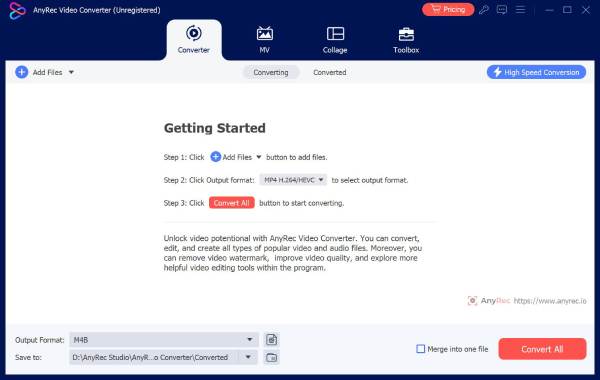
AnyRec Video Converter stands out as a premium desktop solution made for anyone who handles high-resolution WebM files without the usual lag of web-based tools. Besides simple WebM to GIF conversion, it has a GIF Maker section that lets you convert clips at a faster speed. Plus, it provides unique AI enhancement tools that upscale the resolution of your WebM video or fix shaky footage before you hit export. What makes it the best choice is its complete control over output settings, including frame rate adjustments, resolution, quality, and more for professional-grade GIF results.
Utilizes hardware acceleration, giving you faster processing than others.
Batch process tons of WebM files into GIFs at once, saving hours of work.
Can trim WebM videos perfectly for selecting the perfect GIF loop.
Adjust the output to your desired results, including frame rate and resolution.
Secure Download
Secure Download
ScreenToGif - Open-Source Frame-by-Frame WebM to GIF Converter
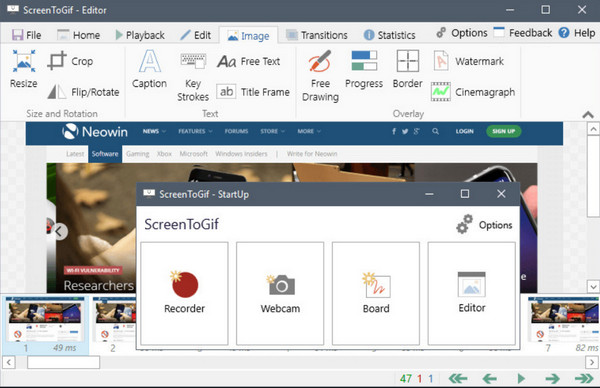
ScreenToGif offers unmatched precision for anyone who wants total control over any single frame of their GIF animation. This lightweight WebM to GIF converter is unique as it lets you open a WebM video and view it as a series of individual frames. From there, you can shorten the loop, add text, or even drawings to highlight areas. So, if you're creating GIFs for tutorials, ScreenToGif offers a complete animation studio.
VLC Media Player - Versatile Multi-Format Player with GIF Converter
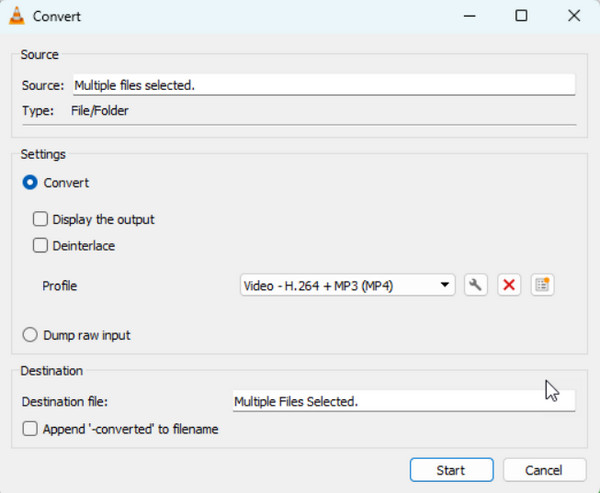
May be likely already on your computer, VLC Media Player makes it the ultimate no-install desktop solution to convert WebM to animated GIF for free. While it is mainly a media player, it has a hidden Convert/Save feature that transforms WebM files without any extra help. Although it has no frame-by-frame editing like other tools here, it handles almost any codec, ensuring that all WebM versions will be converted successfully. This player serves as a reliable alternative to convert that works across Windows, Mac, and Linux.
Gifski - High-Fidelity Mac GIF Converter
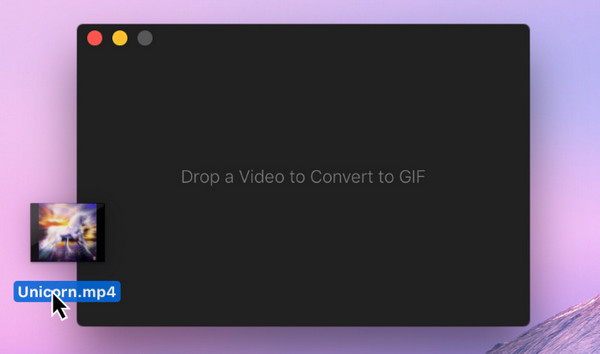
Maybe you're working on a Mac, then Gifski may be the solution for you to batch convert WebM to GIF without frame drop. While most converters struggle with the GIF format, resulting in grainy images, Gifski uses advanced technology to achieve thousands of colors in each frame. Here, you can enjoy an elegant but simple interface, letting you drag your video into the window, set your dimensions, and save. It is the standard for high-end cinematic loops where visuals cannot be compromised. However, there are not GIF editing tools. If you want to crop GIFs, adjust speed, and apply effects, you need to use third-party tools.
Ezgif - Online GIF Editor and Converter
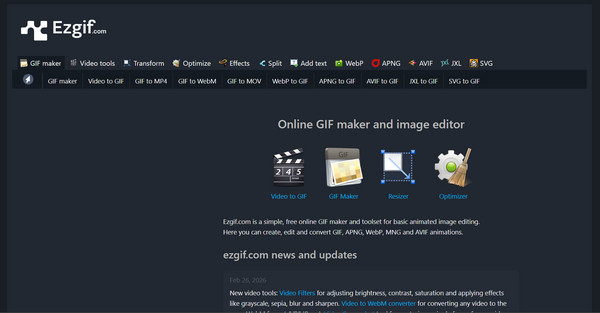
Moving to a web-based world, Ezgif is the most comprehensive online tool today to convert WebM to GIF online for free. It is widely loved because of its modular approach to editing, letting you convert WebM, then pass the file to the optimizer to shrink the file size to fit the social media size requirements. Unlike others, you won't need an account here and won't slap your GIF with watermarks. So, you don't need to remove watermark from GIFs manually.
CloudConvert - Secure Cloud-Integrated WebM to GIF Converter
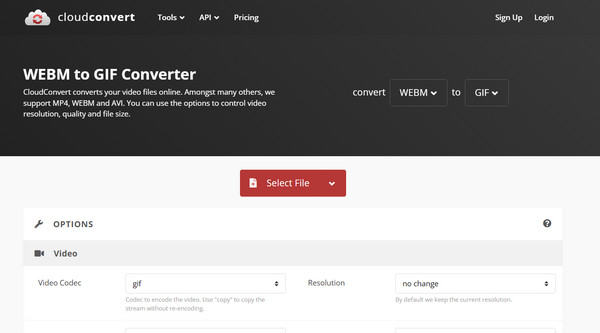
For anyone who loves a more streamlined WebM to GIF experience, CloudConvert here offers a sleek alternative. This online service is integrated with cloud storage providers such as Google Drive, Dropbox, and OneDrive, letting you pull a WebM video file from your cloud directly. It also offers control over the resolution and quality settings during the process. And since it is ISO certified, it is the best choice for remote teams where security and privacy are prioritized.
Kapwing - Web-based Meme Editor and GIF Converter
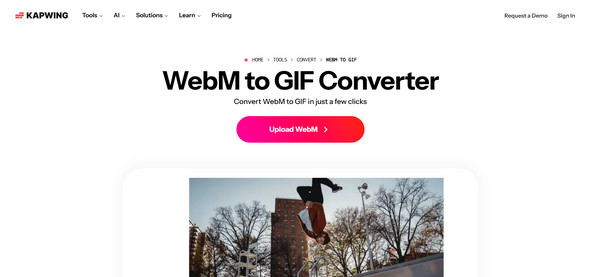
Meanwhile, Kapwing leans more on the creative side of the WebM to GIF creation. It works primarily as a full online editor, allowing you to add text, stickers, and subtitles to your WebM videos before saving them as GIFs. If you're a social media manager or meme creator, Kapwing is the best option for turning your video into shareable content that is tailored for TikTok, Instagram, and other social media platforms.
Convertio - Quick One-Click GIF Converter
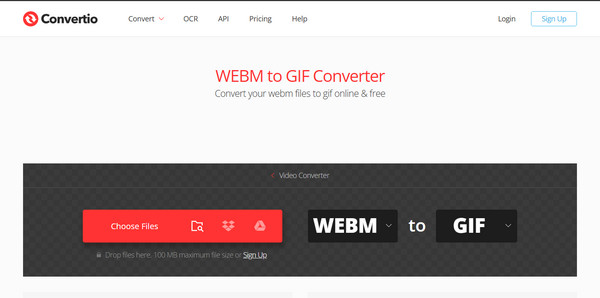
If the previous online tool feels like overkill, Convertio has the simplest, most direct WebM to GIF conversion experience on the browser. It is designed for simplicity and speed, letting you quickly drop your WebM, choose GIF as a format, and click convert. With its clean, no-ad interface and high-speed servers, it makes it a dependable daily online tool for quick format transformation.
Conclusion
Do you need the quality of a desktop app, or the convenience of an online tool? The eight tools listed above ensure the WebM to GIF transition will be seamless and professional, from the frame-by-frame precision of ScreenToGif to the quick simplicity of Ezgif. But if you want something reliable and offers an all-in-one solution, pick AnyRec Video Converter among them! With its fast processing, AI enhancement tools, and GIF maker, you can have the most robust experience for turning your WebM videos into high-quality, perfectly looped GIF files.
Secure Download
Secure Download
About Our Author