
A List of Online Voice Recorders: Top 11 Picks for 2026

You open up your browser, ready to record a quick memo, only to face complex audio interfaces. Since the last thing you want to do is fight with your hardware, you want an online voice recorder that just lets you record and download a clean file. Looking for absolute reliability? The top 11 free online voice recorders making waves this year have been broken down in the following. You'll also see a bonus powerhouse desktop recorder at the end.
Guide List
The Easiest Online Voice Recorder for Multi-Track Recording 1. Vocaroo Voice Recorder – Quick Audio Sharing 2. Clideo Voice Recorder – Easy Browser Editing 3. VEED.IO Voice Recorder – Auto-Subtitles Ready 4. Online Voice Recorder – Fast, Private Recorder 5. Canva Voice Recorder – Drop-in Voiceovers 6. Rev Voice Recorder – Pro Transcription Recording 7. GoTranscript Voice Recorder – Multilingual Transcription 8. Clipchamp Voice Recorder – Microsoft-Friendly Recorder 9. SpeakPipe Voice Recorder – Voice Notes Collection 10. Voice.ai Voice Recorder – Change Voice Real-Time High-Quality Screen and Voice Recording on Windows/MacThe Easiest Online Voice Recorder for Multi-Track Recording
As you know, online vocal recorders usually stumble with multitrack recording control. Before all those simple web solutions, if you need to record your voice and your guest's audio, use AnyRec Free Online Screen Recorder. This platform allows you to capture everything as well as your feed at once, giving you total freedom over your multi-track mix without demanding a heavy installation. Furthermore, its setup ensures you record a high-definition session smoothly without facing any stutter, drop in frames, or audio-lag issues. So, to record your podcast interview and perform quick recording tasks without downloading anything, this free voice recorder makes everything possible.
Features:
- • Dual-source recording for system sound and microphone input.
- • Can capture screen with webcam, making it ideal for reaction clips.
- • Unlimited recording time; it does not cut audio recording after a few minutes.
- • Save your final recording directly to your computer cleanly without branding.
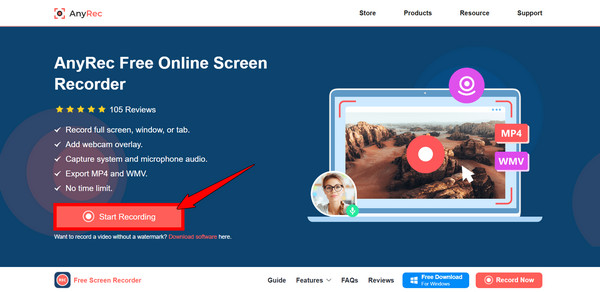
Step 1.Head over to the official AnyRec Free Screen Recorder site and click the "Start Recording" button to start. If this is your very first time, the site will prompt a quick, lightweight launcher to set up.
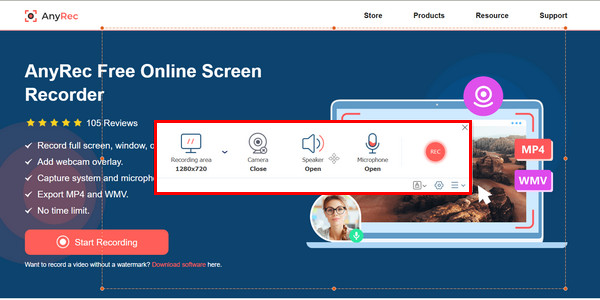
Step 2.Once the launcher initializes, a recording frame will pop up on your monitor. Simple drag it or resize it to overlay certain windows or any players you want to capture.
Step 3.Next, customize the recording outputs on the floating dashboard. Select your precise capture area and toggle the speaker settings to capture system audio and microphone. If all your multi-source inputs are perfectly balanced, click the "Rec" button.
Step 4.Use the built-in drawing tools to highlight, mark up, or explain things as you record. When you're done, click the "Stop" button and save the recording directly to your computer.
1. Vocaroo Voice Recorder - Quick Audio Sharing
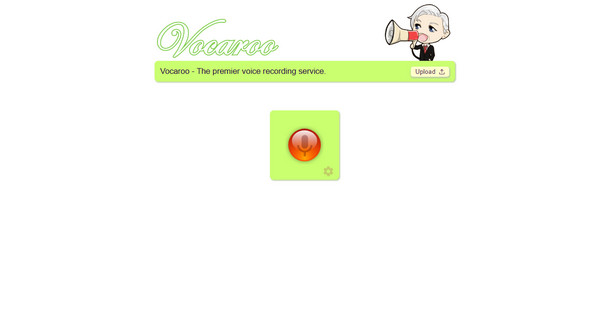
When you open Vocaroo, you can see the giant record button immediately, allowing you to start recording audio without an account. It works entirely within the cloud, so you never have to waste your time downloading software just to record a ten-second message. The platform generates a shareable link, a QR code, or an embed code, making this online voice recorder a popular option for educators and developers.
What I like: No registration or any personal details required, instant sharing via URLs and QR codes, and background noise removal.
What I don't like: Your recordings are stored temporarily on the server; no advanced editing tool can be seen here.
2. Clideo Voice Recorder - Easy Browser Editing
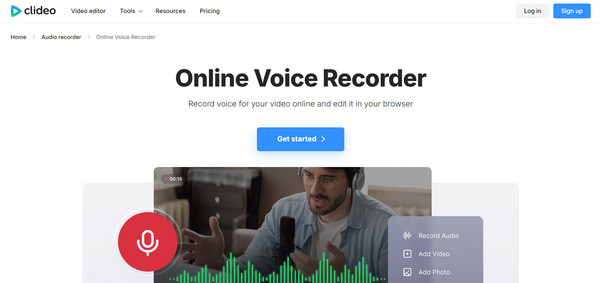
If you need to make tweaks to your audio right after capturing it, Clideo steps in for this task. This online voice recorder and editor lets you speak into your mic and immediately switch you into a clean timeline editor to cut out mistakes. Additionally, its entire screen is highly optimized for mobile browsers, giving you the flexibility to record audio and polish it directly from your mobile phone.
What I like: Export into multiple formats like MP3 and WAV, works smoothly across devices without lag; has a built-in audio cutter and trimmer.
What I don't like: Saving large files can take a few moments; its free tier has a small watermark or brand intro.
3. VEED.IO Voice Recorder - Auto-Subtitles Ready
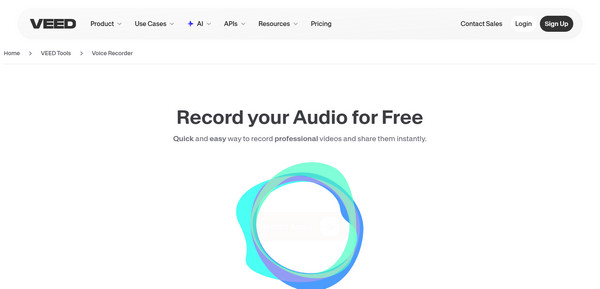
The following online sound recorder is a highly sophisticated platform named VEED.IO. This tool only records your video, but it also prepares your audio for visual platforms by offering an accurate, AI-driven auto-transcription engine. After your track is captured, you can turn it into burn-in subtitles or a text script. If you are a podcaster and digital marketer, this solution mixes the power of recording and transcription services.
What I like: Let you add voice recordings over images or clips; built-in AI transcription; Clean Audio feature.
What I don't like: The extensive video-focused interface can feel a bit overwhelming; longer recording limits.
4. Online Voice Recorder - Fast, Private Recorder
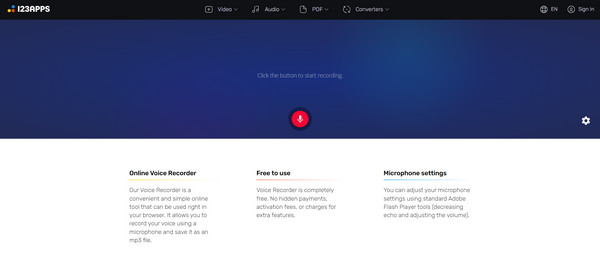
If you prefer a simple and lightweight option, try 123apps' Online Voice Recorder. It runs right in your browser, and your recordings are processed locally on your computer instead of being sent to an external server. This makes it a good choice for recording sensitive information or for anyone who wants a quick and convenient way to record audio with more privacy.
What I like: High privacy standard since it happens within your browser cache; simple waveform editing for frame-accurate trimming.
What I don't like: Does not have any cloud saving feature; only exports to MP3 by default.
5. Canva Voice Recorder - Drop-in Voiceovers
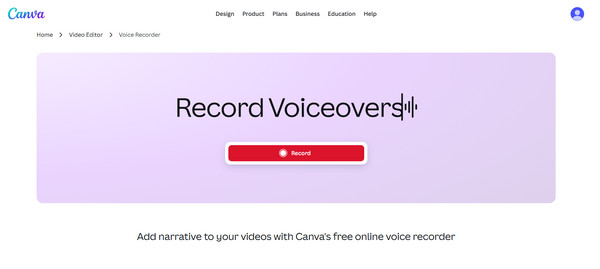
While dedicated tools serve as a standalone audio recorder, Canva approaches recordings from a design-focused perspective. Its online voice recorder is built into their presentation and video editor, allowing you to record narrations and slide voiceovers. It completely deletes the extra process of exporting audio files to your folder and re-uploading them into your visual presentations.
What I like: Perfect integration with presentations and graphics; allows you to record webcam and screen.
What I don't like: Exporting the raw file needs extra steps; it cannot be used as a standalone audio tool.
6. Rev Voice Recorder - Pro Transcription Recording
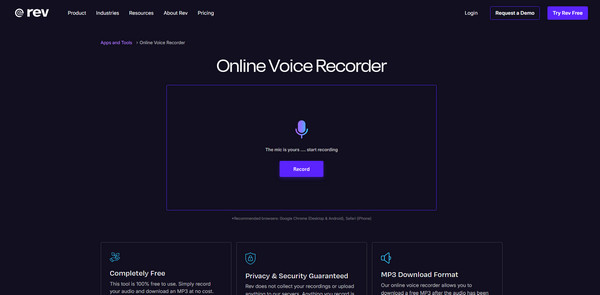
The Rev Online Voice Recorder is made specifically to feed into a premium transcription ecosystem. This clean website for voice recording allows you to record interviews, groups, and lecture memos with highly optimized vocal clarity. So, if you are academic researchers, journalists, or other professionals, this online voice recorder makes the entire dictation-to-text process.
What I like: The recording is completely free; high-accuracy AI transcription, clear speech capture.
What I don't like: No built-in audio editing, the transcription service is paid.
7. GoTranscript Voice Recorder - Multilingual Transcription
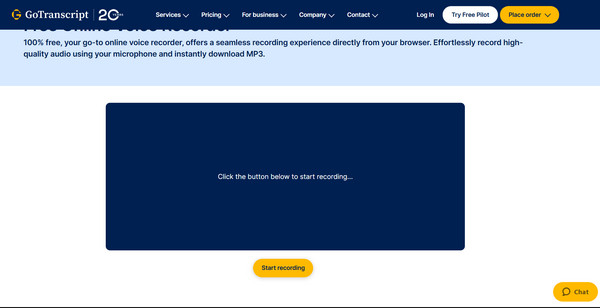
Like the previous online voice recorder with human transcription, GoTranscript offers a free solution to capture clear speech directly through your browser. Its standout advantage is handling complex projects, different accents, and multi-speakers across more than 140 languages. Once your session ends, you can quickly route your MP3 file into its review system.
What I like: Direct access to human-like transcriptions; supports strict privacy standards.
What I don't like: Its interface lacks a visual viewer; you have to pay first before getting the text transcripts.
8. Clipchamp Voice Recorder - Microsoft-Friendly Recorder
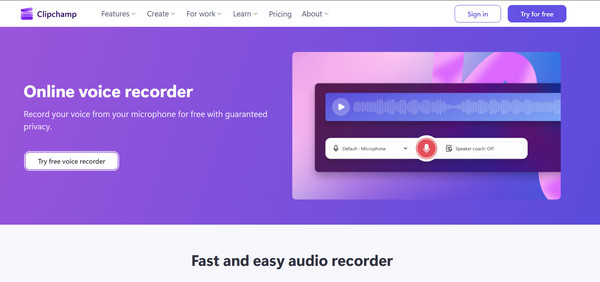
Clipchamp, part of Microsoft, is a browser voice recorder that can turn into an online video editor too. Since it works very well on Windows devices and Edge browsers, you can save your recordings straight to your media bin. It records narration, drops it onto tracks, and matches it with transitions, captions, and stock, making it ideal for YouTube videos, tutorials, and training clips.
What I like: Completely free to use; deeply integrated with a full-scale editor; includes a text-to-speech engine.
What I don't like: Can face slowdowns on older computers; needs a Microsoft account.
9. SpeakPipe Voice Recorder - Voice Notes Collection
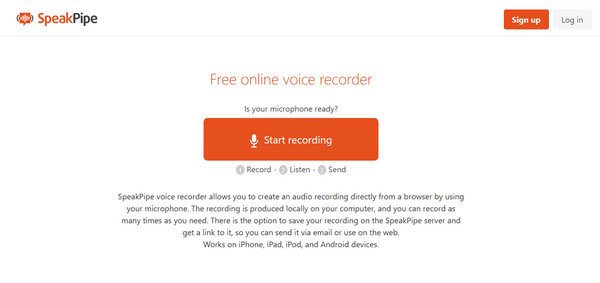
Next, here is SpeakPipe, working as a double recorder and a voice message inbox for your audience. Instead of recording your voice to download, this tool lets you create a dedicated link where others can record voice messages for you. Podcasters will love this web-based voice recorder for gathering listener segments and Q&A material.
What I like: Simple inbox to manage audio submissions, easy widget for websites, and no coding skills needed.
What I don't like: Tight limits on free plan; not built for lengthy recordings.
10. Voice.ai Voice Recorder - Change Voice Real-Time
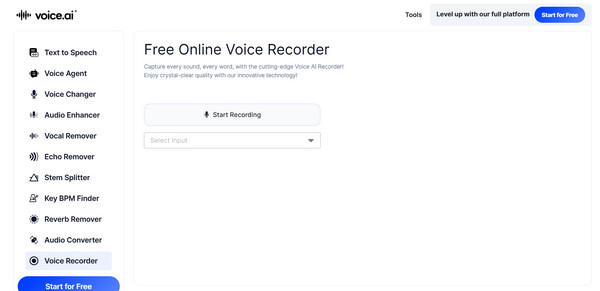
Finally, for adding real-time voice to basic recording, here's Voice.ai as your online voice recorder. This tool is playful for gaming, streams, and content where a different voice fits the vibe. It utilizes advanced deep-learning algorithms to transform the user's vocals. Once you speak into the interface, you can completely change your voice to sound like a vast library of characters, public figures, or others.
What I like: Records clean audio; frequent model updates; live voice changer.
What I don't like: Some voices are only available with a paid plan; audio quality varies by model and settings.
High-Quality Screen and Voice Recording on Windows/Mac
When you're working on a highly creative project, relying on an online voice recorder can sometimes feel too limited. There may be browser caches, internet hiccups, or strict loud storage. So, AnyRec Screen Recorder can step up in this scenario. This dedicated desktop program eliminates these technical headaches entirely on both Windows and macOS. It is made to handle complex multimedia captures, whether it is a live webinar, streaming music, video game, or more on-screen activities. It also operates with incredibly low CPU consumption, making sure your system works smoothly even when recording high-bitrate content. In addition to that, its clean and intuitive controls make it very approachable for beginners while still giving them advanced tools that professionals could rely on.
Lossless recording of system audio and microphone alongside high-quality visuals.
Includes AI microphone noise cancellation to filter out unnecessary sounds.
Draw, type, text, add arrows, and more on-screen live while recording.
Enjoy a smooth, uninterrupted recording with no ads and watermarks.
Secure Download
Secure Download
Conclusion
Working with your very first podcast or maybe a need for a quick audio note without fighting your hardware? Thanks to today's list of free voice recorders online, you can enjoy shooting a brief voice message, unmatched convenience, AI transcriptions, and more. With all those tools, to enjoy the balance of both worlds, explore the AnyRec tools. For a quick, lightweight recording task, AnyRec Free Online Screen Recorder gives you that. But to get an upgrade, such as high frame rate gameplay captures, AI noise cancellation, various recording modes, and more features, rely on AnyRec Screen Recorder. See today just how smooth and easy your recording setup can be.
Secure Download
Secure Download
Related Article
About Our Author




