Where to Watch 4K Movies for Free? 8 Best Streaming Sites

Watching a 4K movie takes more than a 4K title. Your TV or monitor, internet connection, streaming plan, and media player all matter. Some services also save 4K for certain plans or devices. This guide shows where to watch 4K movies and what to check if the picture looks blurry or the video keeps buffering. If you have permission to save the content, AnyRec Screen Recorder can record the playback for you.
Ask AI for a summary
4K movies are so addictive. Every detail is sharper, the colors are richer, and the sound is more immersive. That's why more and more people are looking for ways to watch movies in 4K. In this article, we'll introduce the best 4K free streaming sites you can try right now. Read on and start your 4K movie journey!
Guide List
Summary: Quick Comparison of Best 4K Streaming Sites 8 Best 4k Streaming Sites – Top Platforms Overview Optional Tips to Improve Your 4K Viewing Experience How to Watch Local 4k Movies for FreeSummary: Quick Comparison of Best 4K Streaming Sites
- • Best picture quality (highest bitrate): Sony Pictures Core delivers the most cinematic 4K experience, close to Blu-ray quality.
- • Most consistent original 4K films: Netflix and Apple TV+ provide stable, high-quality original movies and series with strong 4K HDR support.
- • Largest overall content library: Amazon Prime Video offers the widest selection of movies, including new releases, rentals, and 4K titles.
- • Best for family entertainment: Disney+ is ideal for family viewing with strong 4K HDR content from Marvel, Star Wars, Pixar, and Disney classics.
- • Best 4K free Streaming Sites: YouTube, Tubi, and Pluto TV provide the most accessible free streaming choices, great for casual viewing without a subscription.
8 Best 4k Streaming Sites - Top Platforms Overview
1. Netflix
Best for: Users who like watching high-quality original 4K movies and series.
Price: $8.99-$26.99/month
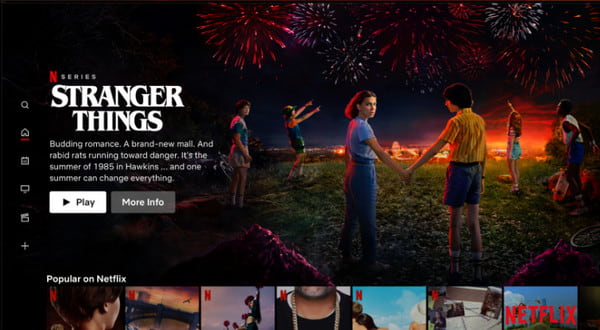
Netflix is one of the best platforms for 4K movie streaming. It offers a huge library of original content and 4K movies. Its biggest advantage is its high-quality original 4K movies and series. The platform updates the library and adds new original 4K content regularly. Many of its films and shows are produced with cinematic-level standards. Some content supports HDR10 and Dolby Vision, so you can watch high-resolution movies and enjoy immersive sound on Netflix.
2. YouTube
Best for: Users who want free 4K content and a wide variety of user-generated videos.
Price: Free with ads, YouTube Premium: $8.99/month
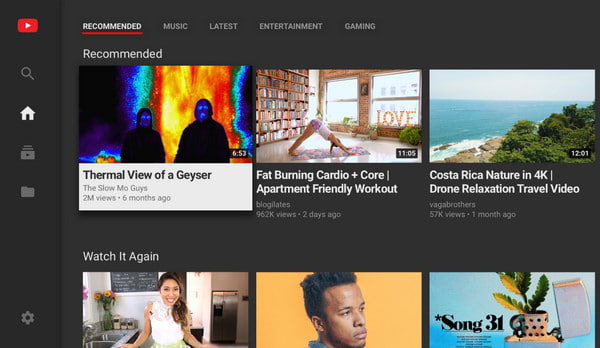
YouTube is the most flexible and popular platform for 4K content. It has a huge variety of content. You can watch many types of videos on YouTube, including movie trailers, cinematic clips, documentaries, and user-uploaded 4K videos. It supports 4K and even 8K playback. Many videos also support 60fps and HDR. Unlike paid platforms, YouTube is free but with ads.
3. Tubi
Best for: Users who want to watch free 4K films without a subscription.
Price: Free
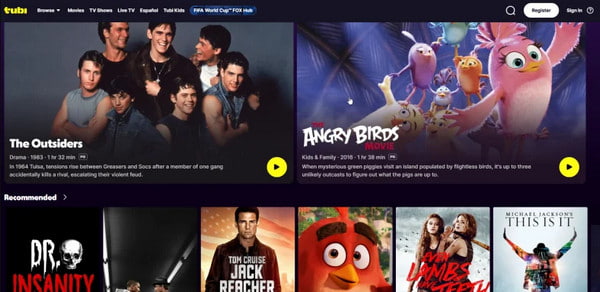
Tubi is a completely free streaming platform with plenty of official 4K movies and TV shows. You do not need any subscription fee to watch its 4K content library. Tubi marks all 4K resources clearly, so you can quickly find high-definition videos. It only plays short ads during playback to keep the service free. Compared with other streaming services, its 4K content collection is relatively limited.
4. Sony Pictures Core
Best for: Home theater enthusiasts who care about the highest 4K movie quality.
Price: Movie rental: ~$3.99-$5.99; Movie purchase: ~$9.99-$24.99
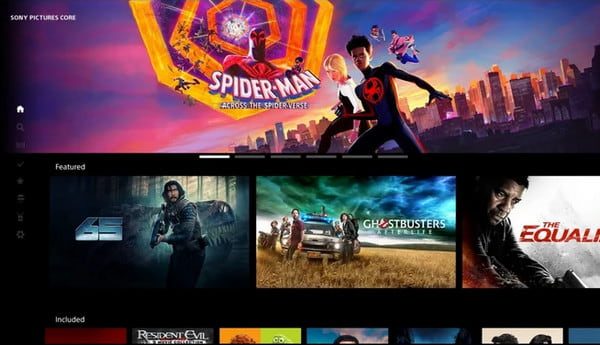
Sony Pictures Core is a professional streaming platform dedicated to theater-level 4K visuals output. This platform provides exclusive Sony movie resources. Its 4K films look sharper and more vivid than many ordinary platforms. The service is specially optimized for Sony smart TVs. You can get the clearest 4K output on Sony devices. Part of its 4K content is free, and you can purchase or rent certain movie.
5. Amazon Prime Video
Best for: Users who want a large 4K movie library and watch newly releases, rentals with flexible viewing options in one platform.
Price: $14.99/month or $139/year
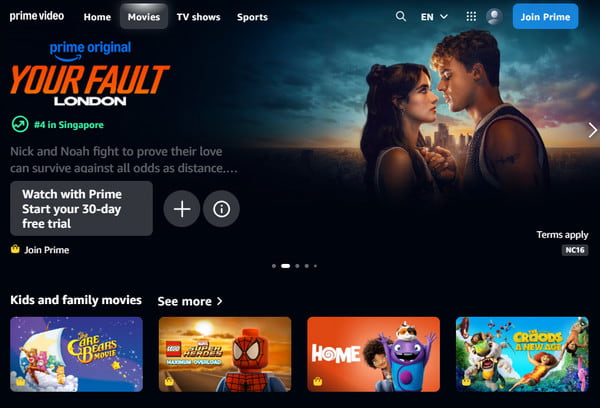
Amazon Prime Video is a comprehensive 4K streaming platform with fast content update speed and diverse resources. It offers a one-stop viewing mode. That means users can watch subscribed series, rent newly released movies, or purchase permanent high-definition copies on it. Once you have a Prime subscription, you can watch all best 4K Blu-ray movies and series for free, with no extra fees.
6. Pluto TV
Best for: Users who prefer free live TV-style streaming and want channel-based entertainment without choosing specific movies.
Price: Free
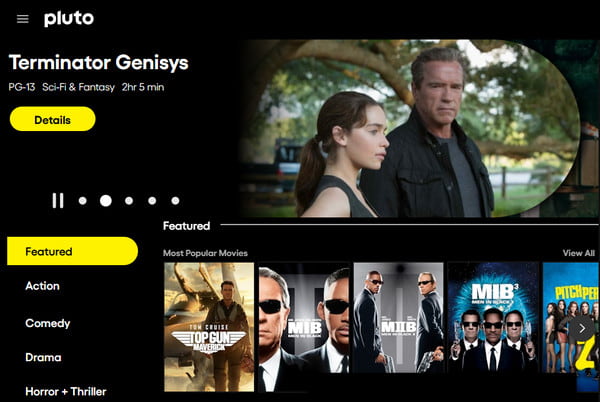
Pluto TV is a platform that combines live TV channels and on-demand free 4K movies. It provides hundreds of free live channels and a large collection of 4K movies and classic episodes. This platform simulates a traditional television viewing experience. You can simply open and watch 4K movies without manually selecting. It is extremely suitable for background playback and casual viewing.
7. Disney+
Best for: Families and fans of Marvel, Star Wars, and Pixar who want consistent 4K HDR movies.
Price: Start from $9.99/month
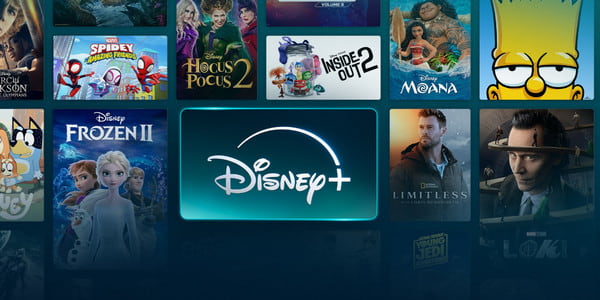
Disney+ is the top family-friendly platform for 4K streaming. Disney+ features stable top-tier picture quality and a powerful exclusive IP ecosystem. It provides complete 4K UHD, Dolby Vision, and Dolby Atmos support. All classic hits from Marvel, Star Wars, Disney animation, Pixar and National Geographic are available in stunning 4K visuals.
8. Apple TV
Best for: Apple users who want premium-quality original 4K content and a high-end streaming experience.
Price: $9.99/month
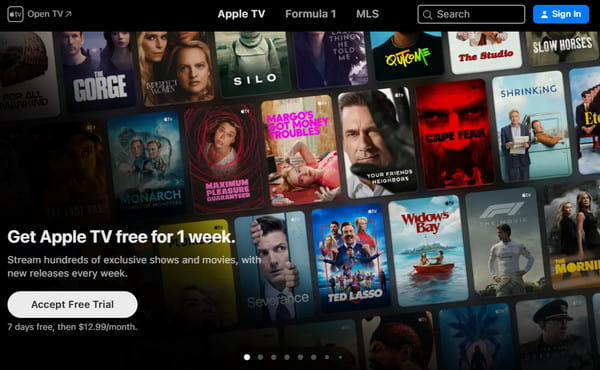
Apple TV+ is a high-end boutique streaming platform that insist on premium, film-level 4K content output. Almost all original series, movies, and documentaries on Apple TV+ support full-standard 4K HDR, Dolby Vision, and Dolby Atmos. The platform is deeply integrated with the Apple ecosystem, supporting seamless playback and cross-device synchronization on iPhone, iPad, Mac, and Apple TV boxes.
Optional Tips to Improve Your 4K Viewing Experience
To fully enjoy 4K movies, the streaming site is only part of the experience. You also have to learn these tips:
Choose the right 4K display
Make sure your TV or monitor supports 4K resolution and HDR formats or Dolby Vision. You can adjust brightness and contrast based on your room lighting to avoid washed-out or overly dark scenes.
Optimize playback
Ensure you have a stable internet connection for smooth playback. Choose a compatible browser like Chrome or Safari. Close background applications to free up system resources, and enable hardware acceleration on PC.
Use a screen recorder for reviewing
If you want to save or rewatch moments, a screen recorder can help you capture wonderful clips. AnyRec Screen Recorder supports high-quality 4K recording with clear audio output. It also allows you to record webcam, microphone and system audio simultaneously.
Secure Download
Secure Download
How to Watch Local 4K Movies for Free
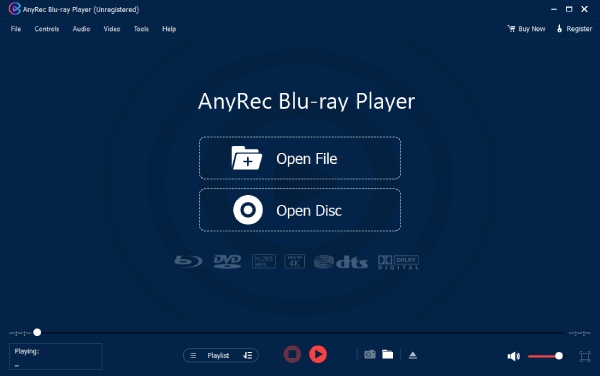
Many users also have local 4K movie files stored on their computers or Blu-ray discs. Which way is the best to watch movies free in 4K? AnyRec Blu-ray Player is your perfect choice. The multimedia player can play DVD, Blu-ray disc, ISO folders and more file formats with 4K resolution and Dolby Atmos. You don't need to convert any files, just drag and drop or a simple click, then you can enjoy your movies with the lossless visual and audio quality.
How to play Blu-ray discs on a computer:
Step 1.Install and launch the 4K video player software, and insert your Blu-ray Disc or DVD disc into the internal drive on your computer. Click the Open Disc button, then select the name of the Blu-ray/DVD disc you just inserted.
Secure Download
Secure Download
Step 2.In the menu, you can adjust settings as you like. Then click Play to start watching high-definition movies.
Conclusion
At the end of the day, have you found your desired streaming sites to watch 4K movies? Hopefully, this guide helped you narrow things down a bit. There are more options out there, but the right one usually depends on what you care about most, maybe the quality, convenience, or free access. Now it's your turn to explore and enjoy a 4K viewing experience!
About Our Author