8 High-Quality Tools to Increase Photo Resolution Online Free

If you want to know how to increase the resolution of an image online for free, then you've come to the right place. When you take a photo from an excellent angle and with a wide view, but later find that it is not clear enough, this skill can effectively help you. If you happen to have such photos in your possession, then start reading this post right now to search for the method that can bring them back to life. These high-quality tools can help you increase photo resolution online for free without signing up.
Guide List
Things to Consider Before Increasing the Resolution of Images How to Increase Photo Resolution Online Free with High Quality Other Reliable Tools to Increase Photo Resolution Online for FreeThings to Consider Before Increasing the Resolution of Images
Before increasing the resolution of your images, a crucial step is to understand the basic knowledge concerning resolution. In simple terms, the resolution determines how much detail your image can contain.
Generally speaking, the higher the resolution, the more pixels or DPI will be detected in the images, and these will be reflected in the clarity of the images. However, how can the tool determine which pixels should be filled in order to enhance the details of the image rather than making the blurry areas even blurrier? This is related to the processing capacity of the tool.
How to Increase Photo Resolution Online Free with High Quality
How can you enhance the resolution of an image while ensuring that the optimized pixels can reveal more details to make your images clearer? AnyRec AI Image Upscaler offers reliable AI algorithms to assist you in automatically identifying the parts of the images that need optimization, so that they can display more details. Such advantages ensure that your images will appear more realistic while maintaining their natural appearance.
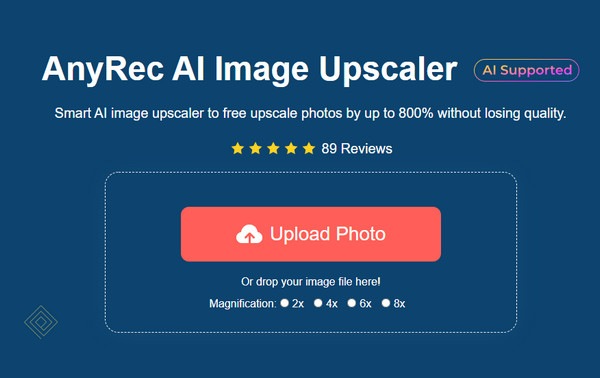
Key Features
- • Increase photo resolution to display all the details better, more clearly.
- • Advanced AI technology to help you automatically enhance photo resolution.
- • Manual adjustments are allowed after the automatic enhancement process.
- • Support multiple image formats, including JPG, PNG, BMP, etc.
Step-by-Step Guide
Step 1.Visit AnyRec AI Image Upscaler.
Step 2.Upload your photos to increase.
Step 3.Choose a magnification at the top.
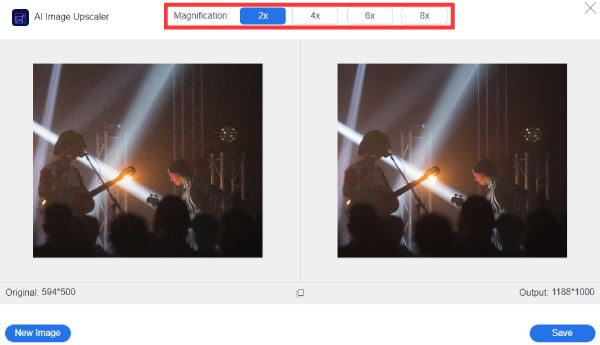
Step 4.Click "Save" to start increasing photo resolution online for free.
Other Reliable Tools to Increase Photo Resolution Online for Free
There are also other tools that can help you increase the resolution of images online for free. However, if you directly search on the search engine, you will find that numerous results are difficult for you to distinguish. In fact, many of them are unable to effectively help you increase the resolution of an image for free. But don't worry. If you need to find other reliable tools, this section has recommended several options after conducting tests for you:
| Tool Name | AI Quality | Best For | Processing Speed | Ease of Use | Key Limitation |
| Upscale.media | High | General image enhancement | Fast | Very Easy | Limited customization |
| Let’s Enhance | High | Professional photos | Medium–Fast | Easy | Credit-based free usage |
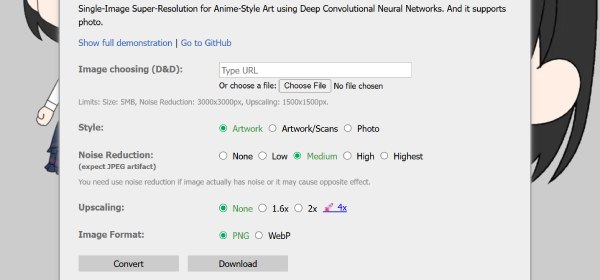
| Waifu2x | Medium | General image enhancement | Medium | Easy | Not ideal for real photos |
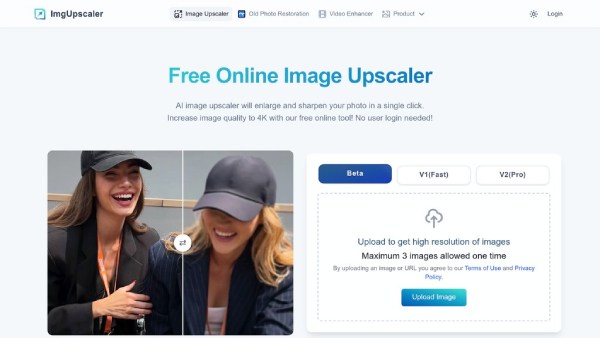
| ImgUpscaler | Medium-High | Batch image processing | Medium | Easy | Upload size limits |
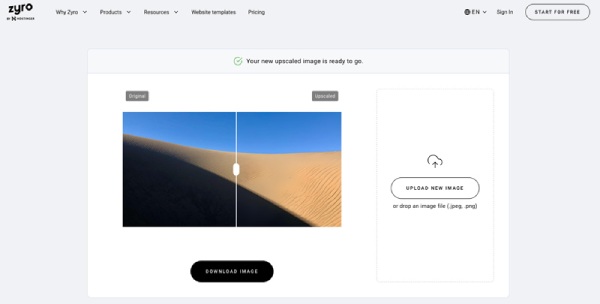
| Zyro AI Upscaler | Medium | Quick basic enlargement | Fast | Very Easy | Basic enhancement quality |
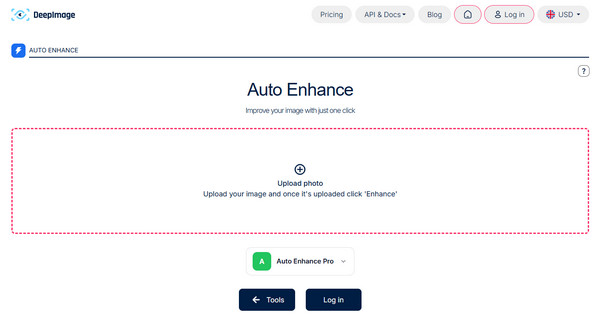
| Deep Image AI | High | Professional/high-detail use | Medium | Easy | Credit-based system |
1. Upscale.media
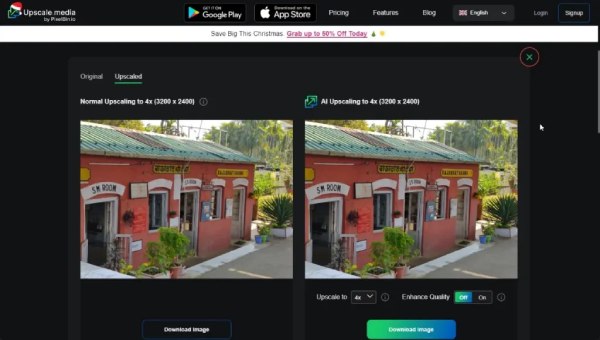
In order to enhance the resolution of the image for better quality, AI-powered tools are largely necessary. Upscale.media offers such convenience. After you upload the image, it will analyze the entire image to determine which parts need to be enhanced. You don't need to perform any more actions as the AI algorithm will assist you in converting low-resolution images to high-resolution.
- Pros
- Fast AI processing speed
- Support most common formats
- Not too many manual steps required
- Cons
- Manual adjustment is limited
- A size limit for the free plan
- Upgrade to the premium plan to use advanced features
2. Let's Enhance
Also, with the assistance of AI, Let's Enhance is a reliable option for increasing the resolution of images online for free. Compared to the traditional manual adjustment, AI will automatically analyze your picture and optimize it. After testing, it was found that this could provide better correction for lighting and color.
- Pros
- High-quality AI enhancement for free
- Automatic lighting and color correction
- Professional-garde output photos
- Cons
- Cannot deal with too many photos in one day
- Account registration is required to start the process
- The speed of its server can be a little bit slow
3. Waifu2x
Apart from real images, many people may need to process anime images. So, how can you increase the resolution of these images? Waifu2x provides the answer. If you have been dealing with anime images frequently before, then you surely won't be unfamiliar with it, as it has been providing image processing services for many users for many years. To this day, a Waifu2x alternative is hard to find because it remains one of the best online tools for processing anime images.
- Pros
- Completely free to use
- A famous tool for many years
- Work extremely well on anime images
- Cons
- The interface can be outdated
- Not ideal for real photos, especially portraits
- The enhancement can take a considerable time
4. ImgUpscaler
If you have a lot of images that need to be processed, then ImgUpscaler would be a great choice to help you increase the resolution of your photos online for free. When many free online tools are unable to perform batch processing of image enhancements, ImgUpscaler fills this gap. Although processing multiple photos simultaneously may result in insufficiently clear output photos, it still meets the needs of most daily situations.
- Pros
- Batch processing supported
- A quick processing speed
- Support multiple photo formats
- Cons
- Upload size limitations for each photo
- Output quality may be low for batch tasks
- Pay to unlock more advanced features
5. Zyro AI Image Upscaler
Zyro AI Image Upscaler is primarily designed for lightweight image processing tasks. This means that when you choose to use it to increase the resolution of images for free, it mainly considers the processing speed of the images. Of course, this does not mean that the final image effect will be blurry. It's just that compared to other tools, it cannot make every detail perfect. However, many users still choose it because of its fast processing speed.
- Pros
- Very simple workflow even for beginners
- Fast browser-based processing
- Its server can support heavy works
- Cons
- Limited customization features
- The overall performance of AI is not good
- Only suitable for daily or personal uses
6. Deep Image AI
Just as its name suggests, Deep Image AI utilizes the deep logic of AI to increase the resolution of images online for free. This means that during the process of handling the image, it will directly operate on the pixels within the image. In this way, every detail in your photo will come to life. However, it should be noted that this will, to some extent, sacrifice processing time.
- Pros
- Strong AI enhancement quality
- Provide secondary sharpening of the details
- Professional-level photo enhancement
- Cons
- Free credits are limited for everyday uses
- An account is required to enhance your photos
- It can be slower due to its working logic
Conclusion
This post offers you a lot of methods that can help you increase the resolution of photos online for free. You can choose the tool that suits you based on your own needs, including quality, time, and file format. Overall, AnyRec AI Image Upscaler can handle almost all situations and help you quickly make the images look better.
About Our Author