




General Images
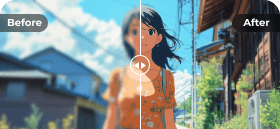
Animation

All photos will be deleted automatically within 2 hours.
E-commerce Product Photos
Upscale low-resolution product photos for Amazon, Shopify, Etsy, etc. Make images look sharper and professional.
Portraits
Upscale old photos and family pictures to improve clarity of faces before printing, sharing, or archiving.
Cartoon Images
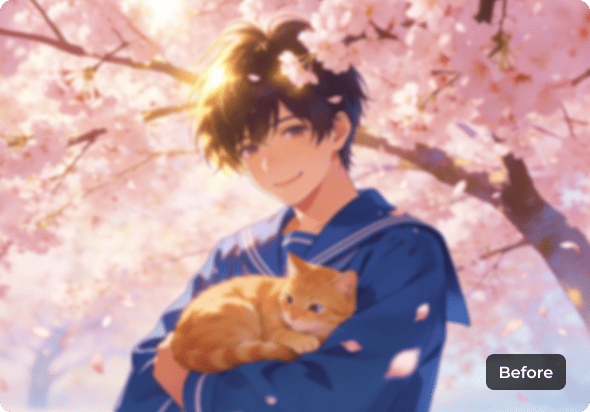
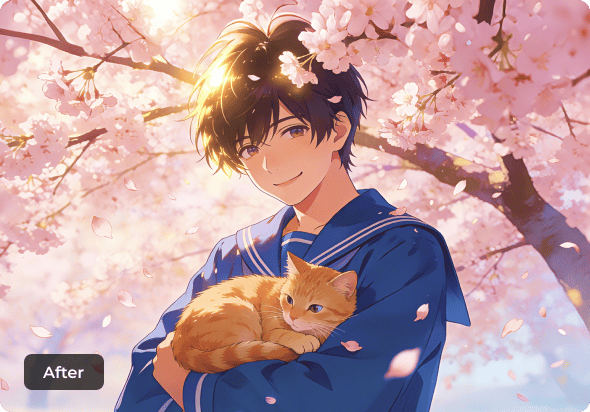
Fix pixelated anime, cartoon images, and vintage manga. Then upscale the anime to 4K without blurriness.
Text Images
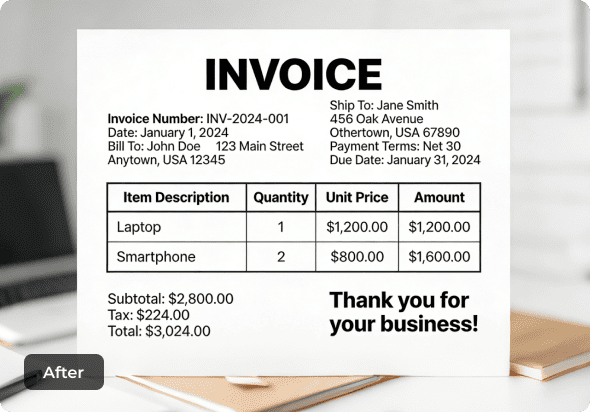
Enlarge screenshots and keep text clarity. You can upscale scanned documents, contracts, invoices, etc.
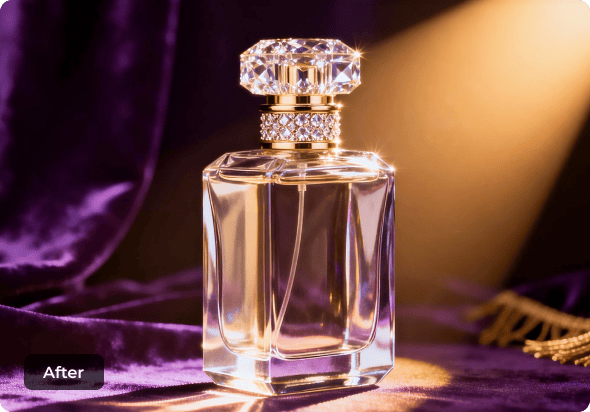






In e-commerce, many sellers rely on supplier images, old listings, or compressed files. However, those low-resolution images make your products look cheap and untrustworthy.
No worries, AnyRec AI Image Upscaler helps you enlarge images without losing clarity. It increases image size up to 8× by restoring pixels, colors, and fine details. You can quickly upscale photos online for product photos, printing, online stores, real estate listings, or social media sharing.

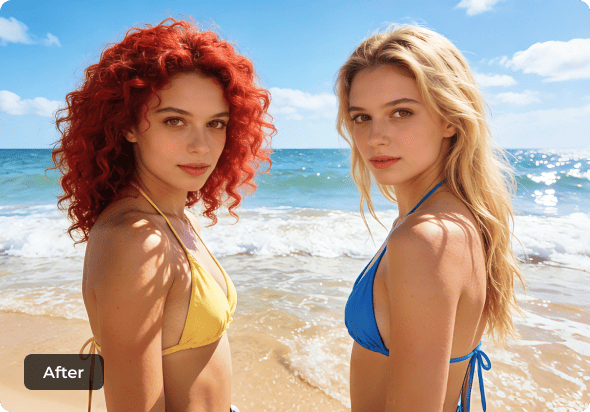
AnyRec AI Image Upscaler uses AI technology to upscale portrait images from 200% to 800% without losing texture or facial detail. You can hover your mouse above the image to check the instant before-and-after preview.
The AI photo upscaling technology improves skin tone, enhances colors, and increases resolution at the same time. You can make portrait photos larger in pixels without looking soft or distorted. No AI tone.
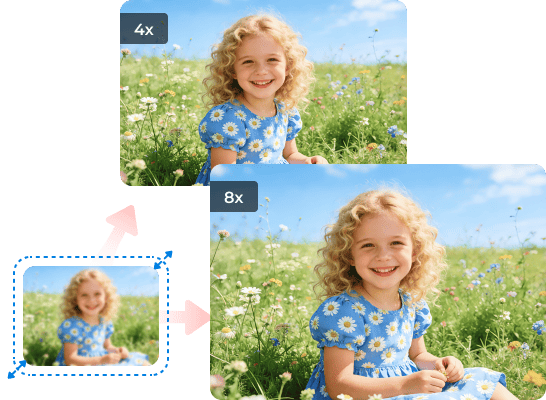
This online anime upscaler sharpens line art, reduces noise, removes blur, refines edges, and restores color clarity while improving low-quality anime and cartoon images. You can upscale waifu images, manga, anime profile pictures, wallpapers, and cartoons by 2× to 8× without losing detail.
AnyRec AI Image Upscaler is trained for anime-style visuals, helping pixelated artwork look clean and sharp again. The built-in anime-focused AI training system can enlarge and enhance anime-style visuals naturally.

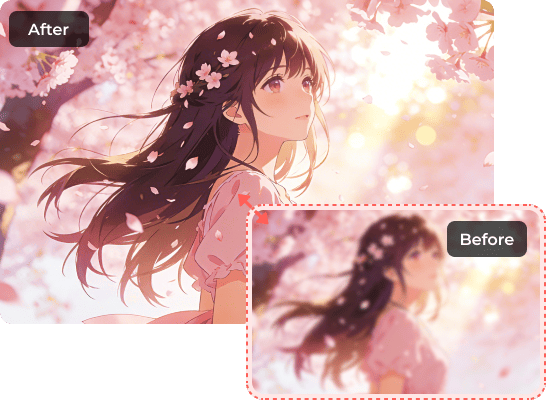
AnyRec AI Image Upscaler helps you enlarge all types of images online accurately and safely on Windows, Mac, iOS, and Android. You can upscale images up to 4096×4096 pixels in popular image formats, including JPG, PNG, BMP, and TIFF. Just upload your photo and select an image scale from 2× to 8×.
Different from traditional photo resizing, you can upscale and enhance images without quality loss. Our AI-powered image upscaler keeps updating the algorithm. So, you can get high-quality image enlargement and stunning details in seconds.
Upscale Image NowFrequent Update
Stay up-to-date with new upscaling algorithms and functions.
Various Formats
Upscale images in JPG, JPEG, PNG, BMP, TIFF, TIF, and other popular formats.
Upcoming Feature
Batch Processing
Batch upscale images online, max 50MB each.
Privacy Protected
All your uploaded images will be deleted from our server automatically.

Use AnyRec AI Image Upscaler to enlarge and enhance images without losing quality, blur, or pixelation. Enjoy clear and sharp results powered by AI upscaling technology.
Add Image
Upload your portrait, product photo, family photo, or anime pictures.
Enlarge Image
Choose from 2×, 4×, 6×, and 8× to increase image resolution.

Upscale Now
Click the "Save" button to upscale the image to 4K, then download it.
Does AI image upscaling really work?
Yes. It uses artificial intelligence algorithms to improve the image resolution and make your image larger than before. Some image upscalers may lead to pixelated, distorted, or degraded images. To get the best results, you can try AnyRec AI Image Upscaler.
Will upscaling images increase their size?
Yes. AI image upscaling adds more pixels to the original picture. So your image will be in a larger file size. But be aware that AI upscaling won’t improve image quality. So your image looks the same before and after upscaling.
How can I upscale photos on my iPhone?
You can use an online tool (such as AnyRec AI Image Upscaler) or third-party image upscaler app (such as Pixelup, Topaz Gigapixel AI, etc.). Check the price and limits of this AI tool in advance. Later, you can upload your image, select the upscaling method, and download the upscaled image to your iPhone or iPad.
Can I upscale old photos?
Yes. AnyRec AI Image Upscaler can upscale and enhance old photo details up to 8x. To get a better result, it is highly suggested to restore old portrait photos online first before upscaling.
What are the differences between AnyRec AI Image Upscaler and Photoshop?
Both tools are suitable for image upscaling. AnyRec AI Image Upscaler is a free tool designed for quick image enlargement and upscaling on multiplatform. Photoshop is an expensive and professional photo editor for complex image editing. So if you want a simple and free image upscaler, AnyRec can be your better choice.
Is it safe to upload my private photos?
Yes. Your uploaded images will be deleted in 2 hours to protect your data. If you sign up for a user account, you can keep your upscaled image up to 7 days in "AI Works". Of course, you can delete certain upscaling history manually.
Can I use the upscaled images commercially?
Yes. All your upscaled images are free for commercial use. So you can upscale e-commerce product photos and social media pictures with AnyRec AI Image Upscaler without extra fees.
Will the upscaler work for cartoon or anime images?
Yes. AnyRec AI Image Upscaler has updated with the anime upscaling function. You can switch to the "Animation" mode and click the "Upload a Photo" button to upscale anime and manga images. Compared with Waifu2x, ESRGAN, and other open-source upscalers, our product can upscale anime to 4K with AI losslessly.
Does it keep text sharp and readable in image upscaling?
Yes. AnyRec AI Image Upscaler can upscale and enhance images with legible text. You can upscale photos that are primarily text, including scanned books and small texts.
Can I upscale faces and people photos without distortion?
Yes. You can make images larger while keeping edges sharp and faces clear. AnyRec AI Image Upscaler can be your AI face upscaler too.
Will it cause artifacts or unwanted changes?
No. It can keep colors accurate without weird saturation based on the advanced AI image upscaling algorithm. So you can enlarge images and increase image resolution naturally.
Will it preserve transparency in PNGs after upscaling?
Yes. You can upload a PNG image for upscaling, and then download it in the PNG format too. If you want to upload a JPG image and get an upscaled image with a transparent background, you can convert JPG to transparent PNG online first.
Is there a free trial or free credits to test it first?
Yes. Sign into the AnyRec user account and get 3 free credits every week. You can upscale an image by 200% for 1 credit. No attached watermark.




Bigger images, clearer details, better results.
Served Users Worldwide
Upscale Image Now
Original:
Upscaled:
AnyRec Image Upscaler
Thanks for your feedback!
What could we do better? (Multiple choice)
0/300
Submit Feedback follow us on Facebook
 follow us on X (Twitter)
 follow us on YouTube
Copyright © 2026 AnyRec Studio. All Rights Reserved.