



Convert any video to 1000+ formats/devices at 120x faster speed without losing quality.
Secure Download
Secure Download
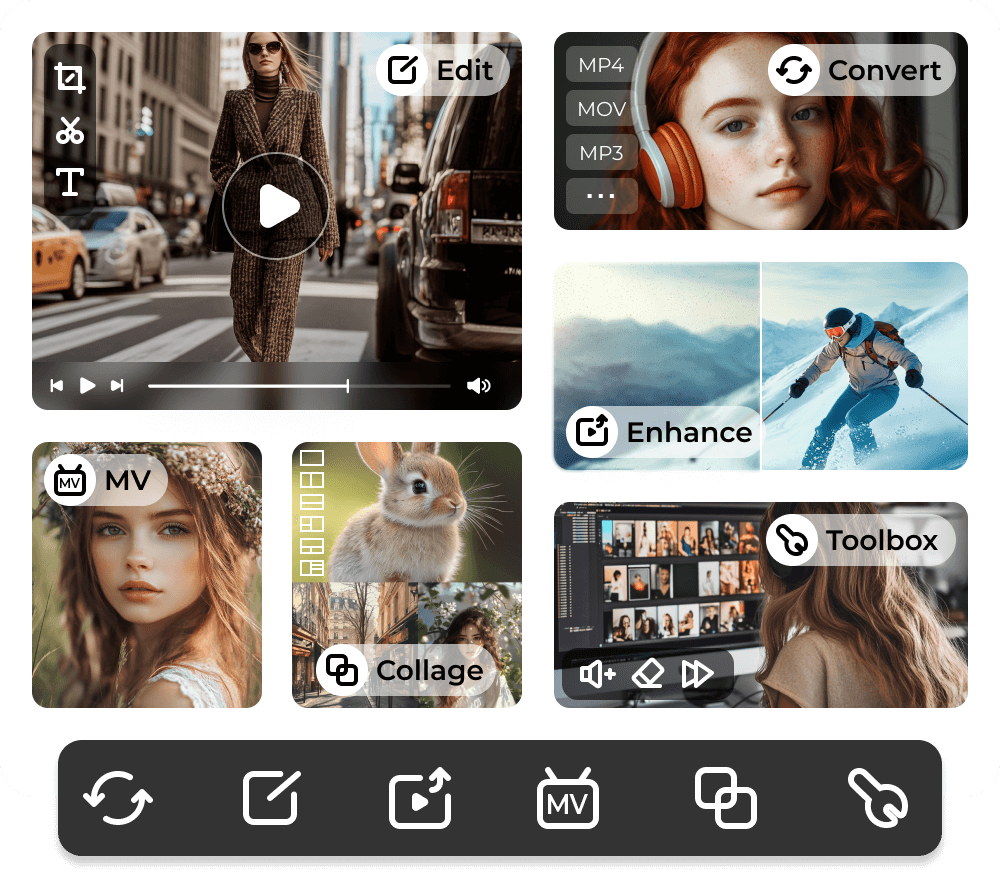
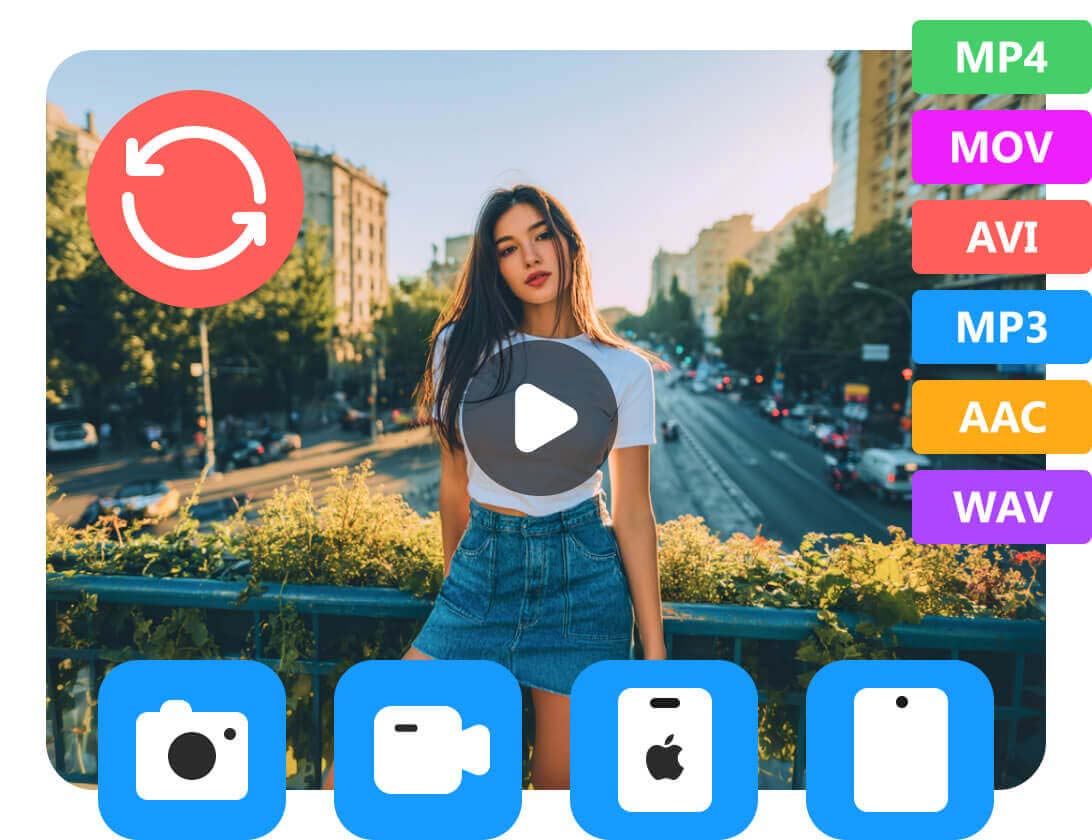
Convert Video to MP4, MP3, and 1000+ Formats
You can convert to and from 1000+ popular video and audio formats, including MP4, MOV, AVI, MP3, WAV, and more. There is no need to download different converters for different files. Just open the tool, pick your format, and convert.
Change Video for Any Device
There are hundreds of ready-made presets for iPhone, iPad, Android, Samsung, Xbox One X/S, Switch, etc. Choose your device from the list and convert it. The output will play smoothly on that device. You can get optimized preset settings or customize them.
Batch Video Conversion
Whether you have 10 or 100 files in different formats, the process is the same. Just set the output format once, and then let AnyRec Video Converter do the rest. No repeating steps. No long-time waiting.
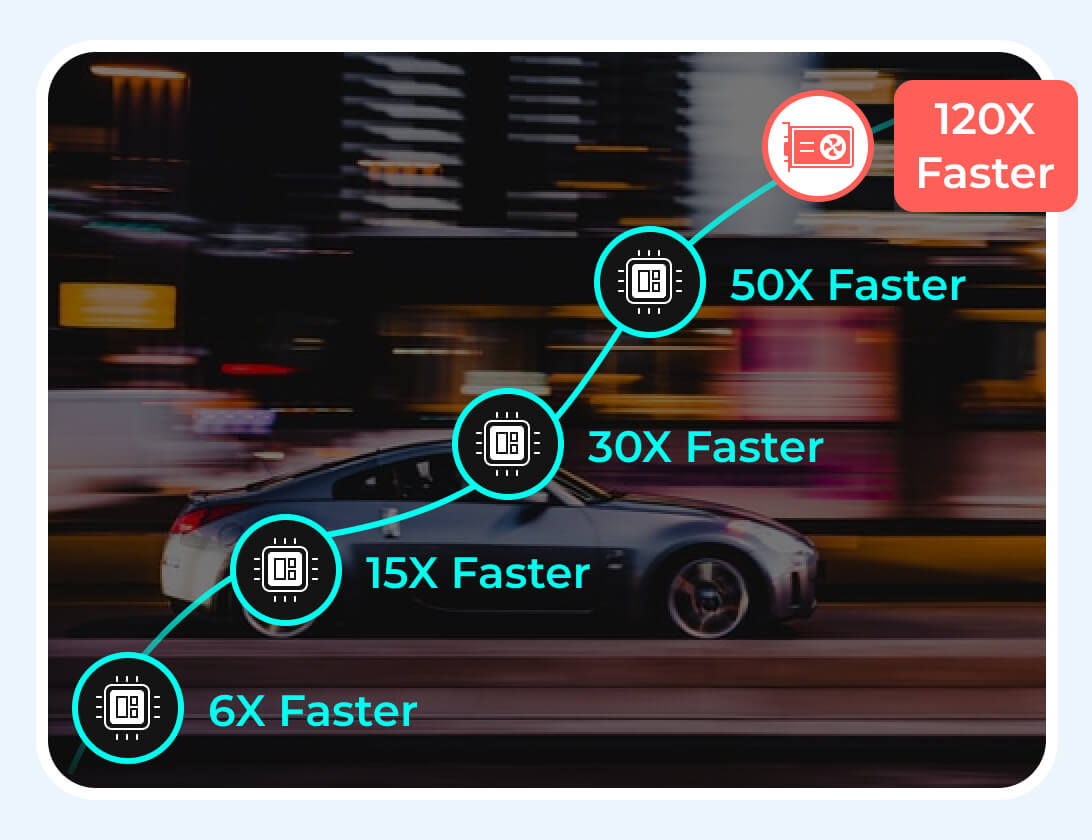
Hardware Acceleration
With the NVIDIA, AMD, and Intel GPU acceleration, you can batch convert video and audio files at 120× faster than before. Your computer stays responsive while converting large files or editing 4K videos.
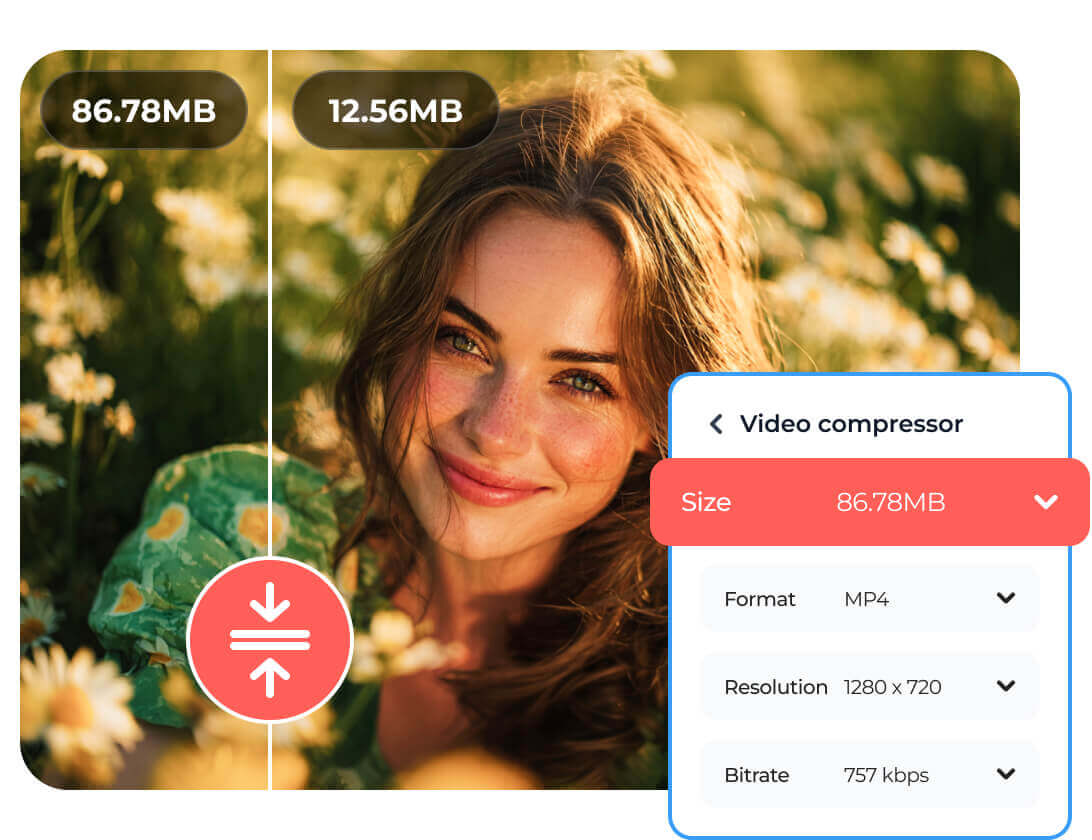
In most cases, a 4K video is too large for sharing or sending. If you want to reduce the video file size fast while keeping the video looking good, you can use AnyRec Video Converter. Go to the Toolbox section and find the Video Compressor. Later, you can shrink the video file size flexibly.
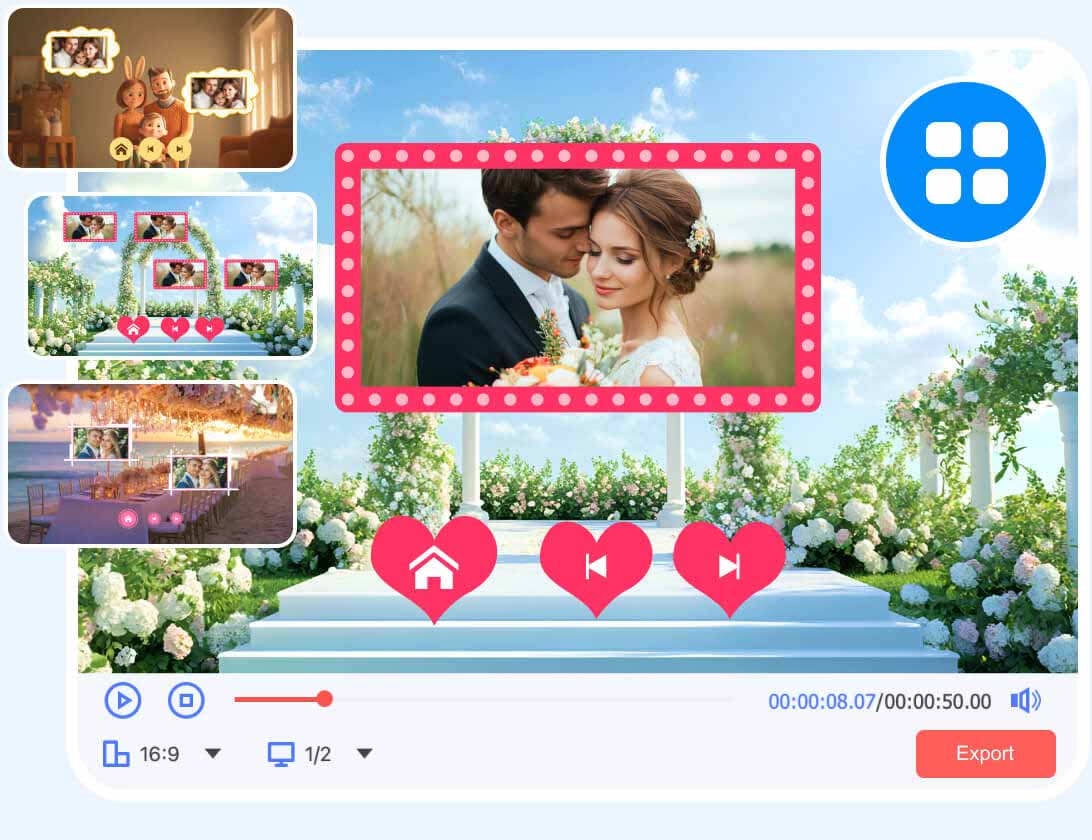
If you want to turn hundreds of photos (birthdays, trips, family moments, and more) and RAW files into a real video, the built-in MV Maker can help. Add your photos and videos, pick from the ready-made themes, and upload background music. You can edit each clip, add a filter, and rearrange the order until it feels right.
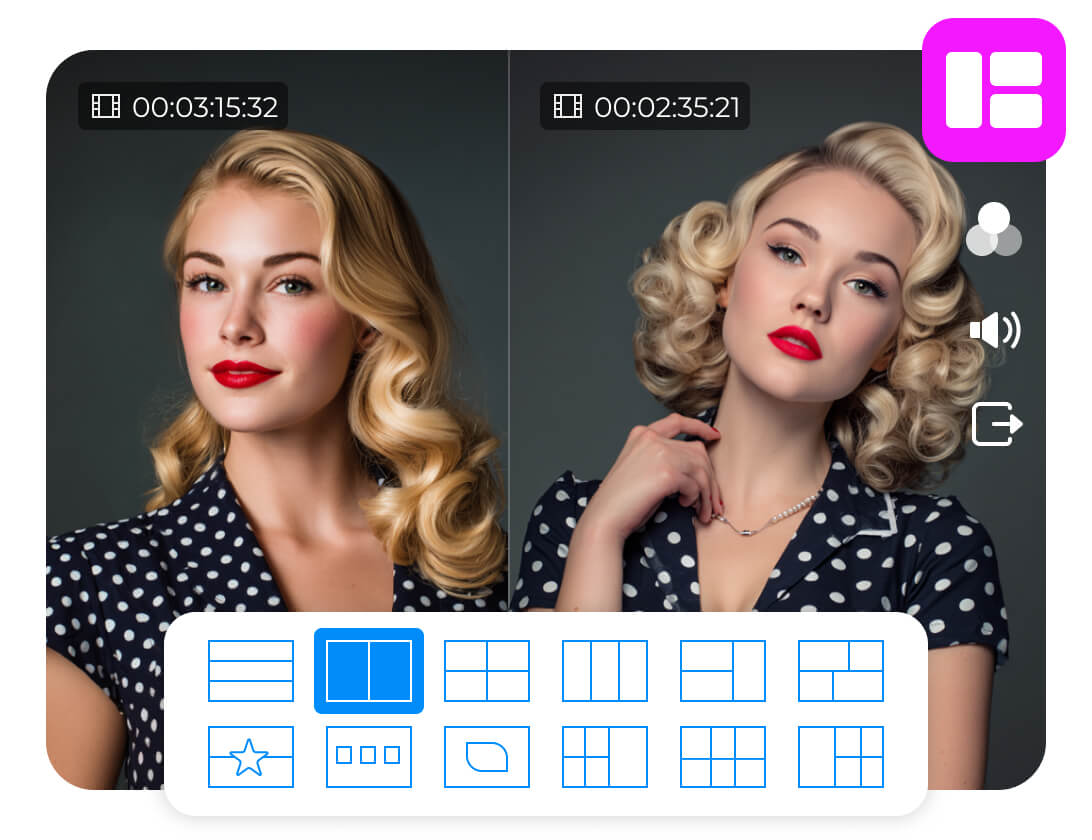
Putting two videos side by side sounds simple. But most video editors make it complicated. Actually, you don't need to deal with timelines, keyframes, position settings, and other settings. The split-screen video editor skips all of that. Choose a layout template, import your videos or photos, and you are done.


Rotate, Crop, Trim, Merge Your Video
Rotate your video to the correct orientation, crop the frame, trim a long video, and merge multiple clips into a video here.
Add Video Effects and Filters
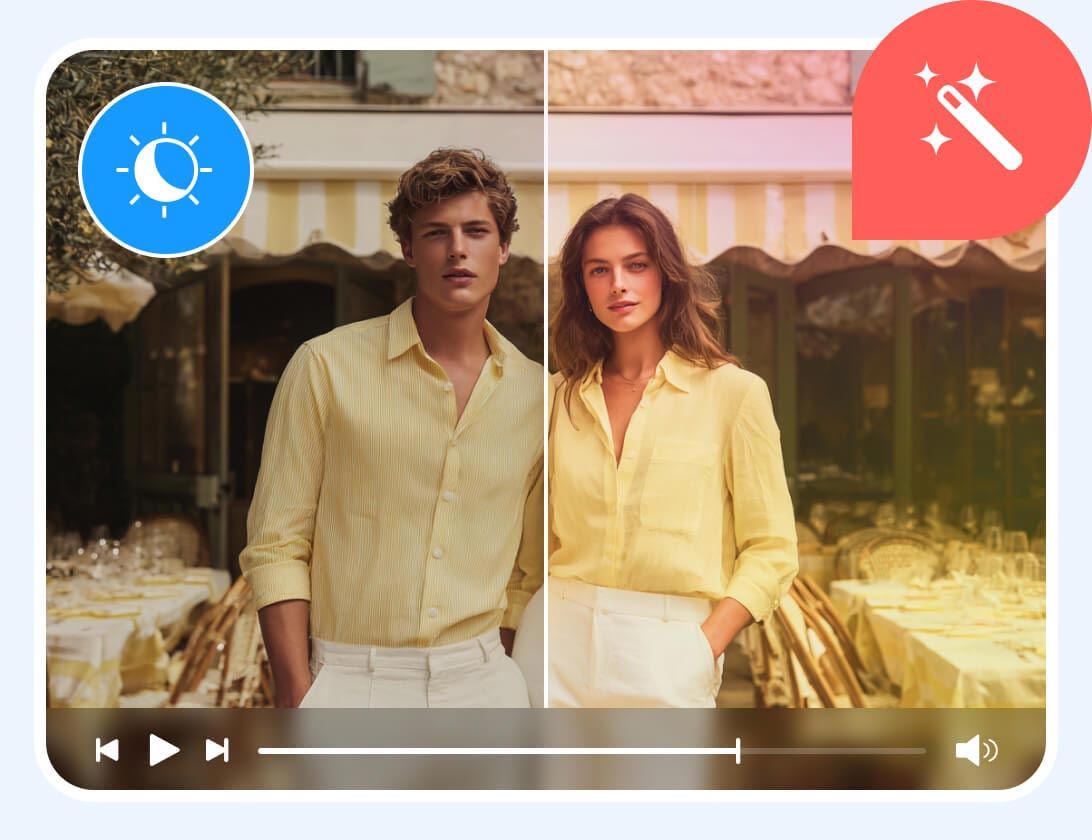
Filters and effects can change your video's mood instantly. Pick from a range of visual effects, then adjust brightness and contrast.
Add or Remove Watermark from Video
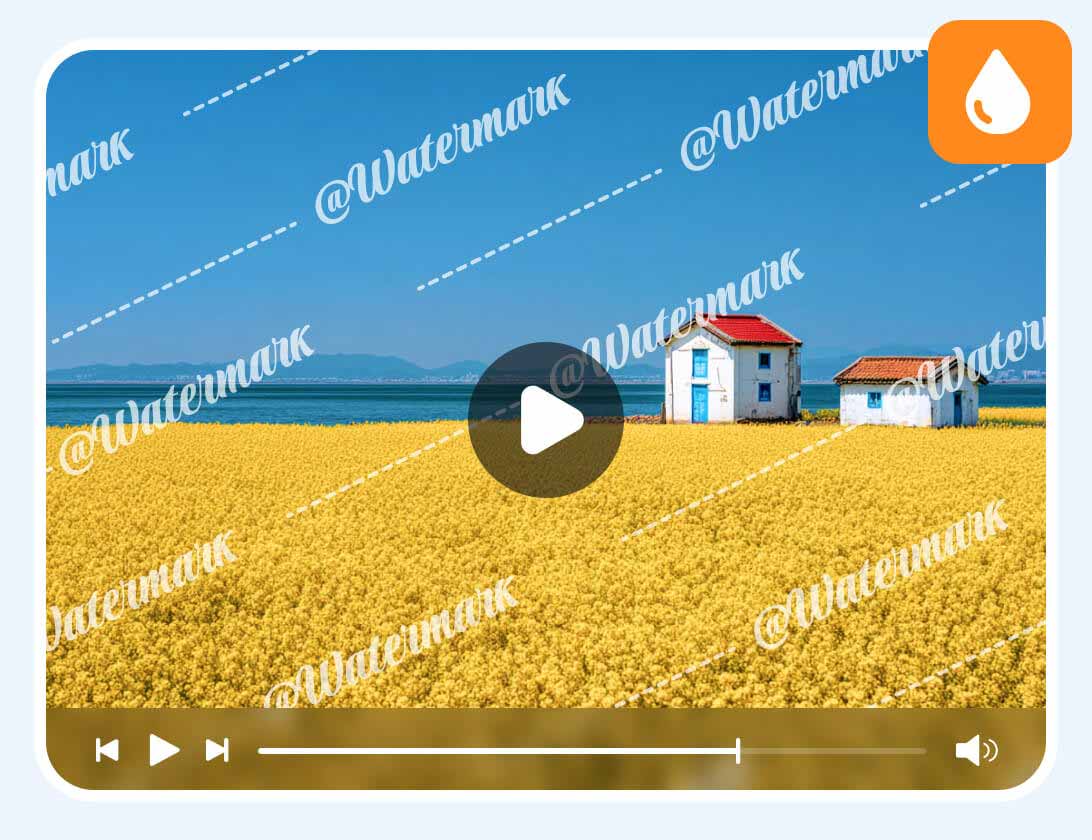
Whether you want to add your own logo or remove unwanted watermarks from a video, you can handle video watermarks flexibly.
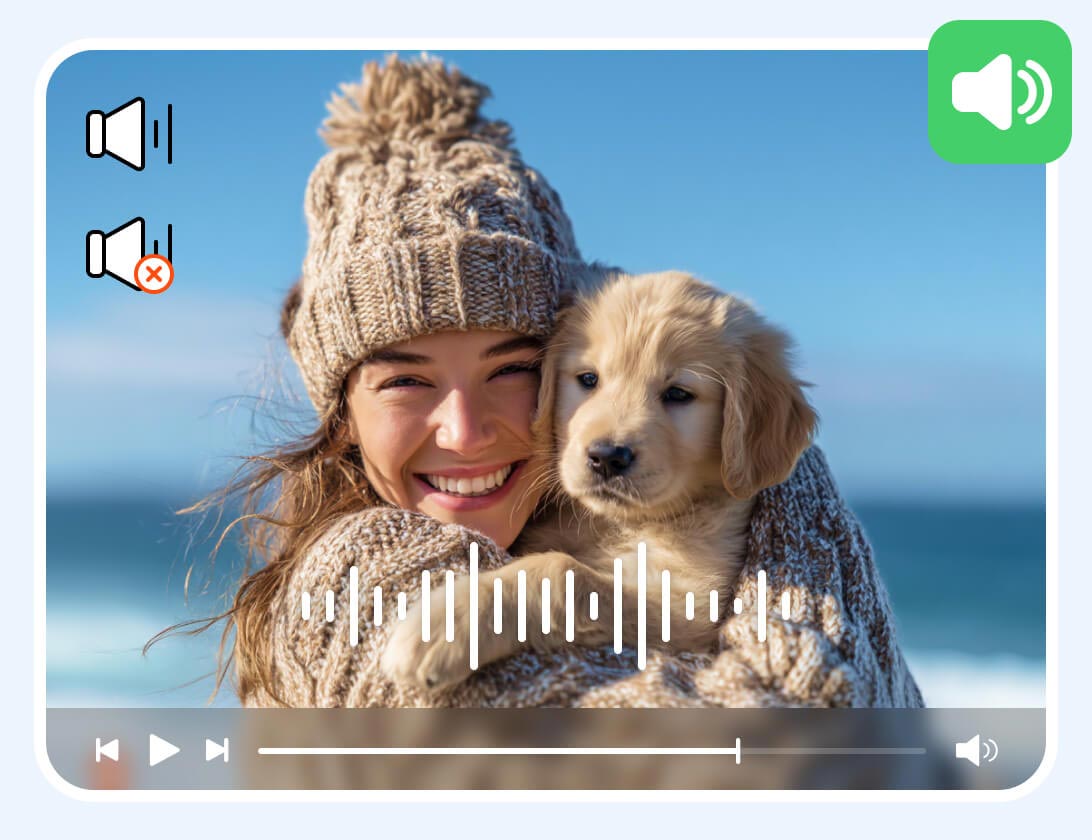
Insert or Delete Audio Tracks
Not every video comes with the right audio. You can add, replace, and delete the original audio track completely.
Add Subtitles to Videos
A video with subtitles gets more views and engagements. Whether you want to add captions or subtitle texts, this tool makes it straightforward.
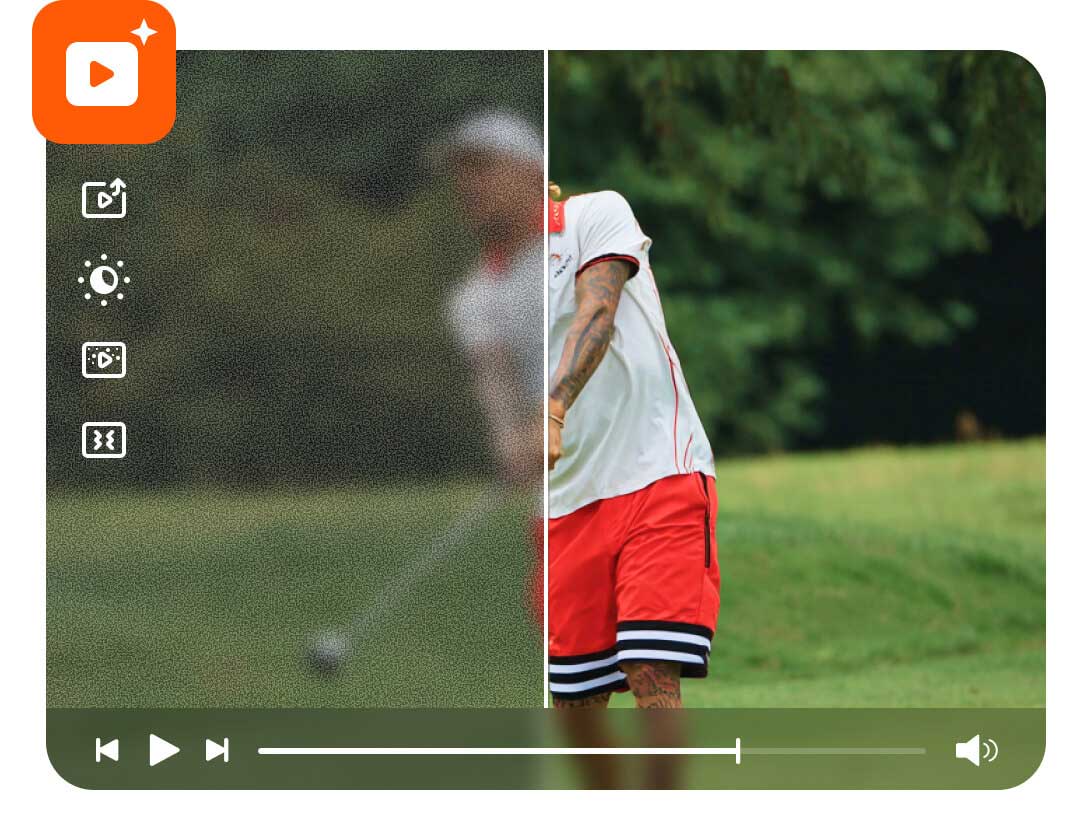
A video shot on an old phone or in a dark room often looks unwatchable. Is there any way to fix a video that is too grainy, too dark, too blurry, or too shaky? The answer is Yes. You can use the Video Enhancer to fix video colors, sharpen the details, reduce video shaking, and clean up the noise in just a few steps.
Jump betwwen different programs to edit a video is a waste of time. Thus, AnyRec Video Converter collects popular video editors into the Toolbox section. Everything you need is in one place. No learning curve. No switching between programs.
Media Metadata Editor
Edit the metadata of your video and audio file.
Noise Remover
Remove background noise and unwanted sound from your video.
GIF Maker
Convert, edit or add GIF to any video without any hassle.
3D Maker
Add 3D effects and generate a 3D video.
Video Speed Controller
Speed up or slow down a video from 0.125x to 8x.
Video Reverser
Make any video backwards with the video reverser software.
Volume Booster
Lower or increase the volume of a video. Or make MP3 louder.
Color Correction
Color correct video of contrast, saturation, brightness, and hue.
File Date Changer
Change file date details of creation and modification in batch or individually.
Audio Sync
Make the audio track sync with your video.

100% Safe
Protect with 256-bit SSL certificate. No virus or ads.
Free to Try
The desktop video editing software is free to download and try.
Fast & Easy
Intuitive UI and hardware acceleration for video editing.
All-in-one Solution
Convert, edit, and compress videos and audios in one stop.

Melissa Hughes


 Tried a lot of converters that claimed to support every format, but always failed on MKV or HEVC files. This one actually works. Converted 200 files without a single error. The output quality was clean, too.

Bruce Etchison
I needed to convert audio files for a podcast project. WAV files to MP3, all at once. The batch conversion handled 60 files in minutes. The audio quality on the output was exactly what I needed. Simple and fast.

Shonda Espinosa
I had a video with really bad background music that I could not stand. Deleted the audio track, added my own music, and exported it. Took less than 3 minutes. That feature alone made the whole thing worth it for me.

Roger Dean
The split-screen feature is useful. I make before-and-after videos for my clients, and setting up a side-by-side layout used to take forever in other editors. Here I pick the template, drop in the clips and done.

Fern Marshall
I had old home videos from years ago that looked really bad. Grainy and dark. The video enhancer cleaned them up noticeably. They are not perfect, but they look so much better than before. Really happy with this.



Secure Download
Secure Download
 follow us on Facebook
 follow us on X (Twitter)
 follow us on YouTube
Copyright © 2026 AnyRec Studio. All Rights Reserved.



