iPhone Ringtone Maker - 6 Tools to Make A Unique Ringtone for Your iPhone 17

Are you as tired of the original ringtone of the iPhone as I am? Fortunately, there are many iPhone ringtone makers that can create your unique ringtones, such as iTunes. However, iTunes is complex to use and are not suitable for novices. Don't worry! This article will recommend six free iPhone ringtone maker applications, which allow you to create ringtones directly with your favorite songs on the iPhone 17.
Guide List
Part 1: The Best Free iPhone Ringtone Maker to Create High-quality Audios Part 2: 5 Free iPhone Ringtone Maker Applications You Can Try Part 3: How to Set a Song as iPhone's Ringtone Part 4: FAQs about iPhone Ringtone MakerPart 1: The Best Free iPhone Ringtone Maker to Create High-quality Audios
If you want to get an iPhone ringtone maker with more features, AnyRec Video Converter must be the best choice you can’t miss. This all-in-one converter supports extracting the audio from the video, so you can get your favorite background music from the different videos. Moreover, it provides essential editing features to adjust your audio, including cutting, adjusting the volume, and applying fade in/fade out.
All-in-one iPhone ringtone maker to create a unique ringtone with simple steps.
Support extracting audio from the video to make ringtones for your iPhone.
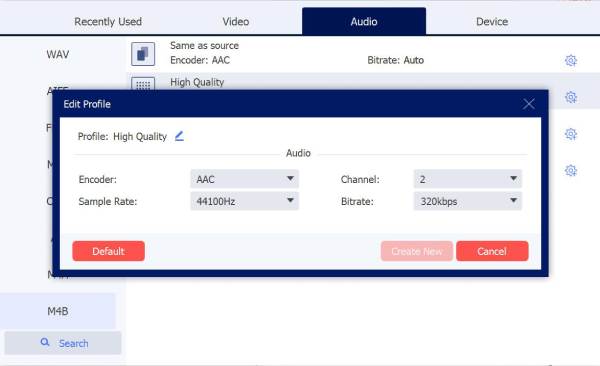
Obtain high-quality audio by customizing the settings, like channel, sample rate, and bitrate.
Provide essential editing functions to adjust your audio freely.
Secure Download
Secure Download
Step 1.Launch AnyRec Video Converter directly. Click the "Add Files" button on the left to import the audio/video files.
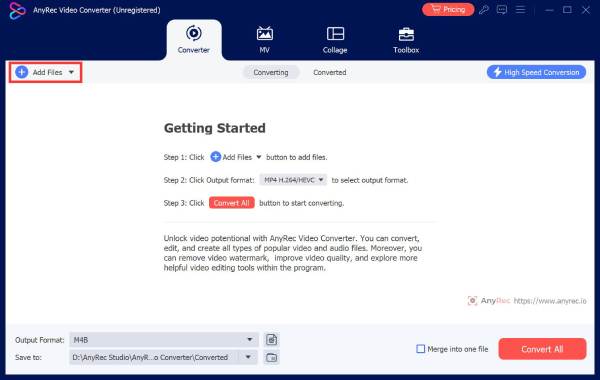
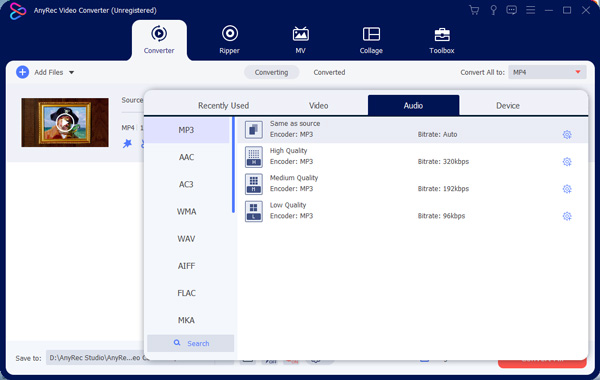
Step 2.If you want to extract the audio from the video, you need to convert the video to audio. Click the "Format" button and choose the "Audio" option to select the MP3 or other formats you like.
Step 3.You can adjust the settings of the audio by clicking the "Custom Profile" button. This iPhone ringtone maker allows you to customize the sample rate and channel.
Step 4.When you want to change the audio volume, click the "Edit" button and choose the "Audio" section. To set the length, you should click the "Cut" button.
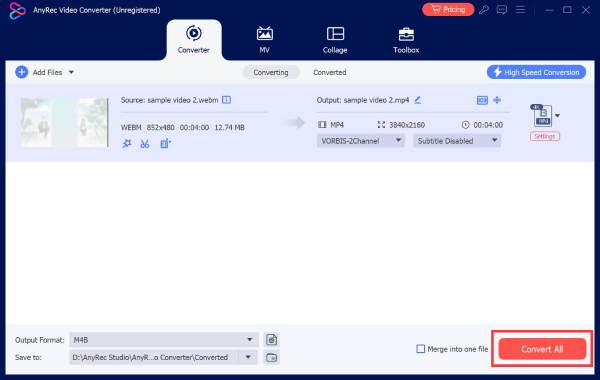
Step 5.Lastly, click the "Convert All" button to get the new ringtone. You can also create multiple ringtones and merge them into one with the "Merge into one file" option.
Part 2: 5 Free iPhone Ringtone Maker Applications You Can Try
1. GarageBand
GarageBand is a popular music creator application developed by Apple. The application can also act as a ringtone maker for iPhone. It provides touch pads for many instruments, like electronic organ, guitar, and drum, so you can freely create your own style ringtones.
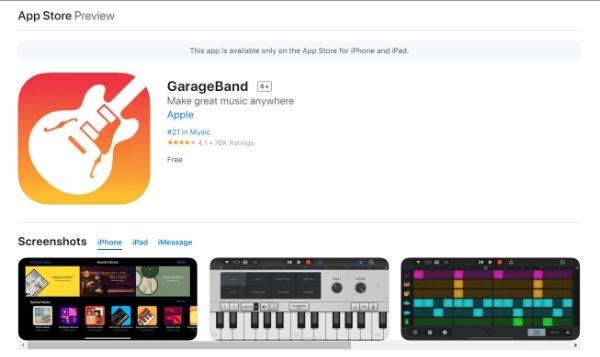
Ratings: 4.1 and 76K Ratings
- Pros
- Provide live loops to make a ringtone like DJ.
- Support for up to 32 tracks and create iPhone ringtones anytime and anywhere.
- Cons
- It will crash during the process with this iPhone ringtone maker.
- Recording function of GarageBand is limited.
2. Ringtones: Ringtone Maker
If you want to create a ringtone from the local iTunes or videos, you can try the Ringtones: Ringtone Maker. This iPhone ringtone creator can make ringtones, alarm tones, text alerts, and notification sound according to your needs. You can also abstract the audio from any video to make a special ringtone.
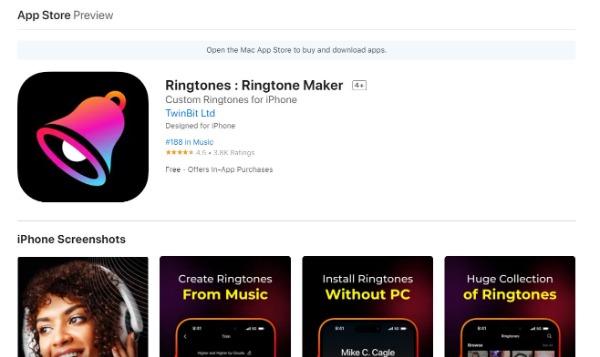
Ratings: 4.5 and 3.8K Ratings
- Pros
- Support extracting audio from the video to make a ringtone for your iPhone.
- Provide essential editing features to trim, fade in, and fade out audio files.
- Cons
- This iPhone ringtone maker only offers a three-day trial.
- Occur some issues when you want to save your audio clips.
3. Ringtone Maker - extract audio
Ringtone Maker is also a popular iPhone ringtone creator. This application allows you to set a unique ringtone by GarageBand. It also allows you to extract the audio from the video, and you can get the background from any video according to your liking. Moreover, this iPhone ringtone maker also provides cutting and conversion functions.
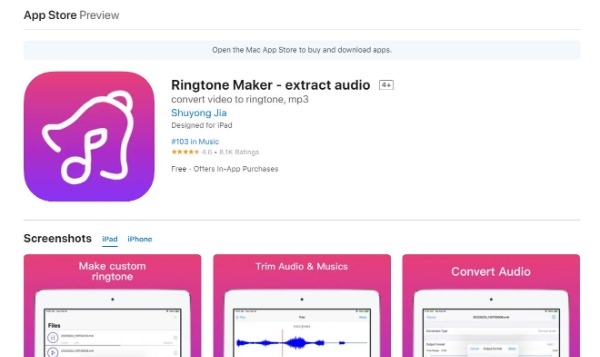
Ratings: 4.6 and 8.1K Ratings
- Pros
- Support converting audio files and extracting the background from the video.
- Provide editing features to cut your audio files and can share them with GarageBand.
- Cons
- You must use other applications to make iPhone ringtones with your favorite songs.
- Pay to read the instructions for the ringtone.
4. Ringtones for iPhone! (music)
If you want a free iPhone ringtone maker app that provides unlimited free tone choices, Ringtones for iPhone! (music) is a nice choice. You can set the start and end time of the audio easily. Moreover, it also provides a fade-in/out option to adjust the audio. This iPhone ringtone maker also supports converting all iTunes music to ringtones.
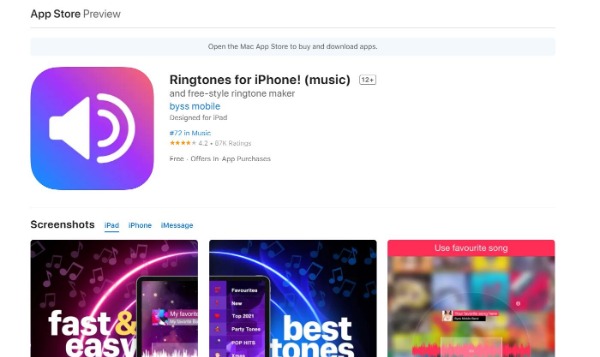
Ratings: 4.2 and 87K Ratings
- Pros
- Support sharing the ringtones directly on Facebook and Twitter.
- Record your tones with a microphone to make a unique ringtone for your iPhone 17.
- Cons
- Many ads will pop up in the free trial version.
- Long loading time, and sometimes it will crash.
5. Ringtone Maker – create ringtones with your music
Ringtone Maker has a straightforward interface that you can make a ringtone with personal characteristics. This iPhone ringtone maker supports adding the effects of fade-in/out. Moreover, it will remind you of the length of different ringtones.
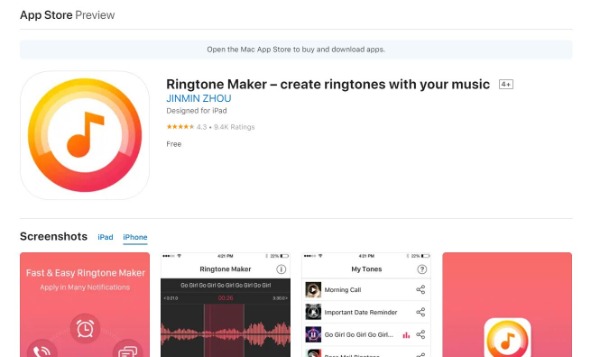
Ratings: 4.3 and 9.4K Ratings
- Pros
- It provides a minimalistic interface to make ringtones easily.
- It's completely free. No need to pay for additional features.
- Cons
- You must synchronize with iTunes to enter ringtones into your iPhone.
- Bug will appear when adjusting the start and end times.
Part 3: How to Set a Song as iPhone's Ringtone
After creating your desired ringtone, follow these steps to set it as your ringtone.
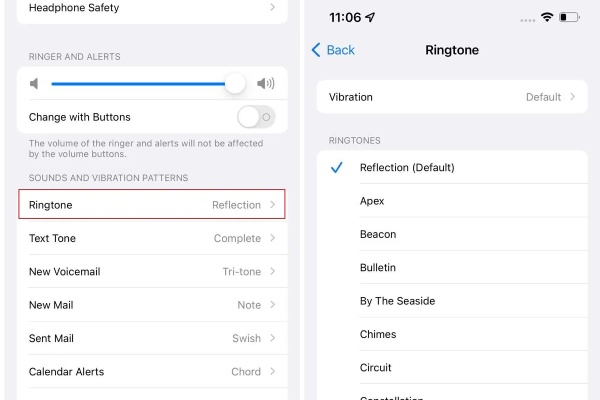
Step 1.Open "Settings" on your iPhone, then tap "Sounds & Haptics". Scroll down and select "Ringtone" from the "Sounds & Vibration Mode" section.
Step 2.You'll see your custom ringtone at the top of the list. Tap it to set it as your ringtone.
Part 4: FAQs about iPhone Ringtone Maker
-
How to make iPhone ringtones with iTunes?
Launch iTunes or Apple Music on your Mac and choose the songs in the MP3 format you like. You should right-click this song and click the Song info button to choose Options. Then you can get a 30-second ringtone. You must change the .m4a extension to .m4r so that your iPhone can recognize it as a ringtone.
-
How long is the iPhone ringtone?
The ringtone time is up to 40 seconds, and the alarm ringing time is not more than 10 seconds. The Messages ringtone lasts about 5 to 20 seconds.
-
Can I make a ringtone on Android?
Yes. Ringdroid is a free and open-source app on Android that you can create a fantastic ringtone. You can also download other apps, like MP3 Cutter and Ringtone Maker, Cellsea, and MP3 Cutter.
Conclusion
It's exciting to make a unique iPhone ringtone. You have learned seven free iPhone ringtone maker apps from this post, and you can pick the best one according to their pros and cons. If you want to make a ringtone with high quality, AnyRec Video Converter must be the best choice. Now try to make a personalized ringtone for your iPhone with these tools!
Related Articles:
About Our Author