
Hot

AnyRec Screen Recorder
Capture every moment. Record like a pro.
Secure Download
10 Best 4K Screen Recorders for PC/Mac and Tips for Choosing

Thanks to the rise of 4K screen recorders, recording on-screen activities in ultra high definition quality is now easier than ever! With so many recorders available, which one truly fits your needs? Read on here to see the 10 best 4K screen recording software today, highlighting their best parts. By the end, you will know exactly which one is the right one for you.
Guide List
How to Choose the Right 4K Recorder The Best and Convenient 4K Recorder for PC 1. Bandicam – Lightweight Gaming 4K Screen Recorder 2. ScreenRec – Free 4K Screen Recorder with Instant Sharing 3. ShareX – 4K Screen Recorder with Advanced Capture Tools 4. NVIDIA ShadowPlay – 4K Game Recorder with Instant Replay 5. IceCream Screen Recorder – Easy 4K Video Capture and Scheduled Recording 6. QuickTime Player – 4K Screen Recorder Built-in for Mac 7. ScreenFlow – Professional 4K Screen Recorder with Video Editing 8. OBS Studio – 4K Screen Recorder and Streaming 9. Camtasia – All-in-One 4K Screen RecorderHow to Choose the Right 4K Recorder
No matter you want to record gameplay videos, create online tutorials, or record presentations, the 4K screen recorder makes all the difference. With so many recording tools available, how can you ensure it is the right one?
When choosing the best 4K screen recorder, here's what you can consider:
- • Performance and Compatibility. The recorder should handle 4k at 60 fps smoothly on your device.
- • Hardware Acceleration. A software that uses GPU encoding to lessen CPU strain and prevent lag during recording.
- • Editing and Annotation Tools. Built-in video and image editing options to improve the overall productivity.
- • Recording Flexibility. A good 4K video recorder must capture the full screen, selected window, or custom region.
- • Audio and Webcam Integration. Select a recorder that supports system sound, mic input, and webcam overlay.
- • Export Options and File Formats. A good recorder supports modern codecs like H.265 for smaller and high-quality 4K files.
- • Price and Licensing. Determine whether a free version meets your needs or if you need a premium tool.
The Best and Convenient 4K Recorder for PC
When it comes to recording in ultra-high definition, not all recorders are built the same. Some may deliver excellent quality but lack friendliness, while others may be friendly but fall short in performance. Thus, if you want a balance between 4K quality and a user-friendly design, here's AnyRec Screen Recorder for you! This 4K recorder is made to capture smooth 4K UHD videos with less lag, making it perfect for gameplay recording, tutorials, online meetings, or streaming content. Unlike others here that have a complex setup, this tool is ideal for beginners to experts, so anyone can start recording in just seconds!
4K UHD recording with adjustable frame rates and bitrates.
Can record your screen, webcam, or audio at once or separately.
Add annotations, draw shapes, add text, and highlight parts while recording.
Save recordings to MP4, MOV, WMV, and other popular formats.
Secure Download
Secure Download
Step 1. Launch your 4K recording software on your PC and go to the "Video Recorder" option from the available recording modes. Then, select whether you wish to record the entire screen or only a custom area, depending on what you need.
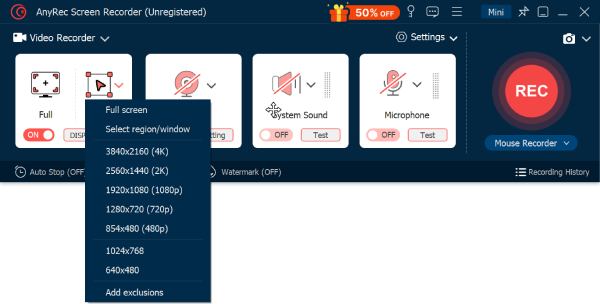
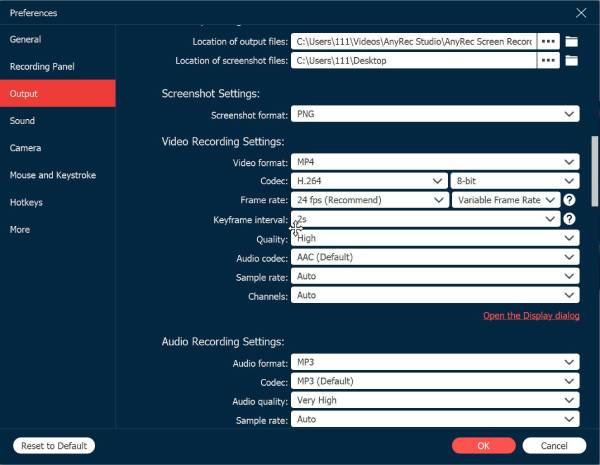
If you wish to adjust the resolution, format, or quality, open the "Settings" panel and go to the "Output" section to fine-tune your 4K recording..
Step 2. To include audio in your recording, switch on the "System Sound" option. If you plan to add narration, enable the "Microphone" as well. You can freely adjust both volume levels.
Step 3. When everything is set, click the "REC" button to start capturing your screen in 4K. During the recording, use the floating toolbar to draw or annotate. You can also take quick screenshots via the "Camera" button anytime you need.
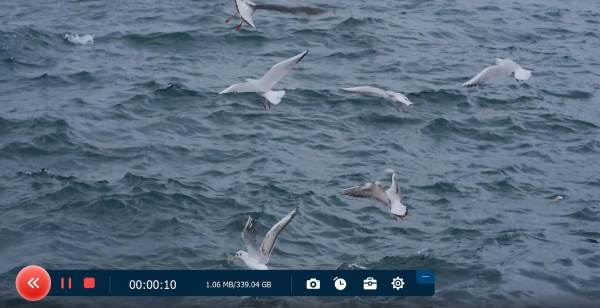
Step 4. After finishing, click the "Stop" button. In the default preview window, you can check the final result and use the built-in advanced video editor. If satisfied, click the "Save" button to export your 4K video.
1. Bandicam - Lightweight Gaming 4K Screen Recorder

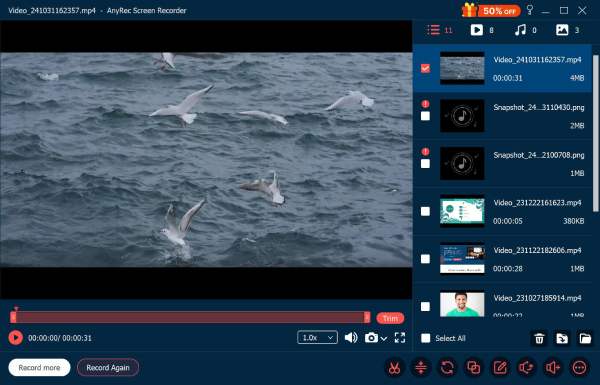
Bandicam is a well-known 4K 120FPS screen recorder for gamers and content creators. It captures everything in up to 4K UHD resolution at 120 FPS. Thanks to its hardware acceleration support, Bandicam delivers smooth recording with minimal system impact. So it is perfect for long-time 4K game recordings.
2. ScreenRec - Free 4K Screen Recorder with Instant Sharing
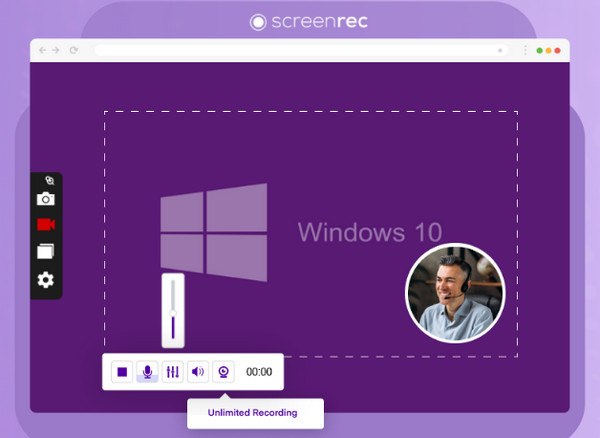
Another efficient tool here is ScreenRec, a more beginner-friendly 4K screen recorder. After recording in 4K resolution, it instantly generates a private sharing link. Plus, it provides free cloud storage, so all of your captures are automatically backed up and can be accessed from anywhere.
3. ShareX - 4K Screen Recorder with Advanced Capture Tools
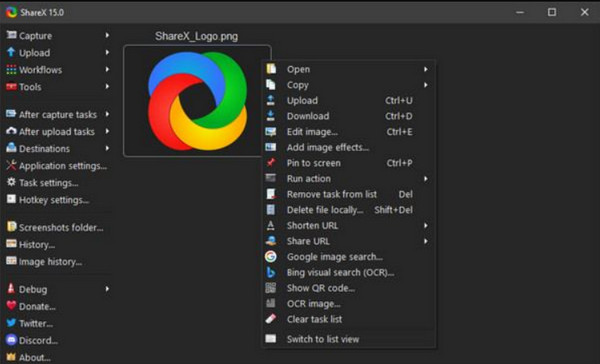
ShareX is a powerful, free, and open-source 4K screen recorder with wide configuration options. It supports capturing full-screen, region, and scrolling captures, making it flexible for both recordings and screenshots. It may feel technical at first, but it can be your favorite if you value control and precision.
4. NVIDIA ShadowPlay - 4K Game Recorder with Instant Replay
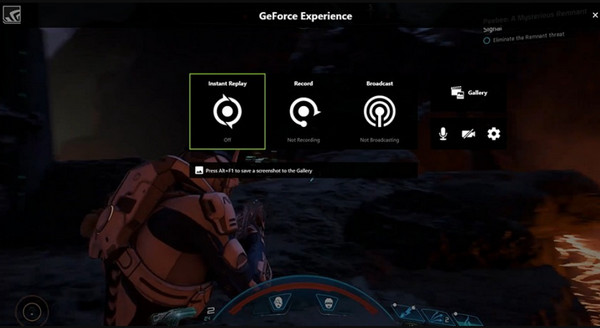
Next, for gamers using GeForce graphics cards, NVIDIA ShadowPlay may be the perfect 4K screen recorder. One of its impressive features is the Instant Replay, which saves your last few minutes of gameplay. Combining with streaming capabilities to Twitch or YouTube, it is a go-to place for gamers.
5. IceCream Screen Recorder - Easy 4K Video Capture and Scheduled Recording
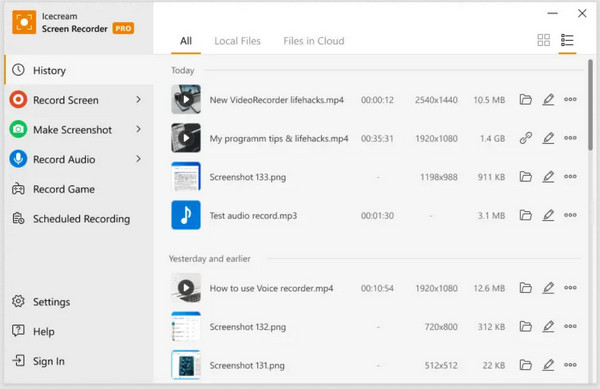
Meanwhile, IceCream Screen Recorder allows users to screen record in Windows with 4K quality. You can record the entire screen or a chosen region, and even add annotations. With its customizable hotkeys and output settings, it remains ideal for everyday users.
6. QuickTime Player - 4K Screen Recorder Built-in for Mac
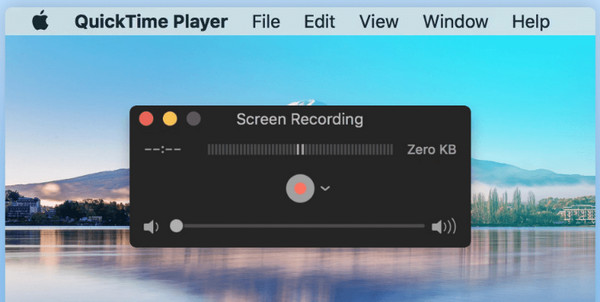
Switching over to Mac users, QuickTime Player may be known as a media player, but it can be an effective 4K screen recorder. It can capture in 4K when supported by your display, capturing activities, demos, or webcam footage. You can create QuickTime screen recording with audio of all sources in high resolution. As a built-in Apple program, it ensures a stable performance and straightforward exporting.
7. ScreenFlow - Professional 4K Screen Recorder with Video Editing
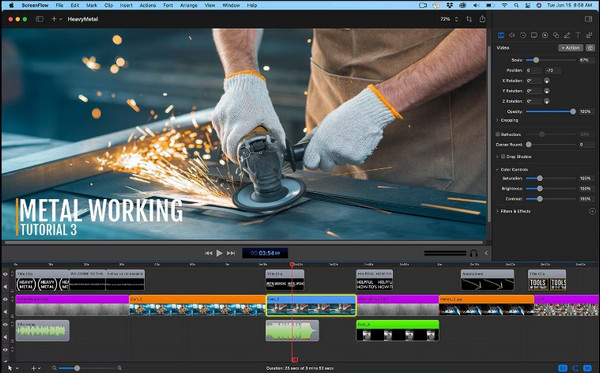
For professionals who want integrated editing tools, ScreenFlow is here to give you a complete recording and post-production solution. This Mac-exclusive 4K screen recording software has a built-in editor for trimming, adding annotations, transitions, and captions, making it a top choice for content creators and educators.
8. OBS Studio - 4K Screen Recorder and Streaming

Moving to one of the most popular open-source options, OBS Studio is perfect for high-resolution recorders and streamers. Using this free 4K screen recorder, you can customize scenes, adjust OBS recording settings, mix several video and audio sources, and apply filters for professional-quality output.
9. Camtasia - All-in-One 4K Screen Recorder

Finally, for an all-in-one professional tool, Camtasia has everything you need from recording to editing. This 4K screen recorder features a powerful timeline editor, transitions, visual effects, and audio tools. If you're a professional and educator looking for a complete production suite, Catmasia is ideal.
Conclusion
After the list of the 4K screen recorders, hopefully, you have found a perfect match! Choosing the best one ultimately comes down to your workflow and device capabilities. From advanced customization and smooth GPU-accelerated performance to a simple recorder, there's a tool for you to record screen in 4K here! But if you want a highly capable yet friendly option, AnyRec Screen Recorder is an excellent choice. It offers 4K UHD recording, several capture modes, an intuitive interface, and hardware acceleration, making it one of the most convenient tools for beginners and advanced users.
Secure Download
Secure Download
Related Articles:
About Our Author




