
Top 9 Best Free Video Trimmers to Cut Videos Online

People search free video trimmers for social media, messaging apps, quick edits, and many other reasons. Many online video trimmers provide a free version for browser-based trimming, splitting, and cutting. But which one is the best? Before choosing, you need to consider those factors: watermark, maximum file size limit, quality loss, and more. Instead of wasting time on endless searching and trying, you can continue reading and get your best video clipper here.
Guide List
Top 8 Online Free Video Trimmers [Trim Small Videos] Best Video Trimmer for Windows and Mac [Trim Large Videos] How to Trim and Cut VideosTop 8 Online Free Video Trimmers [Trim Small Videos]
To start with, let's check this comparison table of online video cutting tools. If you are interested in a certain free video cutter, you can move on to get more information.
| Tool | No Watermark | Maximum File Size | Why Choose It |
| Adobe Express Online Video Trimmer | Yes | 1 GB | Trim videos and export with landscape, portrait, and square layouts. |
| FreeConvert Video Trimmer | Yes | 1 GB | Delete unwanted video clips from cloud storage. |
| AnyRec Free Video Trimmer Online | Yes | 50MB | Trim and convert video to MP4, MOV, and other popular formats. |
| ScreenPal Video Trimmer | Yes | 15-minute video | Get unlimited clips trimmed online. |
| Kapwing Video Trimmer | No (free version) | 2-hour video | Trim collaboration and team projects. |
| InVideo Online Video Trimmer | Yes | 800MB | Basic trims for TikTok and YouTube clips. |
| Online-Video-Cutter.com | Yes | 4GB | Quick trims and edits on older devices. |
| VEED.io Video Cutter | Yes | 1GB | Trim and edit videos online. |
#1. Adobe Express Online Video Trimmer
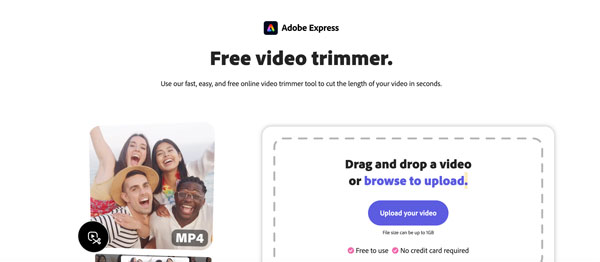
You can trim a video up to 1GB for free with Adobe Express Online Video Trimmer. Its interface is straightforward. Just drag the handlebars to set the custom start and stop points. Moreover, you can change the video aspect ratio and mute audio within the program.
#2. FreeConvert Video Trimmer
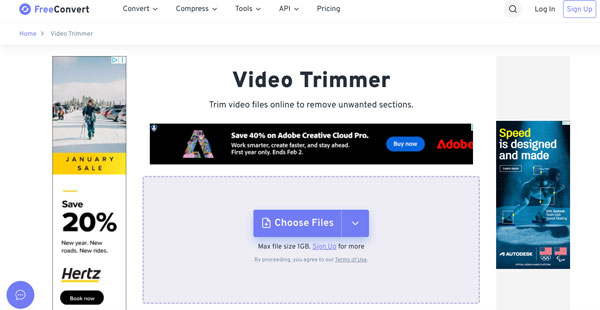
FreeConvert Video Trimmer supports over 40 formats, including MP4, MOV, AVI, and more. You can trim videos online and then export them to popular formats. If you just need a one-off trim, you can use this tool.
#3. AnyRec Free Video Trimmer Online
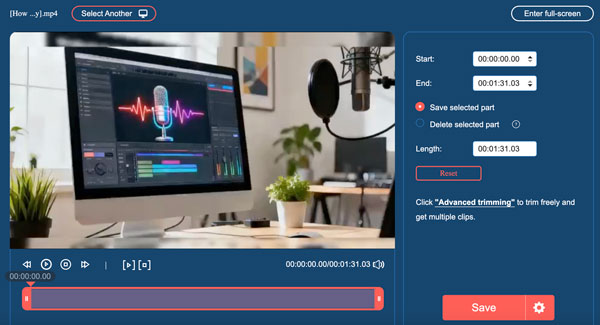
AnyRec Free Video Trimmer Online provides not only built-in trimming tools, but also video/audio output settings. It is supported to save or delete the selected part. You can adjust the video encoder, resolution, frame rate, quality, and zoom mode after video trimming.
#4. ScreenPal Video Trimmer
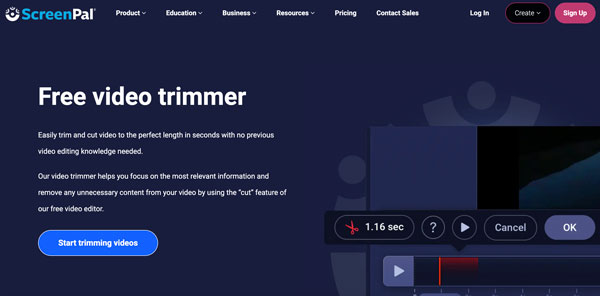
ScreenPal provides watermark-free video trimming. You can get a simple cut and export flow to deal with unwanted video clips. It focuses on video trimming mainly. There are no additional editing tools. So, you need to use free online video editors for additional functions.
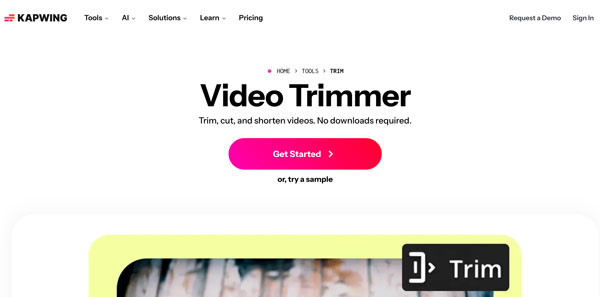
#5. Kapwing Video Trimmer
You can trim, split, and shorten video clips frame-by-frame with Kapwing Video Trimmer. This free online video trimmer provides manual and AI-enhanced trimming options. However, the free plan contains a watermark. You need to upgrade to the paid version to remove watermark from video.
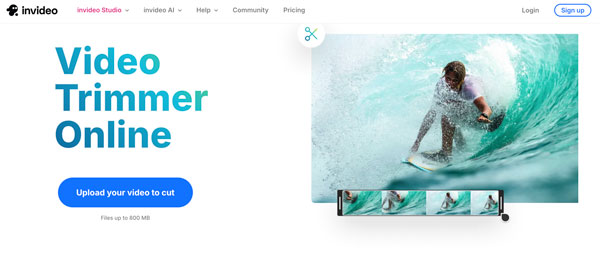
#6. InVideo Online Video Trimmer
After uploading your video and setting cut points, you can get watermark-free video trims using InVideo Online Video Trimmer. The video trimming function works fast and smoothly. However, it may cause occasional playback issues in the complex editing modes.
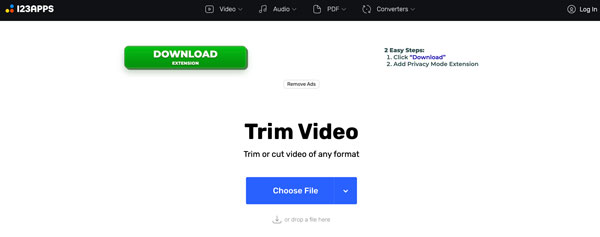
#7. Online-Video-Cutter.com
As its name shows, Online Video Cutter focuses on video trimming and cutting. If you just need to cut the start and end points of your video, you can choose it. The online video trimmer does not require extra sign-ups or downloads. Just upload, trim, and then download the video.
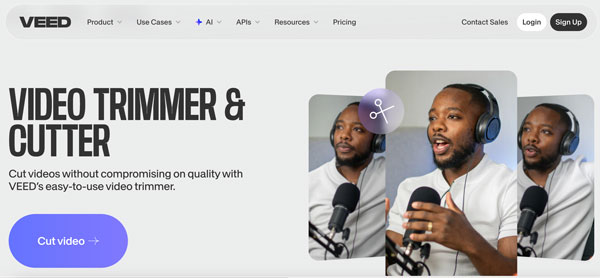
#8. VEED.io Video Cutter
By using VEED.io online video cutter and trimmer, you can cut a video section with a timeline. Moreover, you can edit subtitles and sound tweaks here. Though it occasionally lags a bit while trimming a longer video, it is still a good step up if you want more than just a cut.
Best Video Trimmer for Windows and Mac [Trim Large Videos]
If you want to trim long videos, AnyRec Video Converter is a better choice. There is no need to consider Internet speed, maximum file size limit, compatibility issues, and extra video editing tools. You can use this all-in-one video converter, trimmer, and editor to solve the problem. It is also supported to cover complex video editing trips. For example, you can trim video, adjust video aspect ratio, add subtitles, add background music, and then export this video to YouTube format directly.
Trim videos to the desired lengths in bulk and up to 8K.
Crop, rotate, merge, reverse, loop, and edit videos.
Remove or add background music to your video.
Convert videos to 1000+ formats and output profiles.
Secure Download
Secure Download
How to Trim and Cut Videos
Now you can trim, split, and cut videos on your computer. Click the Free Download button below to install AnyRec Video Converter first.
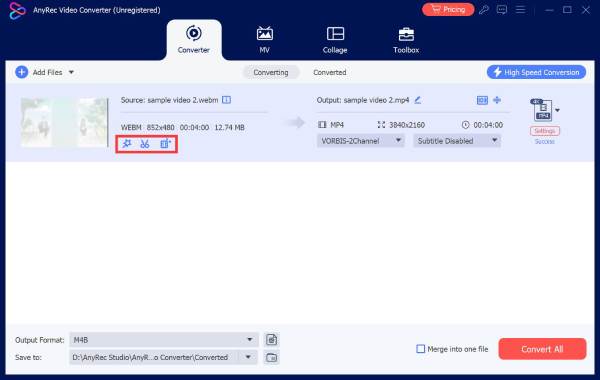
- 1.Open AnyRec Video Converter. Click the "Add Files" button to upload your video. Then click the "Trim" button to get the built-in video trimmer.
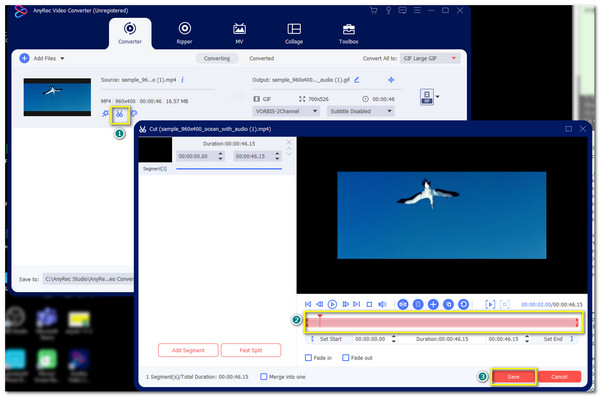
- 2.Set the start and stop time manually. Or you can drag with handlebars to cut videos. Moreover, you can trim multiple videos within the "Cut" window. Later, tick the checkmark before "Merge into one" to combine those video clips into one video. Click the "Save" button to confirm video trimming.
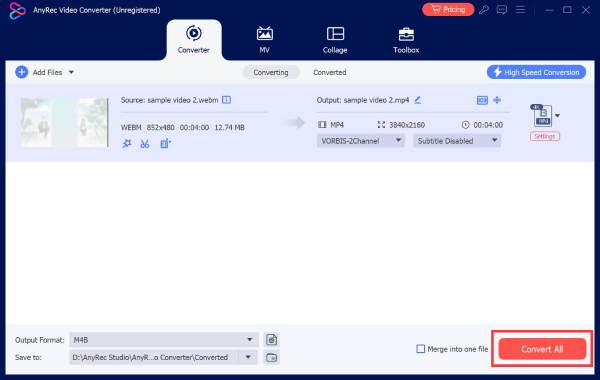
- 3.You can click the "Edit" button or go to the "Toolbox" section to access other video editing tools. At last, set the output video format and click the "Convert All" button to save it.
Conclusion
There is no single best free video trimmer and cutter for everyone. Some tools are better for short clips, while others can handle longer videos or provide more editing tools. The key is knowing what you really want, such as quick edit, privacy, easy sharing, no watermark, and more. If trimming is your only goal, you can choose the above online video trimmers. No extra downloads or learning complex controls. If you also need advanced video editing tools and wide format support, AnyRec Video Converter is your better choice. Click the Free Download button below now!
Secure Download
Secure Download



