-
Can I burn MP4 videos to Blu-ray discs?
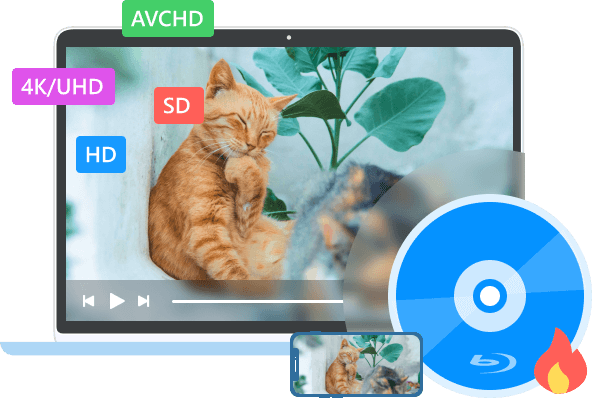
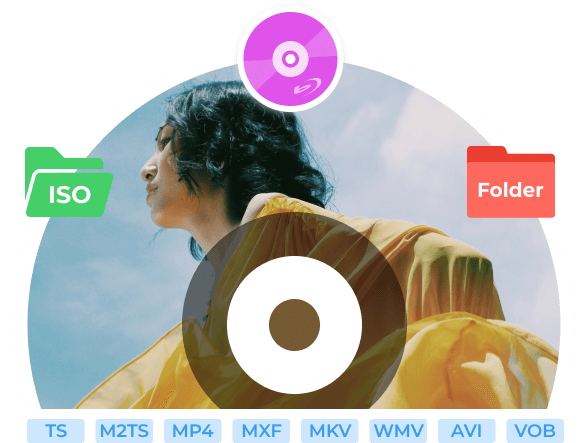
Yes. You can also burn MKV, AVI, MOV, FLV, MTS, WMV, and more into Blu-ray discs. AnyRec Blu-ray Creator handles the encoding automatically. No manual conversion needed first.
-
Does it support both BD-25 and BD-50 disc formats?
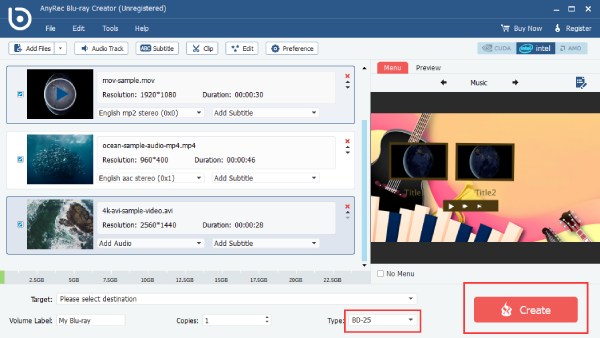
Yes. Both are supported. BD-25 holds 25GB and works for most standard projects. While BD-50 (dual-layer) provides 50GB. You can save longer videos, multiple titles, or higher bitrate 4K content in BD-50. Pick whichever matches your blank disc.
-
Does it support Blu-ray ISO creation?
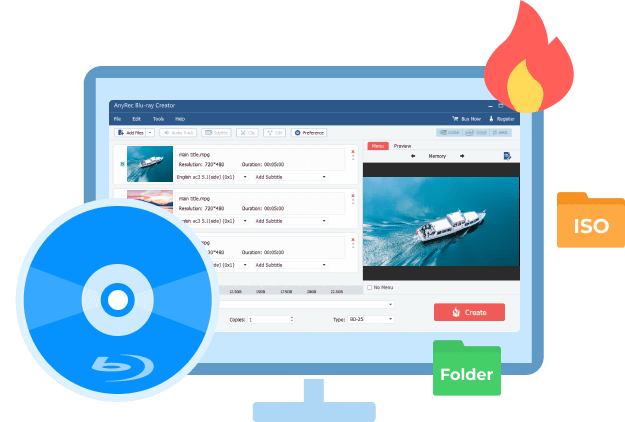
Yes. You don't need a physical disc at all. You can burn videos directly to an ISO file, which you can store on your PC, burn to disc later, or mount and play with a software player. The Blu-ray folder option is also available as a third output choice.
-
Will the burned disc actually play on my living room Blu-ray player?
Yes. AnyRec Blu-ray Creator burns proper BDMV-structured discs compatible with players like Sony BDP-S5 and Samsung BD-F series, not just data discs.
-
Do I need a Blu-ray disc drive to use this software?
If you want to create ISO files or folders, you don't need a physical drive. A drive is only needed when you are ready to burn videos to physical media.







 I have to say that AnyRec Video Converter is really fast! Just as it advertised, I can batch convert large videos in a short time. So I can convert and play movies on my iPad within minutes. Also, it is my free video editing software for easy editing tasks too.





