
Top 10 AirDrop Alternatives for PC, Mobile, & Online

Looking for an AirDrop alternative is the best move when you want to transfer files between devices with different ecosystems, such as Windows and Android. This is because AirDrop is a feature designed by Apple, which only works with Apple devices. Aside from that, AirDrop is not a perfect tool. If you are currently looking for an alternative, continue reading this post as it features the 10 best tried-and-tested AirDrop replacements. Dive in to explore them now.
Guide List
10 Best AirDrop Alternative Tools: Comparison Table AnyRec PhoneMover – Fast and Offline Cross-Platform File Transfer Windows Nearby Sharing – Built-in and Secure File Sharing between Windows Devices RetroShare – Secure, Decentralized Transfer with Encryption and Private Network SnapDrop – Browser-based, Cross-platform File sharing for Nearby Devices Zapya – Fast File Transfer Between Multiple Platforms with Social Sharing Features TransferNow – Online File Transfer Platform for Large Files with Secure Link Sharing SHAREit – High-Speed Transfers and Media Features Send Anywhere – Simple, Secure File Sharing with 6-digit Key or Link WeTransfer – Easy Online File Sharing with Simple Link-based Sending InShare – User-friendly Cross-platform File Transfer App10 Best AirDrop Alternative Tools: Comparison Table
Before exploring this post's 10 best AirDrop alternatives for Windows, Mac, Android, iOS, and web in detail, you can first glance at them in the table below. The table lists each tool and compares them across various aspects, making it easy to spot the one you prefer quickly. So, you can use AirDrop on non-Apple devices with those alternatives.
| 10 Best Alternative Tools for AirDrop | Supported Platform | Supported Data Files | Transfer Speed | Internet Dependency |
|---|---|---|---|---|
| AnyRec PhoneMover | Windows | Photos, Music, Videos, Contacts, Messages, and Documents | Transfer files at maximum speed | No |
| Windows Nearby Sharing | Windows | Multimedia, Website links, and documents | Slow | No |
| RetroShare | Windows/Mac | Text, images, mails, files, and more. | Slow | Yes |
| Snapdrop | Web | Images, videos, PDFs, and links | Quick | Yes |
| Zapya | Web | Applications, videos, photos, music, and other files | Fast file transfer | Yes |
| TransferNow | Web | Large files and documents | Quick file sharing | Yes |
| SHAREit | Android/iOS | Apps, videos, photos, music, documents, and more. | Share larger files in a short duration | Yes |
| Send Anywhere | Android/iOS | Photos, videos, music, documents, and more. | Generally fast | Yes |
| WeTransfer | iOS | Photos, videos, PDFs, and more. | Fast file transferring | Yes |
| InShare | iOS | Video, photo, music, games, contacts, and PDFs | Quick transfer | No |
AnyRec PhoneMover - Fast and Offline Cross-Platform File Transfer
If you want to transfer without AirDrop, you can use AnyRec PhoneMover. This Windows-based phone transfer enables you to move more than 20 file types, including photos, contacts, videos, messages, music, and more. It lets you choose which files to transfer without relying on the internet. You can transfer your iOS files to another iOS device or to Android, Mac, or Windows using just a USB cable. What makes this tool even more impressive is that it does not have file size limits, buffering, or delay issues, even without an internet connection.

Lets you scan, skip, delete, and merge duplicate files on your phone before transferring.
Allows you to transfer specific files and even folders without overwriting.
Enables you to transfer data to another device without wiping their existing phone data.
Supports 1-click phone data migration, backup, and restore for a quicker process.
Secure Download
Windows Nearby Sharing - Built-in and Secure File Sharing between Windows Devices
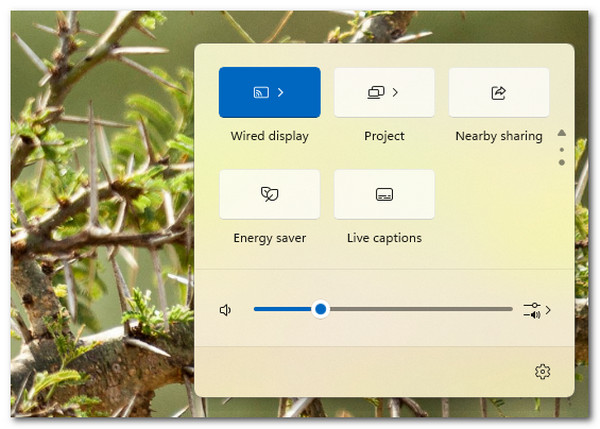
If you no longer have time to install a tool just to have an alternative to AirDrop, you might consider using Windows Nearby Sharing if you are using a Windows PC or want to transfer files to Windows. This feature is one of the simplest ways to transfer files on this list. You can use it to transfer multimedia, documents, files, website links, and more. It is very similar to AirDrop, as it also uses Bluetooth and Wi-Fi to transfer files. Unfortunately, it only works on Windows devices, so you cannot use it with Macs, iPhones, or Android devices.
RetroShare - Secure, Decentralized Transfer with Encryption and Private Network
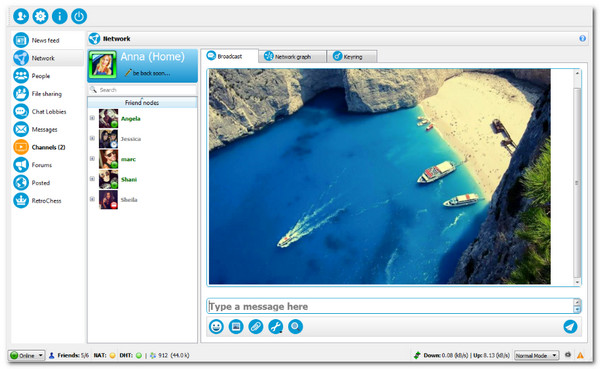
Another AirDrop alternative for Windows is RetroShare. It offerrs a secure way to share files over a private network. It encrypts everything end-to-end and doesn't rely on a central server. You can also chat, join forums, or share with trusted friends safely. Now here's the catch: setting it up and connecting with others is relatively complicated compared to other file-sharing apps.
SnapDrop - Browser-based, Cross-platform File sharing for Nearby Devices
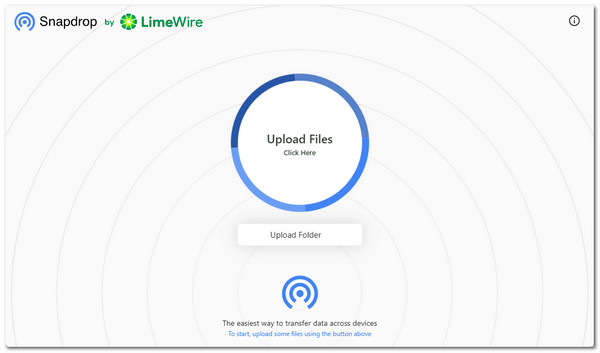
If you are looking for an online AirDrop alternative, don't forget SnapDrop. With this tool, you just open the website on both devices and drag your files to send them over Wi-Fi. It works on almost any device, including phones, tablets, and computers. Thus, you can transfer iPhone files without extra setup. However, both devices need to be on the same network, which can limit sharing if you are far apart.
Zapya - Fast File Transfer Between Multiple Platforms with Social Sharing Features
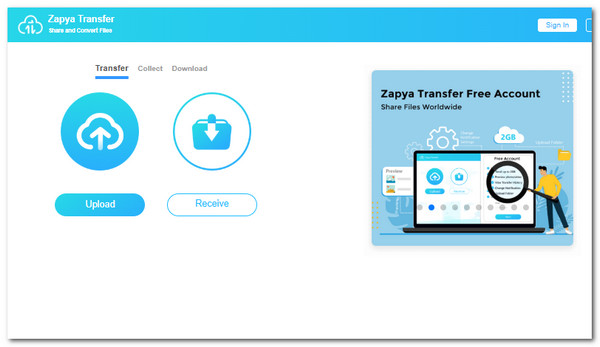
Apart from SnapDrop, Zapya is also a great alternative when you encounter AirDrop not working. It lets you share files very quickly using Wi-Fi Direct without using mobile data. You can link multiple devices at once, which is great for group sharing. It also includes social features to discover content or chat. Its wide support for photos, videos, and apps makes it very flexible. However, it shows ads and extra features that some users might find unnecessary.
TransferNow - Online File Transfer Platform for Large Files with Secure Link Sharing
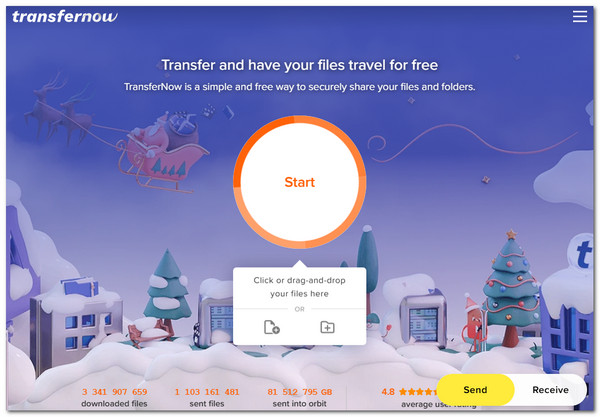
You should also try TransferNow. This AirDrop alternative online can send large files from and to iPhone easily. You upload your files, create a link, and share it with anyone. You can even add passwords or expiration dates for security. This makes it convenient for sending files over long distances.
SHAREit - High-Speed Transfers and Media Features
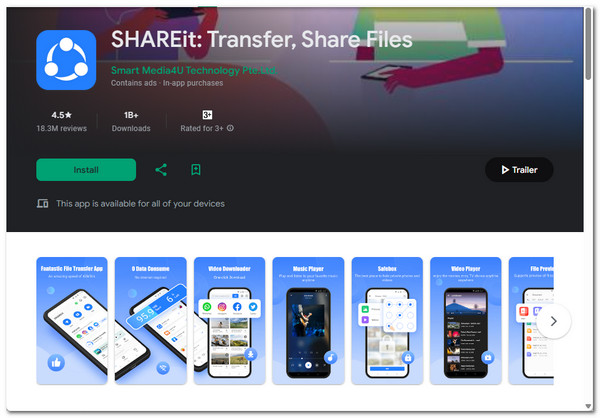
If you are looking for an AirDrop alternative for Android or iOS, SHAREit is one of the best options available. This one is a popular app for fast offline transfers on Android, iOS, Windows, and Mac. It uses Wi-Fi Direct to move photos, videos, music, and apps without the internet. It also includes a media player and content discovery features. Its speed and cross-platform support make it a strong AirDrop alternative. However, it contains ads and some extra features that may feel unnecessary.
Send Anywhere - Simple, Secure File Sharing with 6-digit Key or Link
Another AirDrop alternative for Android app you must consider is Send Anywhere. This phone transfer app lets you share files easily using a 6-digit code or a link. It works on almost any device, including phones, computers, and even Linux. You can send large files instantly over Wi-Fi or the internet. This makes it simple, reliable, and safe for everyday use. Now here's the catch: the free version limits the file sizes sent over the internet.

WeTransfer - Easy Online File Sharing with Simple Link-based Sending
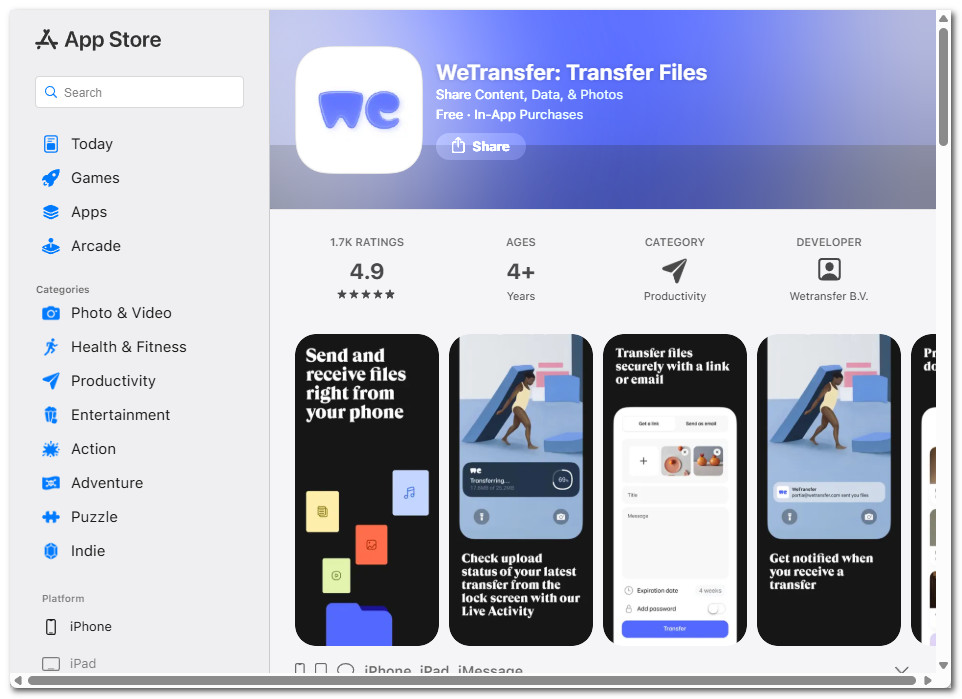
If you can't fix AirDrop stuck on waiting, WeTransfer is a great choice. This mobile app lets you send large files with just a few taps. You can share or transfer photos, videos, or documents and share them via a link or email. It works on both iOS and Android, making it easy to transfer files without AirDrop on the go. This makes it perfect for sending large files quickly without using a computer. However, it still requires an internet connection, so offline transfers aren't possible.
InShare - User-friendly Cross-platform File Transfer App
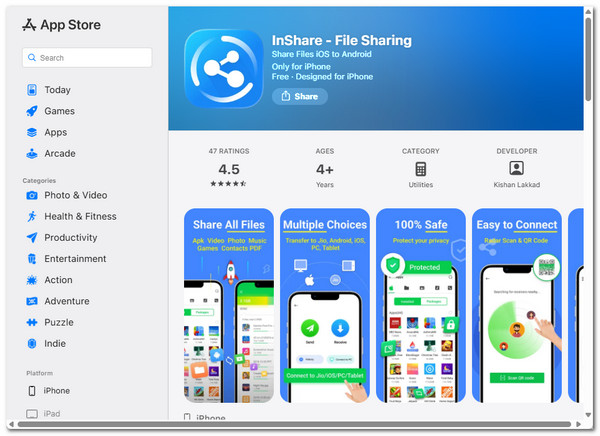
Aside from WeTransfer, you can also try to use InShare as an AirDrop alternative for iPhone. This mobile app lets you share or transfer files (photos, videos, music, apps, and documents) between phones through Wi-Fi Direct. It also supports a clean and straightforward interface, which makes it a beginner-friendly option. This makes it a reliable option for sharing files on the go. However, it doesn't support Mac or desktop computers, so cross-device transfers may be limited.
Conclusion
Whether you want to transfer files from your iOS device to another, these AirDrop replacements are a great option to consider. They allow you to transfer various files from your iOS device to devices with different ecosystems, such as Windows and Android. You can also use them as alternatives if AirDrop does not perform as expected. Beyond these AirDrop alternatives, AnyRec PhoneMover offers the best file transfer experience. It lets you transfer files selectively between different device ecosystems at an excellent speed. Start using it today!
Secure Download



